[태그:] Python

  • Python Beginner 20-Lesson Course Guide: Learn from Installation to a Mini Project

    When you first start learning Python, it is hard to know where to begin. Should you install something first, memorize syntax, or jump straight into a project? This article is a complete guide to the 20-lesson Python beginner course designed to reduce that confusion.

    This series is not just a list of grammar topics. Each lesson includes a small example that beginners can actually run and a practice task they can modify. Installation, variables, conditions, loops, data structures, functions, files, exceptions, classes, automation, data analysis, and APIs are arranged in the order a beginner should encounter them.

    Original Korean article

    Who This Series Is For

    • People installing Python for the first time
    • Non-majors with little or no coding experience
    • Learners who need fundamentals before office automation or data analysis
    • People who want to use AI tools better by understanding Python syntax
    • Readers who have opened a syntax book but do not know what to build

    Beginner 20-Lesson Learning Roadmap

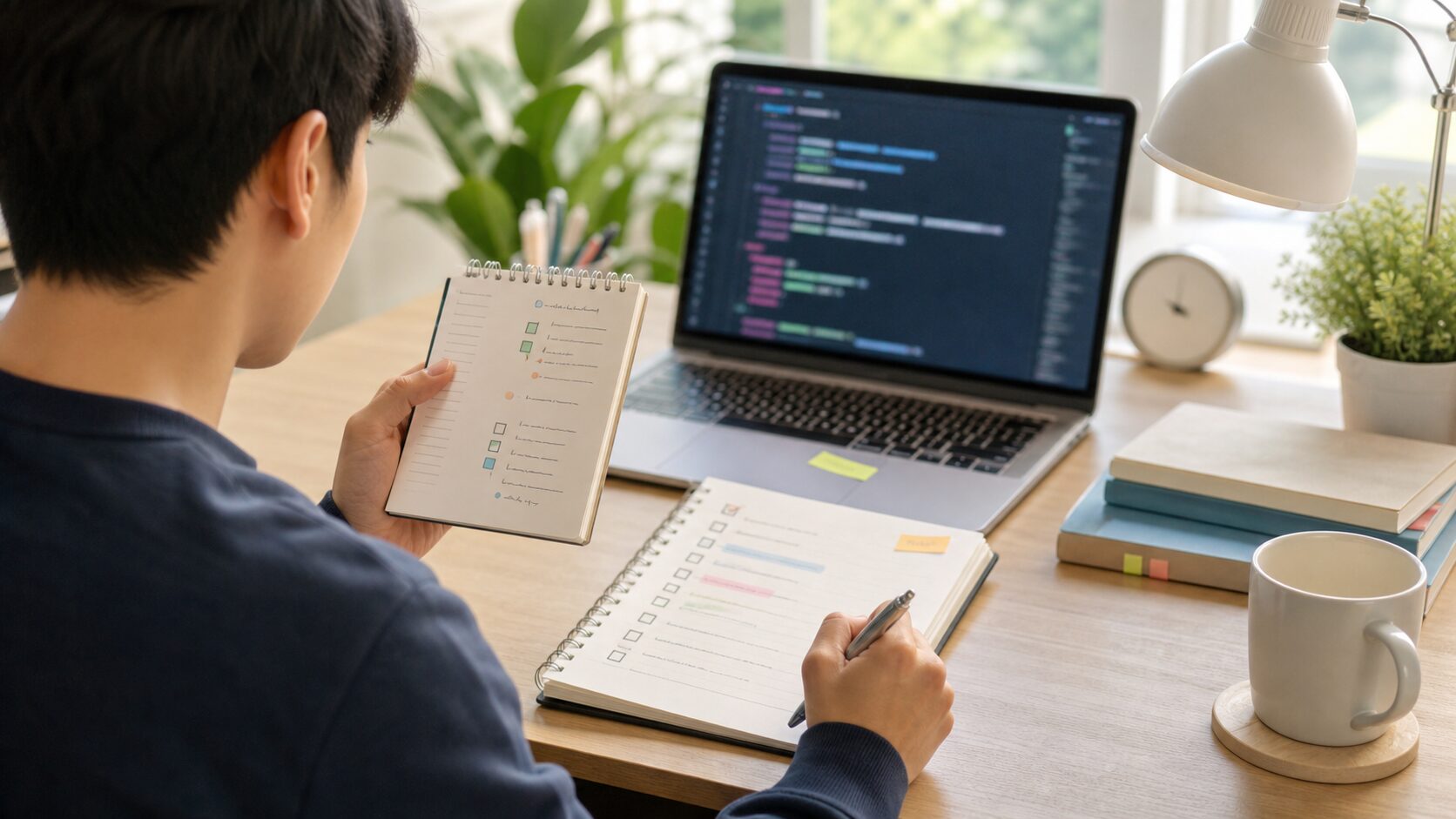
    Python Beginner 20-Lesson Course Guide: Learn from Installation to a Mini Project - The roadmap reduces the burden of learning by showing the full path first.
    The Python beginner course is a long journey from installation and basic syntax to data handling and projects, so seeing the whole flow first reduces the learning burden.
    SectionLessonsLearning Goal
    PreparationLesson 1Install Python, run it, and write the first code.
    Basic syntaxLessons 2–5Variables, input/output, conditionals, and loops.
    Handling dataLessons 6–9Lists, dictionaries, strings, and functions.
    First projectLesson 10Combine syntax in a console To-Do app.
    Practical basicsLessons 11–15Modules, files, exceptions, classes, and an address book project.
    Expansion previewLessons 16–20Standard library, automation, data analysis, APIs, and final project.

    Complete Lesson List

    OrderLesson TitleCore Outcome
    1Python Beginner Lesson 1: From Installation to Your First RunCreate and run a Python file on your own computer.
    2Python Beginner Lesson 2: Understanding Variables and Data Types EasilyStore numbers, strings, and Boolean values in variables and convert types for calculation.
    3Python Beginner Lesson 3: Showing Calculation Results with Input, Output, and f-stringsReceive values from users and print calculated results in readable sentences.
    4Python Beginner Lesson 4: Running Different Code with if ConditionsUnderstand the flow that runs different code depending on a condition.
    5Python Beginner Lesson 5: Automating Repetition with for and while LoopsRepeat the same task automatically and stop at the right moment.
    6Python Beginner Lesson 6: Handling Multiple Values with Lists and TuplesStore and retrieve multiple values in order.
    7Python Beginner Lesson 7: Managing Labeled Data with Dictionaries and SetsStore data in key-value form and remove duplicates.
    8Python Beginner Lesson 8: Searching, Splitting, and Cleaning StringsSearch, split, clean, and combine text.
    9Python Beginner Lesson 9: Splitting Repeated Code into FunctionsGive a name to repeated code and separate it into reusable features.
    10Python Beginner Lesson 10: Console To-Do List Mini ProjectCombine variables, conditions, loops, lists, and functions into a small app.
    11Python Beginner Lesson 11: Understanding Modules, Packages, and importUse the standard library and features made by others with import.
    12Python Beginner Lesson 12: Reading and Writing Files and CSV BasicsRead and write text and CSV files to save program results.
    13Python Beginner Lesson 13: Errors and Exception Handling with try exceptHandle expected errors so a program does not stop suddenly.
    14Python Beginner Lesson 14: Understanding Classes and Objects EasilyThink of related data and behavior as one structure.
    15Python Beginner Lesson 15: Address Book Project Saved to a FileConnect adding, searching, saving, and loading contacts.
    16Python Beginner Lesson 16: Handling Dates, Paths, and Patterns with the Standard LibraryUse built-in tools for dates, paths, and patterns without extra installation.
    17Python Beginner Lesson 17: Introduction to Folder and File AutomationCollect file information from a folder and create a CSV report.
    18Python Beginner Lesson 18: A Taste of Data Analysis with pandas and matplotlibRead CSV data as a table, summarize it, and save a graph.
    19Python Beginner Lesson 19: Getting Web Data and APIs with requestsSend requests to a web API and read JSON responses.
    20Python Beginner Lesson 20: Completing a Mini App as the Final ProjectCombine beginner syntax into an input, processing, saving, and visualization flow.

    How Should You Study?

    Python Beginner 20-Lesson Course Guide: Learn from Installation to a Mini Project - Short repeated practice and notes on errors are key study habits.
    For beginners, repeating small practices and briefly recording execution results and errors matters more than studying for a long block of time once.

    If you are new, it is best to study lessons 1 through 20 in order. Lessons 1–5 build the basic structure of Python statements. If this section is weak, file handling and data analysis later will feel blocked again and again.

    Lessons 6–10 group data and split features. Once lists, dictionaries, strings, and functions become familiar, you can build small programs yourself. The Lesson 10 To-Do project is the first checkpoint for the first half of the beginner course.

    Lessons 11–20 widen your practical sense. Modules, files, exceptions, classes, the standard library, automation, data analysis, and APIs are not explored in advanced depth. Instead, they help you experience where Python is actually used before moving to an intermediate course.

    Study Habits Every Beginner Needs

    • Do not only look at code; run it yourself.
    • Do not change many lines at once; change one line at a time.
    • When an error appears, check the last line and line number first.
    • After an example runs, change values and sentences to fit your own situation.
    • Use the checkpoint at the end of each lesson before moving on.

    What You Can Do After the Beginner Course

    • Create and run Python files.
    • Write basic logic with conditionals and loops.
    • Manage multiple values with lists and dictionaries.
    • Create functions to divide code.
    • Read and write text and CSV files.
    • Build the habit of finding causes from error messages.
    • Experience simple automation, data summaries, and API requests.

    FAQ

    Is it okay if I am completely new to programming?

    Yes. This series is written for beginners. Rather than memorizing terms first, follow the lessons by running code and checking results.

    How many lessons should I study per day?

    At first, one lesson per day is the most stable pace. If you have enough time, one or two lessons can work, but make sure you do the practice tasks yourself.

    If I get stuck during installation, can I move to the next lesson?

    If possible, solve the installation problem first. Python is best learned by running code directly. If installation is difficult, you can start temporarily in an online execution environment.

    What should I learn after the beginner course?

    For the intermediate stage, expand into virtual environments, package management, testing, pandas data analysis, web scraping, API automation, databases, and simple web apps.

    References

  • Python Beginner Lesson 1: From Installation to Your First Run

    In Python Beginner Lesson 1: From Installation to Your First Run, we cover Python installation and your first run in a beginner-friendly way. The final goal of this lesson is to create a Python file on your own computer and run it yourself. Instead of merely copying code, you will also see why the syntax is used and where beginners commonly make mistakes.

    This topic is a basic frame for later automation, data analysis, and web API work. The example is small, but it trains the habit of reading input, processing it in order, and checking output.

    Original Korean article

    What You Will Learn in This Lesson

    • Core topic: Python installation and your first run
    • Today’s goal: create a Python file on your own computer and run it yourself
    • Practice flow: understand the concept → run the example → read the code line by line → try variations
    • Recommended study time: 30–50 minutes

    Start with the Big Picture

    Python Beginner Lesson 1: From Installation to Your First Run - In the first lesson, the key is not just installation; it is experiencing the moment when one line of code runs and produces a result.
    In the first lesson, the key is not just installation; it is experiencing the moment when one line of code runs and produces a result.

    When learning Python installation and your first run, the most important task is not memorizing grammar names. You need to understand what role the concept plays inside an actual program. At the beginner stage, keep asking these three questions.

    • Where did this value come from?
    • In what order does this code run?
    • Where should I store the result if I want to use it again?

    Core Concept in Detail

    • Python is an interpreted language, so it reads and runs code line by line.
    • The terminal is the window where you type commands, while the editor is the tool where you write code.
    • Python files usually use the .py extension. Save a file such as hello.py, then run it.

    At first, the explanation may feel abstract. That is why it is best to run the example below and confirm the idea with your own eyes.

    Terms Beginners Should Know

    TermSimple Explanation
    InterpreterA program that reads the code you wrote at run time and executes it.
    TerminalA window where you type commands to run programs.
    PATHAn environment setting that helps your computer find the python command from any folder.

    Practice Setup

    Create a new Python file and run the example below. Using lowercase English letters and numbers in file names reduces avoidable errors. Save files as lesson.py or practice_01.py. After typing the code, avoid changing many things at once; run it, check the result, and then adjust small parts.

    Example Code

    print("Hello, Python")
    print("Hello. I ran Python for the first time today.")
    name = "Zeus"
    print(name, "is starting to learn Python.")

    Understanding the Code Line by Line

    1. The first line prints the sentence Hello, Python on the screen.
    2. The second line shows that Python can print ordinary text strings.
    3. The third line stores a name in a variable called name.
    4. The final line prints a variable and a sentence together.

    At this stage, the key is the order in which you read the code. Python normally runs from top to bottom. Even when functions or conditions create special flow later, beginners should first get used to the default top-to-bottom execution flow.

    Change Values and Check the Result

    Once the example runs, change only a very small part. Start with one number, one string, or one variable name so that errors are easy to find. After each change, save the file and run it again.

    Part to ChangeWhat to Check
    Input or variable valueCheck how the result sentence changes.
    Output sentenceCheck whether the message is clearer for the user.
    Code orderCheck whether changing the order creates an error or changes the result.

    Common Errors and How to Fix Them

    Python Beginner Lesson 1: From Installation to Your First Run - When the first run fails, calmly checking installation status, execution location, and whether the file was saved narrows down most problems.
    When the first run fails, calmly checking installation status, execution location, and whether the file was saved narrows down most problems.
    Error or SituationWhy It HappensHow to Fix It
    The python command is not foundA common setup issue at the beginner stage.Restart the terminal after installation or check whether Python was added to PATH.
    SyntaxErrorA common beginner error.Check for missing quotation marks, parentheses, commas, or other punctuation.
    Text appears brokenA common encoding issue.Save the file with UTF-8 encoding.

    When an error appears, first read the last line of the error message. Then check the file name and line number. Most beginner errors come from parentheses, quotation marks, indentation, variable names, or type conversion.

    Practice Problems to Try on Your Own

    • Check the version with python --version or python3 --version.
    • Create a hello.py file and run the example code.
    • Change the sentence and name to match your own situation.

    When solving exercises, do not look for the answer code immediately. First write the input → process → output flow on paper. Once you can see the flow, writing the code becomes much easier.

    Where This Connects in Real Work

    Python installation and your first run does not end with a small example. It appears again when automating files, reading table data for analysis, and handling response values from web APIs. The beginner syntax you learn now becomes the shared language for tools such as pandas, requests, and FastAPI.

    A Beginner-Friendly Analogy

    When you first encounter Python installation and your first run, symbols may stand out before meaning. But grammar becomes tiring if you see it only as symbols. A better approach is to understand its role. The core of this lesson is to create a Python file on your own computer and run it yourself. In other words, you decide what task to give Python and practice writing the order of that task as code.

    Think of a cooking recipe. You prepare ingredients, handle them in order, control the heat, and put the result on a plate. Python code is similar: prepare values, process them in a fixed order, and print or save the result. For beginners, gaining this sense of sequence matters most.

    Follow the Execution Flow Visually

    Before running code, divide your thinking into the three boxes below. This habit helps not only with simple examples but also with longer projects later.

    SectionQuestion to AskMeaning in This Lesson
    InputWhat value does the program receive first?The value the user enters or the value already written in the Python installation and your first run example.
    ProcessWhat calculation or judgment happens?The part Python runs step by step to achieve the goal: create a Python file on your own computer and run it yourself.
    OutputWhat result does the user confirm?Printed results, saved files, created graphs, or changed data.

    Filling in this table by yourself improves code comprehension. Beginners struggle not only because they do not know syntax, but more often because they cannot separate input, processing, and output.

    Debugging Routine: What to Check When an Error Happens

    Do not delete code randomly when an error appears. Follow this order and you can find most beginner errors yourself.

    1. Read the last line of the error message.
    2. Check the file name and line number.
    3. On that line, check parentheses, quotation marks, colons, and commas.
    4. Make sure variable names exactly match the names defined above.
    5. Check whether values that must be calculated as numbers are still strings.
    6. Undo the part you just changed and run the code again.

    After repeating this routine, errors start to look less frightening and more like clues. Python skill grows more from reading and fixing errors than from avoiding them entirely.

    Application Direction: Grow Today’s Example a Little

    Once this example feels familiar, keep the Python installation and your first run structure and change one of the input values, output sentences, storage methods, or repetition counts. You do not need to create a completely new example. At the beginner stage, many small variations are best.

    • Change variable names to make them more meaningful.
    • Rewrite output sentences as messages a real user would read.
    • Intentionally try invalid input and observe what happens.
    • Add comments to explain the code and check your understanding.
    • Try to produce the same result in a slightly different way.

    Lesson Checkpoints

    • ☐ I can explain why Python installation and your first run is needed.
    • ☐ I ran the example code myself.
    • ☐ I can explain the role of at least three lines of code.
    • ☐ When an error appeared, I checked the last line and line number.
    • ☐ I changed and ran at least one practice problem on my own.

    Related Articles

    FAQ

    Can I follow Python installation and your first run even if I am completely new to Python?

    Yes. This lesson is written for readers who are learning programming for the first time. Focus less on memorizing code and more on understanding the execution result and flow.

    I copied the example exactly, but I get an error. What should I check first?

    Check parentheses, quotation marks, colons, indentation, and variable names first. Many beginner errors come from a single missing character or a variable name typed differently.

    The example code looks too short. Should I study longer code?

    Short code is better at the beginner stage. Understand a short program accurately first, then change values and add features one at a time.

    What should I do next?

    Change and run at least one exercise from this lesson. Then move on to Python Beginner Lesson 2: Understanding Variables and Data Types Easily, where the concepts from earlier lessons will naturally appear again.

    Next Lesson Preview

    The next lesson is Python Beginner Lesson 2: Understanding Variables and Data Types Easily. We will build on today’s execution flow and make the next concept more concrete.

    References

  • Python Beginner Lesson 2: Understanding Variables and Data Types Easily

    In Python Beginner Lesson 2: Understanding Variables and Data Types Easily, we cover variables and data types in a beginner-friendly way. The final goal of this lesson is to store numbers, strings, and Boolean values in variables and convert types for calculation. Instead of merely copying code, you will also see why the syntax is used and where beginners commonly make mistakes.

    This topic is a basic frame for later automation, data analysis, and web API work. The example is small, but it trains the habit of reading input, processing it in order, and checking output.

    Original Korean article

    What You Will Learn in This Lesson

    • Core topic: variables and data types
    • Today’s goal: store numbers, strings, and Boolean values in variables and convert types for calculation
    • Practice flow: understand the concept → run the example → read the code line by line → try variations
    • Recommended study time: 30–50 minutes

    Start with the Big Picture

    Python Beginner Lesson 2: Understanding Variables and Data Types Easily - A variable is a label attached to a value, and a data type is the rule that tells Python how to calculate and handle that value.
    A variable is a label attached to a value, and a data type is the rule that tells Python how to calculate and handle that value.

    When learning variables and data types, the most important task is not memorizing grammar names. You need to understand what role the concept plays inside an actual program. At the beginner stage, keep asking these three questions.

    • Where did this value come from?
    • In what order does this code run?
    • Where should I store the result if I want to use it again?

    Core Concept in Detail

    • A variable is a name attached to a value. It lets you reuse the value later.
    • A data type tells Python whether a value is a number, text, true/false value, and so on.
    • Values entered as text must often be converted with int() or float() before calculation.

    At first, the explanation may feel abstract. That is why it is best to run the example below and confirm the idea with your own eyes.

    Terms Beginners Should Know

    TermSimple Explanation
    VariableA name that stores a value so the program can use it again.
    Data typeA classification such as integer, float, string, or Boolean.
    Type conversionChanging one type of value into another, such as text into a number.

    Practice Setup

    Create a new Python file and run the example below. Using lowercase English letters and numbers in file names reduces avoidable errors. Save files as lesson.py or practice_01.py. After typing the code, avoid changing many things at once; run it, check the result, and then adjust small parts.

    Example Code

    celsius = 25
    fahrenheit = celsius * 9 / 5 + 32
    print(f"{celsius} degrees Celsius is {fahrenheit} degrees Fahrenheit.")
    
    price_text = "12000"
    price = int(price_text)
    print(price + 3000)

    Understanding the Code Line by Line

    1. The first line stores the Celsius temperature in a variable.
    2. The second line calculates Fahrenheit using that variable.
    3. The third line prints the calculation result with an f-string.
    4. price_text starts as text, so int() converts it before adding 3000.

    At this stage, the key is the order in which you read the code. Python normally runs from top to bottom. Even when functions or conditions create special flow later, beginners should first get used to the default top-to-bottom execution flow.

    Change Values and Check the Result

    Once the example runs, change only a very small part. Start with one number, one string, or one variable name so that errors are easy to find. After each change, save the file and run it again.

    Part to ChangeWhat to Check
    Input or variable valueCheck how the result sentence changes.
    Output sentenceCheck whether the message is clearer for the user.
    Code orderCheck whether changing the order creates an error or changes the result.

    Common Errors and How to Fix Them

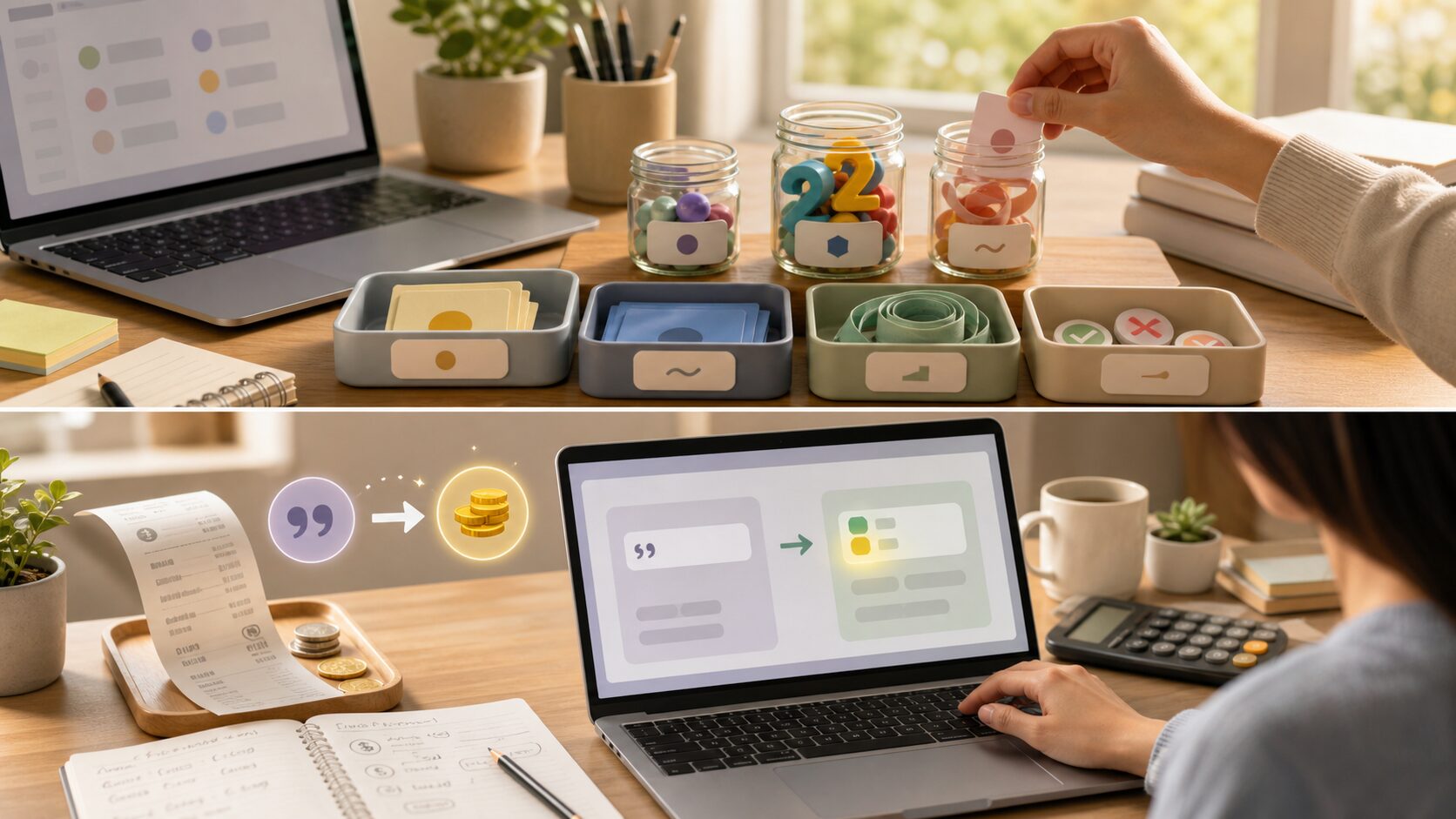
    Python Beginner Lesson 2: Understanding Variables and Data Types Easily - Converting a price entered as text into a number for calculation is one of the easiest ways to feel why data type conversion matters.
    Converting a price entered as text into a number for calculation is one of the easiest ways to feel why data type conversion matters.
    Error or SituationWhy It HappensHow to Fix It
    TypeErrorA string and a number were used together incorrectly.Convert text to a number with int() or float() before calculating.
    NameErrorA variable name was typed differently from where it was created.Check capitalization and spelling exactly.
    ValueErrorText that cannot become a number was passed to int() or float().Make sure the input contains only a valid numeric value.

    When an error appears, first read the last line of the error message. Then check the file name and line number. Most beginner errors come from parentheses, quotation marks, indentation, variable names, or type conversion.

    Practice Problems to Try on Your Own

    • Change the Celsius value and check how the Fahrenheit result changes.
    • Try a different price string and add a shipping fee.
    • Create variables for name, age, and membership status, then print them.

    When solving exercises, do not look for the answer code immediately. First write the input → process → output flow on paper. Once you can see the flow, writing the code becomes much easier.

    Where This Connects in Real Work

    Variables and data types does not end with a small example. It appears again when automating files, reading table data for analysis, and handling response values from web APIs. The beginner syntax you learn now becomes the shared language for tools such as pandas, requests, and FastAPI.

    A Beginner-Friendly Analogy

    When you first encounter variables and data types, symbols may stand out before meaning. But grammar becomes tiring if you see it only as symbols. A better approach is to understand its role. The core of this lesson is to store numbers, strings, and Boolean values in variables and convert types for calculation. In other words, you decide what task to give Python and practice writing the order of that task as code.

    Think of a cooking recipe. You prepare ingredients, handle them in order, control the heat, and put the result on a plate. Python code is similar: prepare values, process them in a fixed order, and print or save the result. For beginners, gaining this sense of sequence matters most.

    Follow the Execution Flow Visually

    Before running code, divide your thinking into the three boxes below. This habit helps not only with simple examples but also with longer projects later.

    SectionQuestion to AskMeaning in This Lesson
    InputWhat value does the program receive first?The value the user enters or the value already written in the variables and data types example.
    ProcessWhat calculation or judgment happens?The part Python runs step by step to achieve the goal: store numbers, strings, and Boolean values in variables and convert types for calculation.
    OutputWhat result does the user confirm?Printed results, saved files, created graphs, or changed data.

    Filling in this table by yourself improves code comprehension. Beginners struggle not only because they do not know syntax, but more often because they cannot separate input, processing, and output.

    Debugging Routine: What to Check When an Error Happens

    Do not delete code randomly when an error appears. Follow this order and you can find most beginner errors yourself.

    1. Read the last line of the error message.
    2. Check the file name and line number.
    3. On that line, check parentheses, quotation marks, colons, and commas.
    4. Make sure variable names exactly match the names defined above.
    5. Check whether values that must be calculated as numbers are still strings.
    6. Undo the part you just changed and run the code again.

    After repeating this routine, errors start to look less frightening and more like clues. Python skill grows more from reading and fixing errors than from avoiding them entirely.

    Application Direction: Grow Today’s Example a Little

    Once this example feels familiar, keep the variables and data types structure and change one of the input values, output sentences, storage methods, or repetition counts. You do not need to create a completely new example. At the beginner stage, many small variations are best.

    • Change variable names to make them more meaningful.
    • Rewrite output sentences as messages a real user would read.
    • Intentionally try invalid input and observe what happens.
    • Add comments to explain the code and check your understanding.
    • Try to produce the same result in a slightly different way.

    Lesson Checkpoints

    • ☐ I can explain why variables and data types is needed.
    • ☐ I ran the example code myself.
    • ☐ I can explain the role of at least three lines of code.
    • ☐ When an error appeared, I checked the last line and line number.
    • ☐ I changed and ran at least one practice problem on my own.

    Related Articles

    FAQ

    Can I follow variables and data types even if I am completely new to Python?

    Yes. This lesson is written for readers who are learning programming for the first time. Focus less on memorizing code and more on understanding the execution result and flow.

    I copied the example exactly, but I get an error. What should I check first?

    Check parentheses, quotation marks, colons, indentation, and variable names first. Many beginner errors come from a single missing character or a variable name typed differently.

    The example code looks too short. Should I study longer code?

    Short code is better at the beginner stage. Understand a short program accurately first, then change values and add features one at a time.

    What should I do next?

    Change and run at least one exercise from this lesson. Then move on to Python Beginner Lesson 3: Showing Calculation Results with Input, Output, and f-strings, where the concepts from earlier lessons will naturally appear again.

    Next Lesson Preview

    The next lesson is Python Beginner Lesson 3: Showing Calculation Results with Input, Output, and f-strings. We will build on today’s execution flow and make the next concept more concrete.

    References

  • Python Beginner Lesson 3: Showing Calculation Results with Input, Output, and f-strings

    In Python Beginner Lesson 3: Showing Calculation Results with Input, Output, and f-strings, we cover input, output, and f-strings in a beginner-friendly way. The final goal of this lesson is to receive values from users and print calculated results in readable sentences. Instead of merely copying code, you will also see why the syntax is used and where beginners commonly make mistakes.

    This topic is a basic frame for later automation, data analysis, and web API work. The example is small, but it trains the habit of reading input, processing it in order, and checking output.

    Original Korean article

    What You Will Learn in This Lesson

    • Core topic: input, output, and f-strings
    • Today’s goal: receive values from users and print calculated results in readable sentences
    • Practice flow: understand the concept → run the example → read the code line by line → try variations
    • Recommended study time: 30–50 minutes

    Start with the Big Picture

    Python Beginner Lesson 3: Showing Calculation Results with Input, Output, and f-strings - Input is the path that brings user information into the program, and output is the window that shows calculation results back to the user.
    Input is the path that brings user information into the program, and output is the window that shows calculation results back to the user.

    When learning input, output, and f-strings, the most important task is not memorizing grammar names. You need to understand what role the concept plays inside an actual program. At the beginner stage, keep asking these three questions.

    • Where did this value come from?
    • In what order does this code run?
    • Where should I store the result if I want to use it again?

    Core Concept in Detail

    • input() brings a value from the user into the program.
    • Input values arrive as strings, so numeric input must be converted before calculation.
    • An f-string lets you insert variables and calculated values naturally inside a sentence.

    At first, the explanation may feel abstract. That is why it is best to run the example below and confirm the idea with your own eyes.

    Terms Beginners Should Know

    TermSimple Explanation
    InputA value the user gives to the program.
    OutputThe result the program shows back to the user.
    f-stringA formatted string that places variables inside text with braces.

    Practice Setup

    Create a new Python file and run the example below. Using lowercase English letters and numbers in file names reduces avoidable errors. Save files as lesson.py or practice_01.py. After typing the code, avoid changing many things at once; run it, check the result, and then adjust small parts.

    Example Code

    name = input("Enter your name: ")
    height = float(input("Enter your height in meters: "))
    weight = float(input("Enter your weight in kg: "))
    bmi = weight / (height ** 2)
    print(f"{name}, your BMI is {bmi:.1f}.")

    Understanding the Code Line by Line

    1. The first line asks for the user’s name and stores it.
    2. The next two lines receive height and weight, then convert them to floating-point numbers.
    3. The BMI formula uses exponentiation with height ** 2.
    4. The final line prints the result to one decimal place with an f-string.

    At this stage, the key is the order in which you read the code. Python normally runs from top to bottom. Even when functions or conditions create special flow later, beginners should first get used to the default top-to-bottom execution flow.

    Change Values and Check the Result

    Once the example runs, change only a very small part. Start with one number, one string, or one variable name so that errors are easy to find. After each change, save the file and run it again.

    Part to ChangeWhat to Check
    Input or variable valueCheck how the result sentence changes.
    Output sentenceCheck whether the message is clearer for the user.
    Code orderCheck whether changing the order creates an error or changes the result.

    Common Errors and How to Fix Them

    Python Beginner Lesson 3: Showing Calculation Results with Input, Output, and f-strings - With f-strings, calculated values can be placed naturally inside sentences and shown in a user-friendly form.
    With f-strings, calculated values can be placed naturally inside sentences and shown in a user-friendly form.
    Error or SituationWhy It HappensHow to Fix It
    ValueErrorThe user entered text that cannot be converted to a number.Enter only numeric values for height and weight.
    ZeroDivisionErrorHeight was entered as zero.Check that height is greater than zero before calculating.
    Formatting confusionThe f-string braces or format specifier were typed incorrectly.Use a pattern such as {bmi:.1f} for one decimal place.

    When an error appears, first read the last line of the error message. Then check the file name and line number. Most beginner errors come from parentheses, quotation marks, indentation, variable names, or type conversion.

    Practice Problems to Try on Your Own

    • Change the prompts so they are easier for a user to understand.
    • Print BMI with two decimal places instead of one.
    • Add a short guide message after the BMI result.

    When solving exercises, do not look for the answer code immediately. First write the input → process → output flow on paper. Once you can see the flow, writing the code becomes much easier.

    Where This Connects in Real Work

    Input, output, and f-strings does not end with a small example. It appears again when automating files, reading table data for analysis, and handling response values from web APIs. The beginner syntax you learn now becomes the shared language for tools such as pandas, requests, and FastAPI.

    A Beginner-Friendly Analogy

    When you first encounter input, output, and f-strings, symbols may stand out before meaning. But grammar becomes tiring if you see it only as symbols. A better approach is to understand its role. The core of this lesson is to receive values from users and print calculated results in readable sentences. In other words, you decide what task to give Python and practice writing the order of that task as code.

    Think of a cooking recipe. You prepare ingredients, handle them in order, control the heat, and put the result on a plate. Python code is similar: prepare values, process them in a fixed order, and print or save the result. For beginners, gaining this sense of sequence matters most.

    Follow the Execution Flow Visually

    Before running code, divide your thinking into the three boxes below. This habit helps not only with simple examples but also with longer projects later.

    SectionQuestion to AskMeaning in This Lesson
    InputWhat value does the program receive first?The value the user enters or the value already written in the input, output, and f-strings example.
    ProcessWhat calculation or judgment happens?The part Python runs step by step to achieve the goal: receive values from users and print calculated results in readable sentences.
    OutputWhat result does the user confirm?Printed results, saved files, created graphs, or changed data.

    Filling in this table by yourself improves code comprehension. Beginners struggle not only because they do not know syntax, but more often because they cannot separate input, processing, and output.

    Debugging Routine: What to Check When an Error Happens

    Do not delete code randomly when an error appears. Follow this order and you can find most beginner errors yourself.

    1. Read the last line of the error message.
    2. Check the file name and line number.
    3. On that line, check parentheses, quotation marks, colons, and commas.
    4. Make sure variable names exactly match the names defined above.
    5. Check whether values that must be calculated as numbers are still strings.
    6. Undo the part you just changed and run the code again.

    After repeating this routine, errors start to look less frightening and more like clues. Python skill grows more from reading and fixing errors than from avoiding them entirely.

    Application Direction: Grow Today’s Example a Little

    Once this example feels familiar, keep the input, output, and f-strings structure and change one of the input values, output sentences, storage methods, or repetition counts. You do not need to create a completely new example. At the beginner stage, many small variations are best.

    • Change variable names to make them more meaningful.
    • Rewrite output sentences as messages a real user would read.
    • Intentionally try invalid input and observe what happens.
    • Add comments to explain the code and check your understanding.
    • Try to produce the same result in a slightly different way.

    Lesson Checkpoints

    • ☐ I can explain why input, output, and f-strings is needed.
    • ☐ I ran the example code myself.
    • ☐ I can explain the role of at least three lines of code.
    • ☐ When an error appeared, I checked the last line and line number.
    • ☐ I changed and ran at least one practice problem on my own.

    Related Articles

    FAQ

    Can I follow input, output, and f-strings even if I am completely new to Python?

    Yes. This lesson is written for readers who are learning programming for the first time. Focus less on memorizing code and more on understanding the execution result and flow.

    I copied the example exactly, but I get an error. What should I check first?

    Check parentheses, quotation marks, colons, indentation, and variable names first. Many beginner errors come from a single missing character or a variable name typed differently.

    The example code looks too short. Should I study longer code?

    Short code is better at the beginner stage. Understand a short program accurately first, then change values and add features one at a time.

    What should I do next?

    Change and run at least one exercise from this lesson. Then move on to Python Beginner Lesson 4: Running Different Code with if Conditions, where the concepts from earlier lessons will naturally appear again.

    Next Lesson Preview

    The next lesson is Python Beginner Lesson 4: Running Different Code with if Conditions. We will build on today’s execution flow and make the next concept more concrete.

    References

  • Python Beginner Lesson 4: Running Different Code with if Conditions

    In Python Beginner Lesson 4: Running Different Code with if Conditions, we cover if conditions in a beginner-friendly way. The final goal of this lesson is to understand the flow that runs different code depending on a condition. Instead of merely copying code, you will also see why the syntax is used and where beginners commonly make mistakes.

    This topic is a basic frame for later automation, data analysis, and web API work. The example is small, but it trains the habit of reading input, processing it in order, and checking output.

    Original Korean article

    What You Will Learn in This Lesson

    • Core topic: if conditions
    • Today’s goal: understand the flow that runs different code depending on a condition
    • Practice flow: understand the concept → run the example → read the code line by line → try variations
    • Recommended study time: 30–50 minutes

    Start with the Big Picture

    Python Beginner Lesson 4: Running Different Code with if Conditions - A conditional statement chooses one execution path among several options by judging the situation.
    A conditional statement chooses one execution path among several options by judging the situation.

    When learning if conditions, the most important task is not memorizing grammar names. You need to understand what role the concept plays inside an actual program. At the beginner stage, keep asking these three questions.

    • Where did this value come from?
    • In what order does this code run?
    • Where should I store the result if I want to use it again?

    Core Concept in Detail

    • An if statement checks whether a condition is true before running a block.
    • elif adds another condition when the previous one was false.
    • else handles every remaining case that did not match earlier conditions.

    At first, the explanation may feel abstract. That is why it is best to run the example below and confirm the idea with your own eyes.

    Terms Beginners Should Know

    TermSimple Explanation
    ConditionAn expression that becomes true or false.
    BranchA path the program chooses based on a condition.
    IndentationSpaces at the beginning of a line that show which code belongs to a block.

    Practice Setup

    Create a new Python file and run the example below. Using lowercase English letters and numbers in file names reduces avoidable errors. Save files as lesson.py or practice_01.py. After typing the code, avoid changing many things at once; run it, check the result, and then adjust small parts.

    Example Code

    score = int(input("Score: "))
    
    if score >= 90:
        grade = "A"
    elif score >= 80:
        grade = "B"
    elif score >= 70:
        grade = "C"
    else:
        grade = "D"
    
    print(f"A score of {score} gets grade {grade}.")

    Understanding the Code Line by Line

    1. The first line receives a score and converts it to an integer.
    2. The if line checks the highest range first.
    3. Each elif is checked only if the previous condition was false.
    4. The else block handles scores below 70, and the final line prints the result.

    At this stage, the key is the order in which you read the code. Python normally runs from top to bottom. Even when functions or conditions create special flow later, beginners should first get used to the default top-to-bottom execution flow.

    Change Values and Check the Result

    Once the example runs, change only a very small part. Start with one number, one string, or one variable name so that errors are easy to find. After each change, save the file and run it again.

    Part to ChangeWhat to Check
    Input or variable valueCheck how the result sentence changes.
    Output sentenceCheck whether the message is clearer for the user.
    Code orderCheck whether changing the order creates an error or changes the result.

    Common Errors and How to Fix Them

    Python Beginner Lesson 4: Running Different Code with if Conditions - A score-to-grade practice is a good way to understand the order in which if, elif, and else are evaluated.
    A score-to-grade practice is a good way to understand the order in which if, elif, and else are evaluated.
    Error or SituationWhy It HappensHow to Fix It
    IndentationErrorThe lines inside the condition are not indented consistently.Use the same number of spaces, usually four, for each block.
    Wrong order of conditionsA broad condition was checked before a narrower one.Check higher score ranges first in this example.
    ValueErrorThe input could not be converted to an integer.Enter a number, or add input validation later.

    When an error appears, first read the last line of the error message. Then check the file name and line number. Most beginner errors come from parentheses, quotation marks, indentation, variable names, or type conversion.

    Practice Problems to Try on Your Own

    • Change the score ranges and check whether the grade changes correctly.
    • Add a message for perfect scores.
    • Try entering boundary values such as 69, 70, 79, 80, 89, and 90.

    When solving exercises, do not look for the answer code immediately. First write the input → process → output flow on paper. Once you can see the flow, writing the code becomes much easier.

    Where This Connects in Real Work

    If conditions does not end with a small example. It appears again when automating files, reading table data for analysis, and handling response values from web APIs. The beginner syntax you learn now becomes the shared language for tools such as pandas, requests, and FastAPI.

    A Beginner-Friendly Analogy

    When you first encounter if conditions, symbols may stand out before meaning. But grammar becomes tiring if you see it only as symbols. A better approach is to understand its role. The core of this lesson is to understand the flow that runs different code depending on a condition. In other words, you decide what task to give Python and practice writing the order of that task as code.

    Think of a cooking recipe. You prepare ingredients, handle them in order, control the heat, and put the result on a plate. Python code is similar: prepare values, process them in a fixed order, and print or save the result. For beginners, gaining this sense of sequence matters most.

    Follow the Execution Flow Visually

    Before running code, divide your thinking into the three boxes below. This habit helps not only with simple examples but also with longer projects later.

    SectionQuestion to AskMeaning in This Lesson
    InputWhat value does the program receive first?The value the user enters or the value already written in the if conditions example.
    ProcessWhat calculation or judgment happens?The part Python runs step by step to achieve the goal: understand the flow that runs different code depending on a condition.
    OutputWhat result does the user confirm?Printed results, saved files, created graphs, or changed data.

    Filling in this table by yourself improves code comprehension. Beginners struggle not only because they do not know syntax, but more often because they cannot separate input, processing, and output.

    Debugging Routine: What to Check When an Error Happens

    Do not delete code randomly when an error appears. Follow this order and you can find most beginner errors yourself.

    1. Read the last line of the error message.
    2. Check the file name and line number.
    3. On that line, check parentheses, quotation marks, colons, and commas.
    4. Make sure variable names exactly match the names defined above.
    5. Check whether values that must be calculated as numbers are still strings.
    6. Undo the part you just changed and run the code again.

    After repeating this routine, errors start to look less frightening and more like clues. Python skill grows more from reading and fixing errors than from avoiding them entirely.

    Application Direction: Grow Today’s Example a Little

    Once this example feels familiar, keep the if conditions structure and change one of the input values, output sentences, storage methods, or repetition counts. You do not need to create a completely new example. At the beginner stage, many small variations are best.

    • Change variable names to make them more meaningful.
    • Rewrite output sentences as messages a real user would read.
    • Intentionally try invalid input and observe what happens.
    • Add comments to explain the code and check your understanding.
    • Try to produce the same result in a slightly different way.

    Lesson Checkpoints

    • ☐ I can explain why if conditions is needed.
    • ☐ I ran the example code myself.
    • ☐ I can explain the role of at least three lines of code.
    • ☐ When an error appeared, I checked the last line and line number.
    • ☐ I changed and ran at least one practice problem on my own.

    Related Articles

    FAQ

    Can I follow if conditions even if I am completely new to Python?

    Yes. This lesson is written for readers who are learning programming for the first time. Focus less on memorizing code and more on understanding the execution result and flow.

    I copied the example exactly, but I get an error. What should I check first?

    Check parentheses, quotation marks, colons, indentation, and variable names first. Many beginner errors come from a single missing character or a variable name typed differently.

    The example code looks too short. Should I study longer code?

    Short code is better at the beginner stage. Understand a short program accurately first, then change values and add features one at a time.

    What should I do next?

    Change and run at least one exercise from this lesson. Then move on to Python Beginner Lesson 5: Automating Repetition with for and while Loops, where the concepts from earlier lessons will naturally appear again.

    Next Lesson Preview

    The next lesson is Python Beginner Lesson 5: Automating Repetition with for and while Loops. We will build on today’s execution flow and make the next concept more concrete.

    References

  • Python Beginner Lesson 5: Automating Repetition with for and while Loops

    In Python Beginner Lesson 5: Automating Repetition with for and while Loops, we cover for and while loops in a beginner-friendly way. The final goal of this lesson is to automatically repeat the same task and stop at the right moment. Instead of merely copying code, you will also see why the syntax is used and where beginners commonly make mistakes.

    This topic is a basic frame for later automation, data analysis, and web API work. The example is small, but it trains the habit of reading input, processing it in order, and checking output.

    Original Korean article

    What You Will Learn in This Lesson

    • Core topic: for and while loops
    • Today’s goal: automatically repeat the same task and stop at the right moment
    • Practice flow: understand the concept → run the example → read the code line by line → try variations
    • Recommended study time: 30–50 minutes

    Start with the Big Picture

    Python Beginner Lesson 5: Automating Repetition with for and while Loops - Loops are the basic tool that lets a program repeat the same work automatically instead of making a person do it many times.
    Loops are the basic tool that lets a program repeat the same work automatically instead of making a person do it many times.

    When learning for and while loops, the most important task is not memorizing grammar names. You need to understand what role the concept plays inside an actual program. At the beginner stage, keep asking these three questions.

    • Where did this value come from?
    • In what order does this code run?
    • Where should I store the result if I want to use it again?

    Core Concept in Detail

    • Use for when the thing you want to repeat over is already defined.
    • Use while when you want to keep repeating while a condition remains true.
    • A loop needs a clear target, a repeated action, and a way to finish.

    At first, the explanation may feel abstract. That is why it is best to run the example below and confirm the idea with your own eyes.

    Terms Beginners Should Know

    TermSimple Explanation
    LoopA structure that repeats the same code several times.
    range()A function that creates a sequence of numbers for repetition.
    AccumulatorA variable that keeps adding or collecting values during a loop.

    Practice Setup

    Create a new Python file and run the example below. Using lowercase English letters and numbers in file names reduces avoidable errors. Save files as lesson.py or practice_01.py. After typing the code, avoid changing many things at once; run it, check the result, and then adjust small parts.

    Example Code

    dan = int(input("Which multiplication table should be printed? "))
    for i in range(1, 10):
        print(f"{dan} x {i} = {dan * i}")
    
    total = 0
    for n in range(1, 101):
        total += n
    print(f"The sum from 1 to 100 is {total}.")

    Understanding the Code Line by Line

    1. The first line receives the multiplication table number.
    2. The first for loop repeats from 1 through 9 and prints each multiplication result.
    3. total = 0 prepares an accumulator before the loop.
    4. The second loop adds numbers from 1 through 100, then prints the final sum.

    At this stage, the key is the order in which you read the code. Python normally runs from top to bottom. Even when functions or conditions create special flow later, beginners should first get used to the default top-to-bottom execution flow.

    Change Values and Check the Result

    Once the example runs, change only a very small part. Start with one number, one string, or one variable name so that errors are easy to find. After each change, save the file and run it again.

    Part to ChangeWhat to Check
    Input or variable valueCheck how the result sentence changes.
    Output sentenceCheck whether the message is clearer for the user.
    Code orderCheck whether changing the order creates an error or changes the result.

    Common Errors and How to Fix Them

    Python Beginner Lesson 5: Automating Repetition with for and while Loops - Repeated output and accumulated calculation help you read the repetition target, repeat count, and stopping condition together.
    Repeated output and accumulated calculation help you read the repetition target, repeat count, and stopping condition together.
    Error or SituationWhy It HappensHow to Fix It
    Infinite loopA while condition never becomes false.Make sure the value used in the condition changes inside the loop.
    Off-by-one resultThe ending value of range() was misunderstood.Remember that range(1, 10) stops before 10.
    IndentationErrorThe repeated lines are not indented correctly.Indent the code that belongs inside the loop consistently.

    When an error appears, first read the last line of the error message. Then check the file name and line number. Most beginner errors come from parentheses, quotation marks, indentation, variable names, or type conversion.

    Practice Problems to Try on Your Own

    • Print only even numbers from 1 to 20.
    • Change the multiplication table range to 1 through 12.
    • Use a loop to add only numbers that are multiples of 3.

    When solving exercises, do not look for the answer code immediately. First write the input → process → output flow on paper. Once you can see the flow, writing the code becomes much easier.

    Where This Connects in Real Work

    For and while loops does not end with a small example. It appears again when automating files, reading table data for analysis, and handling response values from web APIs. The beginner syntax you learn now becomes the shared language for tools such as pandas, requests, and FastAPI.

    A Beginner-Friendly Analogy

    When you first encounter for and while loops, symbols may stand out before meaning. But grammar becomes tiring if you see it only as symbols. A better approach is to understand its role. The core of this lesson is to automatically repeat the same task and stop at the right moment. In other words, you decide what task to give Python and practice writing the order of that task as code.

    Think of a cooking recipe. You prepare ingredients, handle them in order, control the heat, and put the result on a plate. Python code is similar: prepare values, process them in a fixed order, and print or save the result. For beginners, gaining this sense of sequence matters most.

    Follow the Execution Flow Visually

    Before running code, divide your thinking into the three boxes below. This habit helps not only with simple examples but also with longer projects later.

    SectionQuestion to AskMeaning in This Lesson
    InputWhat value does the program receive first?The value the user enters or the value already written in the for and while loops example.
    ProcessWhat calculation or judgment happens?The part Python runs step by step to achieve the goal: automatically repeat the same task and stop at the right moment.
    OutputWhat result does the user confirm?Printed results, saved files, created graphs, or changed data.

    Filling in this table by yourself improves code comprehension. Beginners struggle not only because they do not know syntax, but more often because they cannot separate input, processing, and output.

    Debugging Routine: What to Check When an Error Happens

    Do not delete code randomly when an error appears. Follow this order and you can find most beginner errors yourself.

    1. Read the last line of the error message.
    2. Check the file name and line number.
    3. On that line, check parentheses, quotation marks, colons, and commas.
    4. Make sure variable names exactly match the names defined above.
    5. Check whether values that must be calculated as numbers are still strings.
    6. Undo the part you just changed and run the code again.

    After repeating this routine, errors start to look less frightening and more like clues. Python skill grows more from reading and fixing errors than from avoiding them entirely.

    Application Direction: Grow Today’s Example a Little

    Once this example feels familiar, keep the for and while loops structure and change one of the input values, output sentences, storage methods, or repetition counts. You do not need to create a completely new example. At the beginner stage, many small variations are best.

    • Change variable names to make them more meaningful.
    • Rewrite output sentences as messages a real user would read.
    • Intentionally try invalid input and observe what happens.
    • Add comments to explain the code and check your understanding.
    • Try to produce the same result in a slightly different way.

    Lesson Checkpoints

    • ☐ I can explain why for and while loops is needed.
    • ☐ I ran the example code myself.
    • ☐ I can explain the role of at least three lines of code.
    • ☐ When an error appeared, I checked the last line and line number.
    • ☐ I changed and ran at least one practice problem on my own.

    Related Articles

    FAQ

    Can I follow for and while loops even if I am completely new to Python?

    Yes. This lesson is written for readers who are learning programming for the first time. Focus less on memorizing code and more on understanding the execution result and flow.

    I copied the example exactly, but I get an error. What should I check first?

    Check parentheses, quotation marks, colons, indentation, and variable names first. Many beginner errors come from a single missing character or a variable name typed differently.

    The example code looks too short. Should I study longer code?

    Short code is better at the beginner stage. Understand a short program accurately first, then change values and add features one at a time.

    What should I do next?

    Change and run at least one exercise from this lesson. Then move on to Python Beginner Lesson 6: Handling Multiple Values with Lists and Tuples, where the concepts from earlier lessons will naturally appear again.

    Next Lesson Preview

    The next lesson is Python Beginner Lesson 6: Handling Multiple Values with Lists and Tuples. We will build on today’s execution flow and make the next concept more concrete.

    References

  • Python Beginner Lesson 6: Working with Multiple Values Using Lists and Tuples

    In Python Beginner Lesson 6, we cover lists and tuples in detail at a beginner-friendly level. The final goal of this lesson is to store multiple values in order and retrieve them when needed. Instead of stopping at copying code, we also check why this syntax is used and where beginners often make mistakes.

    Few programs work with only one piece of data. Shopping lists, student rosters, and sales records all require multiple values, and that is where lists become useful. Today’s example is small, but it becomes a basic skeleton for later automation, data analysis, and web API learning.

    What You Will Learn in This Lesson

    • Core topic: lists and tuples
    • Today’s goal: store multiple values in order and retrieve them when needed
    • Practice flow: understand the concept → run the example → review the code → try an applied task
    • Recommended study time: 30–50 minutes

    Understand the Big Picture First

    Python Beginner Lesson 6: Working with Multiple Values Using Lists and Tuples - Lists and tuples are basic data structures used to group multiple pieces of data and manage them in order.
    Lists and tuples are basic data structures used to group multiple pieces of data and manage them in order.

    When learning lists and tuples, the most important thing is not memorizing grammar names. You need to understand what role this concept plays inside a real program. At the beginner stage, keep asking the following three questions.

    • Where did this value come from?
    • In what order does this code run?
    • Where should I save the result if I want to use it again?

    Look Closely at the Core Concepts

    • A list stores multiple values in order.
    • An index is a position number, and it starts at 0.
    • Slicing is syntax for taking only part of a list.
    • A tuple is suitable for data that should not change after it is created.

    At first, explanations alone may feel abstract. That is why it is helpful to run the example below right away and check the concept with your own eyes.

    Beginner Terms You Should Know

    TermSimple explanation
    IndexA number that represents the position of a value in a list
    SlicingSyntax for taking only a selected range from a sequence
    Mutable/immutableLists can be changed, while tuples cannot be changed

    Practice Setup

    Create a new Python file and run the example below. Using lowercase English letters and numbers in the file name helps reduce errors. For example, save it as lesson.py or practice_01.py. After entering the code, do not change many things at once. Change it little by little while checking the result each time.

    Example Code

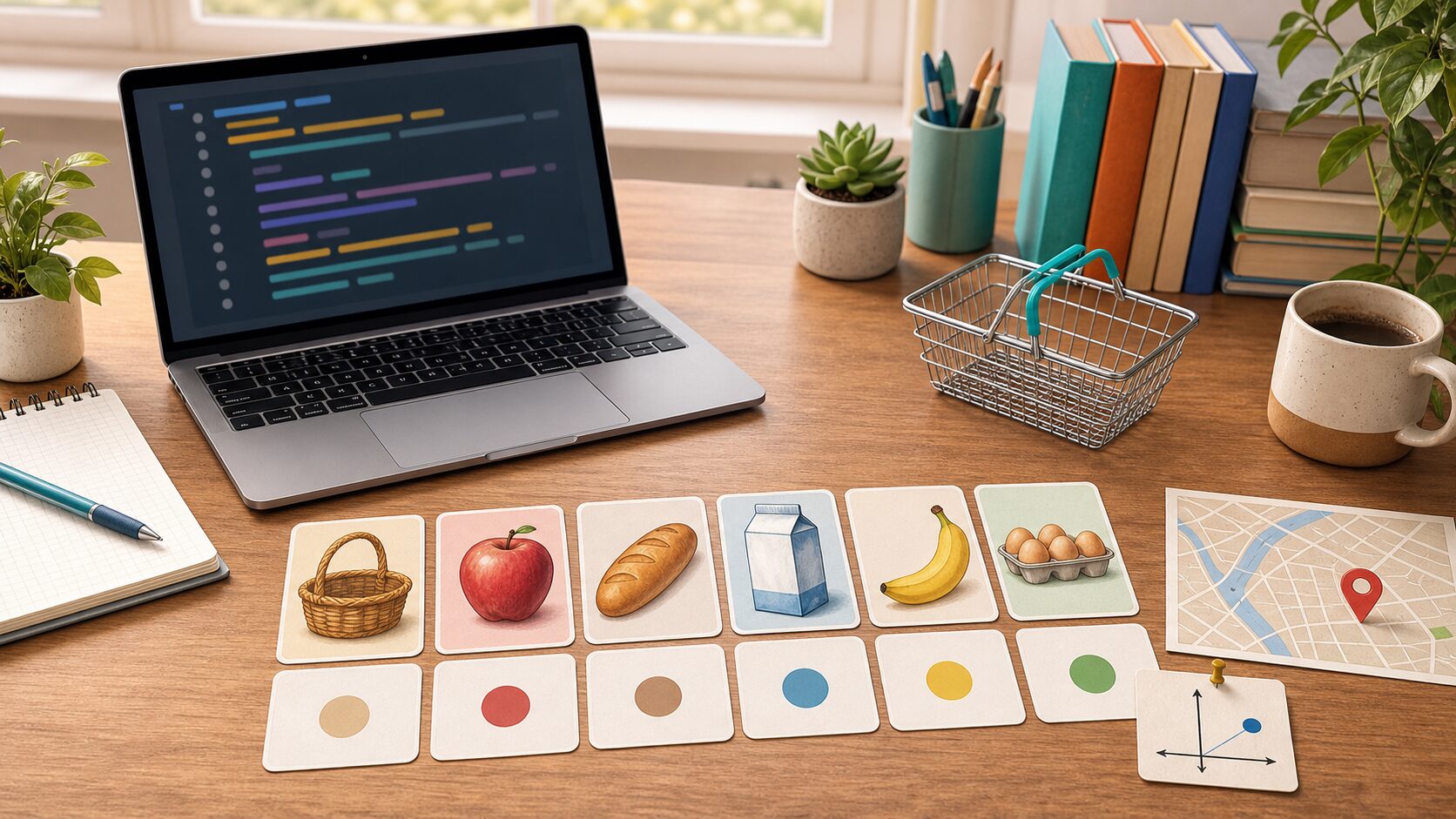
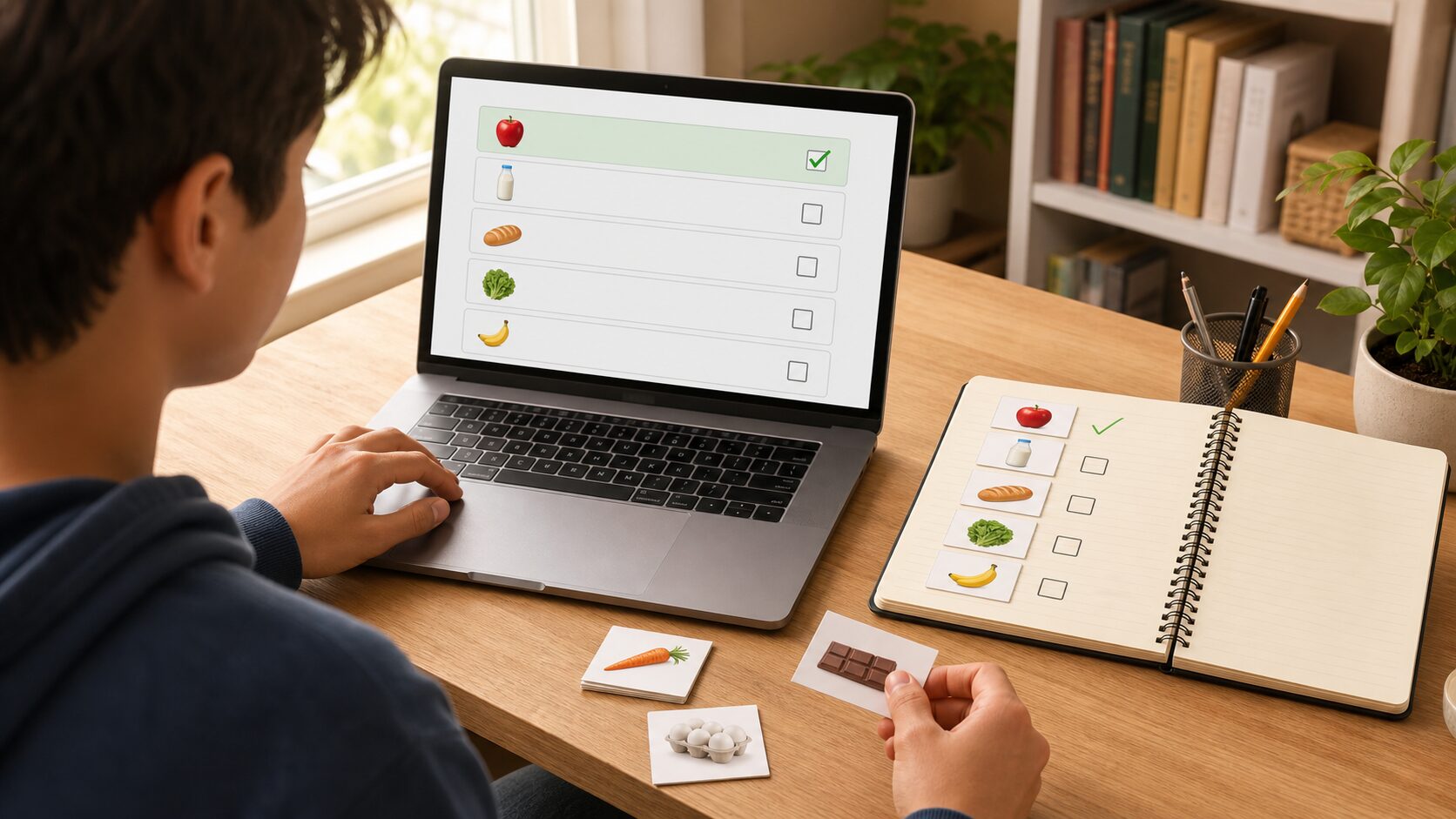
    Python Beginner Lesson 6: Working with Multiple Values Using Lists and Tuples - A shopping-list exercise where you add, delete, and review items in order helps you understand list operations in a practical situation.
    A shopping-list exercise where you add, delete, and review items in order helps you understand list operations in a practical situation.

    A shopping-list exercise where you add, delete, and review items in order helps you understand list operations in a practical situation.

    shopping = ["milk", "eggs", "apples"]
    shopping.append("coffee")
    shopping.remove("eggs")
    
    print("First item:", shopping[0])
    print("Full list")
    for item in shopping:
        print("-", item)
    
    point = (37.5, 127.0)
    print("Coordinates:", point)

    Understand the Code Line by Line

    • Lists are created with square brackets, and values are separated by commas.
    • append() adds a value to the end.
    • remove() removes the specified value.
    • Tuples are created with parentheses and work well for fixed groups such as coordinates.

    At this stage, the important thing is the “reading order” of the code. Python runs from top to bottom. Even when there are exceptional flows such as functions or conditionals, beginners should first get used to the basic top-to-bottom flow.

    Change Values and Check the Result

    If the example code ran successfully, now change only a very small part. Start with small changes such as one number, one string, or one variable name so errors are easier to find. After each change, always save and run the code again.

    Part to changeWhat to check
    Input value or variable valueCheck how the result sentence changes.
    Output sentenceCheck whether it becomes a friendlier explanation for the user.
    Code orderCheck whether changing the order causes an error or changes the result.

    Common Errors and How to Fix Them

    Error or situationWhy it happensHow to fix it
    IndexErrorThis is a common beginner-level problem.It occurs when you try to retrieve a position that does not exist.
    remove failureThis is a common beginner-level problem.An error occurs if you call remove() with a value that is not in the list.
    Tuple modification errorThis is a common beginner-level problem.A tuple cannot be changed after it is created.

    When an error appears, first look at the last line of the error message. Then check the file name and line number. Most beginner errors come from parentheses, quotation marks, indentation, variable names, and type conversion.

    Practice Problems to Try on Your Own

    • Create a list of five favorite foods and print them one by one.
    • Add a new value to a list and delete one existing value.
    • Use slicing to print only the first three values of a list.

    When solving practice problems, do not search for the answer code right away. First write the input, processing, and output flow on paper. Once the flow is visible, the code becomes much easier to write.

    Where Does This Connect in Real Work?

    Lists and tuples does not end with a small example. It keeps appearing in business automation when organizing files, in data analysis when reading table data, and in web API work when handling response values. The beginner syntax you learn now also becomes the basic language for using tools such as pandas, requests, and FastAPI later.

    An Analogy for Beginners

    When you first see lists and tuples, syntax symbols may catch your eye before anything else. But if you see syntax only as symbols, you get tired quickly. A better method is to understand it by role. The core of this lesson is store multiple values in order and retrieve them when needed. In other words, you are practicing how to decide what task to give Python and write the processing order as code.

    Think of a cooking recipe. You prepare ingredients, process them in order, control the heat, and finally put the result on a plate. Python code is similar. You prepare the necessary values, process them in a defined order, and print or save the result. For beginners, developing this sense of order is most important.

    Follow the Execution Flow Visually

    Before running code, divide your thinking into the three columns below. This habit helps not only with simple examples but also later when you build longer projects.

    SectionCheck questionMeaning in this lesson
    InputWhat value does the program receive first?Values entered by the user or written in advance in the lists and tuples example.
    ProcessingWhat calculation or decision is made?The part Python runs in order to achieve: store multiple values in order and retrieve them when needed.
    OutputWhat result does the user check?This may be a print result, saved file, generated graph, or changed data.

    Simply filling in this table yourself improves your code-reading ability. Beginners often struggle because they do not know syntax, but more often because they cannot separate input, processing, and output flow.

    Debugging Routine: What to Check When an Error Happens

    When an error occurs, do not delete code at random. If you check in the following order, you can find most beginner errors on your own.

    • Read the last line of the error message.
    • Check the file name and line number.
    • On that line, check whether parentheses, quotation marks, colons, and commas match.
    • Check whether the variable name is exactly the same as the name defined earlier.
    • Check whether a value that should be calculated as a number is still a string.
    • Undo the part you just changed and run the code again.

    If you repeat this routine, errors begin to look less scary and more like clues. Python skill grows more from reading and fixing errors than from avoiding errors.

    Application Direction: Grow Today’s Lesson a Little Further

    Once you are comfortable with this example, keep lists and tuples as the base and change one thing among the input value, output message, storage method, or repeat count. You do not need to build a completely new example. At the beginner stage, many small variations are best.

    • Change the variable names in the example to make them more meaningful.
    • Refine the output sentence so it reads like a guide shown to a real user.
    • Intentionally test what happens when invalid input is entered.
    • Explain the code with comments and check what you understand.
    • Try making the same result in a slightly different way.

    Lesson Checkpoints

    • ☐ I can explain in words why lists and tuples is needed.
    • ☐ I ran the example code myself.
    • ☐ I can explain the role of at least three lines of code.
    • ☐ When an error occurred, I checked the last line and the line number.
    • ☐ I changed and ran at least one practice problem on my own.

    Related Articles

    FAQ

    Can I follow Python lists and tuples even if I am completely new to Python?

    Yes. This lesson is written for readers who are learning programming for the first time. Focus on understanding the execution result and flow rather than memorizing the code.

    I followed the example exactly, but I get an error. What should I check first?

    Check parentheses, quotation marks, colons, indentation, and variable names first. Many beginner errors happen because quotation marks were entered strangely or a variable name differs by one character.

    The example code looks too short. Should I study longer code?

    At the beginner level, short code is better. The most stable way to improve is to understand short code accurately, then change values and add features one by one.

    What should I do next?

    Change and run at least one practice problem from this lesson. Then move to the next lesson, where the concepts you learned earlier will appear again naturally.

    Next Lesson Preview

    The next lesson is Python Beginner Lesson 7: Managing Labeled Data with Dictionaries and Sets. Based on the flow you practiced here, you will explore dictionaries and sets in more detail.

    References

    Original Korean article: https://www.thinknote.co.kr/python-beginner-06-list-tuple/

  • Python Beginner Lesson 7: Managing Labeled Data with Dictionaries and Sets

    In Python Beginner Lesson 7, we cover dictionaries and sets in detail at a beginner-friendly level. The final goal of this lesson is to store data in key-value structures and remove duplicates. Instead of stopping at copying code, we also check why this syntax is used and where beginners often make mistakes.

    Lists find values by order, but real work data is often labeled with names, phone numbers, or scores. In those cases, dictionaries are convenient. Today’s example is small, but it becomes a basic skeleton for later automation, data analysis, and web API learning.

    What You Will Learn in This Lesson

    • Core topic: dictionaries and sets
    • Today’s goal: store data in key-value structures and remove duplicates
    • Practice flow: understand the concept → run the example → review the code → try an applied task
    • Recommended study time: 30–50 minutes

    Understand the Big Picture First

    Python Beginner Lesson 7: Managing Labeled Data with Dictionaries and Sets - A dictionary finds values by key, and a set is useful when you want to remove duplicates or check membership.
    A dictionary finds values by key, and a set is useful when you want to remove duplicates or check membership.

    When learning dictionaries and sets, the most important thing is not memorizing grammar names. You need to understand what role this concept plays inside a real program. At the beginner stage, keep asking the following three questions.

    • Where did this value come from?
    • In what order does this code run?
    • Where should I save the result if I want to use it again?

    Look Closely at the Core Concepts

    • A dictionary stores keys and values as pairs.
    • Keys usually use unchanging values such as strings or numbers.
    • get() lets you provide a safe default value even when a key does not exist.
    • A set automatically removes duplicates.

    At first, explanations alone may feel abstract. That is why it is helpful to run the example below right away and check the concept with your own eyes.

    Beginner Terms You Should Know

    TermSimple explanation
    KeyA label used to find a value
    ValueThe actual data connected to a key
    SetA group of values without duplicates

    Practice Setup

    Create a new Python file and run the example below. Using lowercase English letters and numbers in the file name helps reduce errors. For example, save it as lesson.py or practice_01.py. After entering the code, do not change many things at once. Change it little by little while checking the result each time.

    Example Code

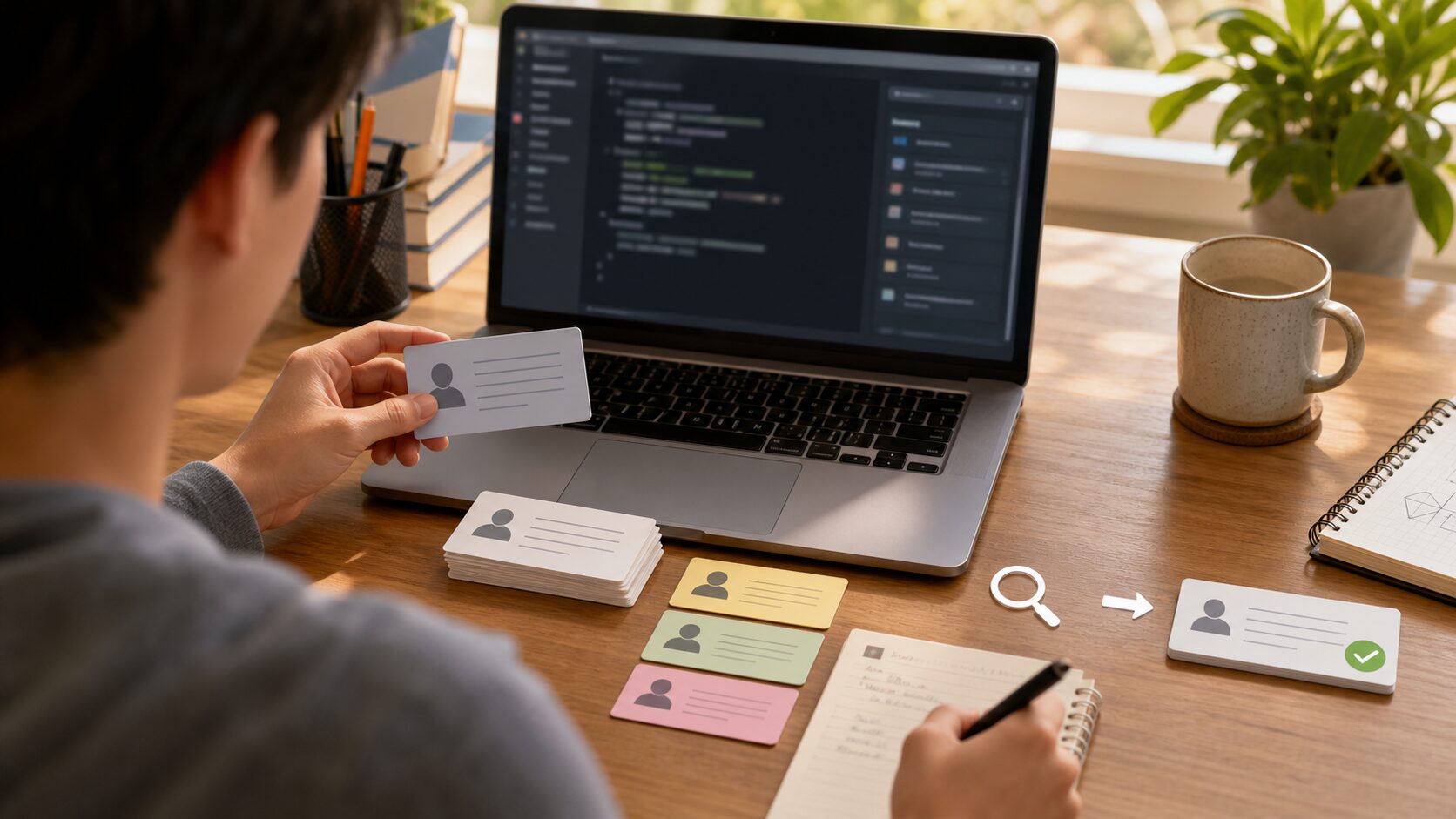
    Python Beginner Lesson 7: Managing Labeled Data with Dictionaries and Sets - A contact-search example is a good way to learn the feel of finding a phone-number value through a name key.
    A contact-search example is a good way to learn the feel of finding a phone-number value through a name key.

    A contact-search example is a good way to learn the feel of finding a phone-number value through a name key.

    contacts = {
        "Minsu": "010-1111-2222",
        "Jiyoung": "010-3333-4444",
    }
    contacts["Seoyeon"] = "010-5555-6666"
    
    name = input("Name to search: ")
    print(contacts.get(name, "No contact found."))
    
    emails = ["a@test.com", "b@test.com", "a@test.com"]
    unique_emails = set(emails)
    print(unique_emails)

    Understand the Code Line by Line

    • contacts stores names as keys and phone numbers as values.
    • contacts[“Seoyeon”] adds a new contact.
    • get() shows a default message instead of an error when the key does not exist.
    • set() removes duplicates from the email list.

    At this stage, the important thing is the “reading order” of the code. Python runs from top to bottom. Even when there are exceptional flows such as functions or conditionals, beginners should first get used to the basic top-to-bottom flow.

    Change Values and Check the Result

    If the example code ran successfully, now change only a very small part. Start with small changes such as one number, one string, or one variable name so errors are easier to find. After each change, always save and run the code again.

    Part to changeWhat to check
    Input value or variable valueCheck how the result sentence changes.
    Output sentenceCheck whether it becomes a friendlier explanation for the user.
    Code orderCheck whether changing the order causes an error or changes the result.

    Common Errors and How to Fix Them

    Error or situationWhy it happensHow to fix it
    KeyErrorThis is a common beginner-level problem.It occurs when you directly look up a missing key with square brackets.
    Duplicate keysThis is a common beginner-level problem.If you add the same key again, the existing value is overwritten.
    Expecting orderThis is a common beginner-level problem.Sets are mainly for removing duplicates, so use a list if order matters.

    When an error appears, first look at the last line of the error message. Then check the file name and line number. Most beginner errors come from parentheses, quotation marks, indentation, variable names, and type conversion.

    Practice Problems to Try on Your Own

    • Store student names and scores in a dictionary.
    • Use items() to print every name and score.
    • Leave only unique tags from a list that contains duplicates.

    When solving practice problems, do not search for the answer code right away. First write the input, processing, and output flow on paper. Once the flow is visible, the code becomes much easier to write.

    Where Does This Connect in Real Work?

    Dictionaries and sets does not end with a small example. It keeps appearing in business automation when organizing files, in data analysis when reading table data, and in web API work when handling response values. The beginner syntax you learn now also becomes the basic language for using tools such as pandas, requests, and FastAPI later.

    An Analogy for Beginners

    When you first see dictionaries and sets, syntax symbols may catch your eye before anything else. But if you see syntax only as symbols, you get tired quickly. A better method is to understand it by role. The core of this lesson is store data in key-value structures and remove duplicates. In other words, you are practicing how to decide what task to give Python and write the processing order as code.

    Think of a cooking recipe. You prepare ingredients, process them in order, control the heat, and finally put the result on a plate. Python code is similar. You prepare the necessary values, process them in a defined order, and print or save the result. For beginners, developing this sense of order is most important.

    Follow the Execution Flow Visually

    Before running code, divide your thinking into the three columns below. This habit helps not only with simple examples but also later when you build longer projects.

    SectionCheck questionMeaning in this lesson
    InputWhat value does the program receive first?Values entered by the user or written in advance in the dictionaries and sets example.
    ProcessingWhat calculation or decision is made?The part Python runs in order to achieve: store data in key-value structures and remove duplicates.
    OutputWhat result does the user check?This may be a print result, saved file, generated graph, or changed data.

    Simply filling in this table yourself improves your code-reading ability. Beginners often struggle because they do not know syntax, but more often because they cannot separate input, processing, and output flow.

    Debugging Routine: What to Check When an Error Happens

    When an error occurs, do not delete code at random. If you check in the following order, you can find most beginner errors on your own.

    • Read the last line of the error message.
    • Check the file name and line number.
    • On that line, check whether parentheses, quotation marks, colons, and commas match.
    • Check whether the variable name is exactly the same as the name defined earlier.
    • Check whether a value that should be calculated as a number is still a string.
    • Undo the part you just changed and run the code again.

    If you repeat this routine, errors begin to look less scary and more like clues. Python skill grows more from reading and fixing errors than from avoiding errors.

    Application Direction: Grow Today’s Lesson a Little Further

    Once you are comfortable with this example, keep dictionaries and sets as the base and change one thing among the input value, output message, storage method, or repeat count. You do not need to build a completely new example. At the beginner stage, many small variations are best.

    • Change the variable names in the example to make them more meaningful.
    • Refine the output sentence so it reads like a guide shown to a real user.
    • Intentionally test what happens when invalid input is entered.
    • Explain the code with comments and check what you understand.
    • Try making the same result in a slightly different way.

    Lesson Checkpoints

    • ☐ I can explain in words why dictionaries and sets is needed.
    • ☐ I ran the example code myself.
    • ☐ I can explain the role of at least three lines of code.
    • ☐ When an error occurred, I checked the last line and the line number.
    • ☐ I changed and ran at least one practice problem on my own.

    Related Articles

    FAQ

    Can I follow Python dictionaries and sets even if I am completely new to Python?

    Yes. This lesson is written for readers who are learning programming for the first time. Focus on understanding the execution result and flow rather than memorizing the code.

    I followed the example exactly, but I get an error. What should I check first?

    Check parentheses, quotation marks, colons, indentation, and variable names first. Many beginner errors happen because quotation marks were entered strangely or a variable name differs by one character.

    The example code looks too short. Should I study longer code?

    At the beginner level, short code is better. The most stable way to improve is to understand short code accurately, then change values and add features one by one.

    What should I do next?

    Change and run at least one practice problem from this lesson. Then move to the next lesson, where the concepts you learned earlier will appear again naturally.

    Next Lesson Preview

    The next lesson is Python Beginner Lesson 8: Searching, Splitting, and Cleaning Strings. Based on the flow you practiced here, you will explore string processing in more detail.

    References

    Original Korean article: https://www.thinknote.co.kr/python-beginner-07-dictionary-set/

  • Python Beginner Lesson 8: Searching, Splitting, and Cleaning Strings

    In Python Beginner Lesson 8, we cover string processing in detail at a beginner-friendly level. The final goal of this lesson is to search, split, clean, and combine text. Instead of stopping at copying code, we also check why this syntax is used and where beginners often make mistakes.

    In business automation and data analysis, the data you meet most often is text. It is important to remove spaces, split words, and replace unnecessary symbols. Today’s example is small, but it becomes a basic skeleton for later automation, data analysis, and web API learning.

    What You Will Learn in This Lesson

    • Core topic: string processing
    • Today’s goal: search, split, clean, and combine text
    • Practice flow: understand the concept → run the example → review the code → try an applied task
    • Recommended study time: 30–50 minutes

    Understand the Big Picture First

    Python Beginner Lesson 8: Searching, Splitting, and Cleaning Strings - String processing means cleaning scattered text into a form that is easier for a program to handle.
    String processing means cleaning scattered text into a form that is easier for a program to handle.

    When learning string processing, the most important thing is not memorizing grammar names. You need to understand what role this concept plays inside a real program. At the beginner stage, keep asking the following three questions.

    • Where did this value come from?
    • In what order does this code run?
    • Where should I save the result if I want to use it again?

    Look Closely at the Core Concepts

    • Strings are also ordered data, so indexing and slicing are possible.
    • strip() removes whitespace from both ends.
    • split() divides a string, and join() combines it again.
    • replace() changes a specific string into another string.

    At first, explanations alone may feel abstract. That is why it is helpful to run the example below right away and check the concept with your own eyes.

    Beginner Terms You Should Know

    TermSimple explanation
    MethodA function used by adding a dot after a value
    DelimiterA character used as the standard for splitting a string
    NormalizationThe process of unifying a format so it is easier to compare or process

    Practice Setup

    Create a new Python file and run the example below. Using lowercase English letters and numbers in the file name helps reduce errors. For example, save it as lesson.py or practice_01.py. After entering the code, do not change many things at once. Change it little by little while checking the result each time.

    Example Code

    Python Beginner Lesson 8: Searching, Splitting, and Cleaning Strings - When you remove spaces, convert case, split, and join in order, you can see how text data becomes organized.
    When you remove spaces, convert case, split, and join in order, you can see how text data becomes organized.

    When you remove spaces, convert case, split, and join in order, you can see how text data becomes organized.

    raw = "  Python, Data, Automation  "
    clean = raw.strip().lower()
    items = clean.split(",")
    items = [item.strip() for item in items]
    print(items)
    print(" / ".join(items))
    
    sentence = "Python is fun. Python is practical."
    print(sentence.replace("Python", "Python programming"))

    Understand the Code Line by Line

    • strip() removes leading and trailing spaces.
    • lower() unifies uppercase and lowercase letters.
    • split(“,”) divides the string by commas.
    • A list comprehension cleans the spaces around each word again.

    At this stage, the important thing is the “reading order” of the code. Python runs from top to bottom. Even when there are exceptional flows such as functions or conditionals, beginners should first get used to the basic top-to-bottom flow.

    Change Values and Check the Result

    If the example code ran successfully, now change only a very small part. Start with small changes such as one number, one string, or one variable name so errors are easier to find. After each change, always save and run the code again.

    Part to changeWhat to check
    Input value or variable valueCheck how the result sentence changes.
    Output sentenceCheck whether it becomes a friendlier explanation for the user.
    Code orderCheck whether changing the order causes an error or changes the result.

    Common Errors and How to Fix Them

    Error or situationWhy it happensHow to fix it
    AttributeErrorThis is a common beginner-level problem.It occurs when you use a string method on a value that is not a string.
    Mistaking the original as changedThis is a common beginner-level problem.String methods return a new string, so you need to store the result back in a variable.
    Case-sensitive search failureThis is a common beginner-level problem.It is convenient to unify text with lower() before searching.

    When an error appears, first look at the last line of the error message. Then check the file name and line number. Most beginner errors come from parentheses, quotation marks, indentation, variable names, and type conversion.

    Practice Problems to Try on Your Own

    • Remove leading and trailing spaces from an email address and convert it to lowercase.
    • Split a sentence by spaces and count the words.
    • Remove hyphens from a phone number.

    When solving practice problems, do not search for the answer code right away. First write the input, processing, and output flow on paper. Once the flow is visible, the code becomes much easier to write.

    Where Does This Connect in Real Work?

    String processing does not end with a small example. It keeps appearing in business automation when organizing files, in data analysis when reading table data, and in web API work when handling response values. The beginner syntax you learn now also becomes the basic language for using tools such as pandas, requests, and FastAPI later.

    An Analogy for Beginners

    When you first see string processing, syntax symbols may catch your eye before anything else. But if you see syntax only as symbols, you get tired quickly. A better method is to understand it by role. The core of this lesson is search, split, clean, and combine text. In other words, you are practicing how to decide what task to give Python and write the processing order as code.

    Think of a cooking recipe. You prepare ingredients, process them in order, control the heat, and finally put the result on a plate. Python code is similar. You prepare the necessary values, process them in a defined order, and print or save the result. For beginners, developing this sense of order is most important.

    Follow the Execution Flow Visually

    Before running code, divide your thinking into the three columns below. This habit helps not only with simple examples but also later when you build longer projects.

    SectionCheck questionMeaning in this lesson
    InputWhat value does the program receive first?Values entered by the user or written in advance in the string processing example.
    ProcessingWhat calculation or decision is made?The part Python runs in order to achieve: search, split, clean, and combine text.
    OutputWhat result does the user check?This may be a print result, saved file, generated graph, or changed data.

    Simply filling in this table yourself improves your code-reading ability. Beginners often struggle because they do not know syntax, but more often because they cannot separate input, processing, and output flow.

    Debugging Routine: What to Check When an Error Happens

    When an error occurs, do not delete code at random. If you check in the following order, you can find most beginner errors on your own.

    • Read the last line of the error message.
    • Check the file name and line number.
    • On that line, check whether parentheses, quotation marks, colons, and commas match.
    • Check whether the variable name is exactly the same as the name defined earlier.
    • Check whether a value that should be calculated as a number is still a string.
    • Undo the part you just changed and run the code again.

    If you repeat this routine, errors begin to look less scary and more like clues. Python skill grows more from reading and fixing errors than from avoiding errors.

    Application Direction: Grow Today’s Lesson a Little Further

    Once you are comfortable with this example, keep string processing as the base and change one thing among the input value, output message, storage method, or repeat count. You do not need to build a completely new example. At the beginner stage, many small variations are best.

    • Change the variable names in the example to make them more meaningful.
    • Refine the output sentence so it reads like a guide shown to a real user.
    • Intentionally test what happens when invalid input is entered.
    • Explain the code with comments and check what you understand.
    • Try making the same result in a slightly different way.

    Lesson Checkpoints

    • ☐ I can explain in words why string processing is needed.
    • ☐ I ran the example code myself.
    • ☐ I can explain the role of at least three lines of code.
    • ☐ When an error occurred, I checked the last line and the line number.
    • ☐ I changed and ran at least one practice problem on my own.

    Related Articles

    FAQ

    Can I follow Python string processing even if I am completely new to Python?

    Yes. This lesson is written for readers who are learning programming for the first time. Focus on understanding the execution result and flow rather than memorizing the code.

    I followed the example exactly, but I get an error. What should I check first?

    Check parentheses, quotation marks, colons, indentation, and variable names first. Many beginner errors happen because quotation marks were entered strangely or a variable name differs by one character.

    The example code looks too short. Should I study longer code?

    At the beginner level, short code is better. The most stable way to improve is to understand short code accurately, then change values and add features one by one.

    What should I do next?

    Change and run at least one practice problem from this lesson. Then move to the next lesson, where the concepts you learned earlier will appear again naturally.

    Next Lesson Preview

    The next lesson is Python Beginner Lesson 9: Splitting Repeated Code into Functions. Based on the flow you practiced here, you will explore functions in more detail.

    References

    Original Korean article: https://www.thinknote.co.kr/python-beginner-08-string-processing/

  • Python Beginner Lesson 9: Splitting Repeated Code into Functions

    In Python Beginner Lesson 9, we cover functions in detail at a beginner-friendly level. The final goal of this lesson is to separate repeated code into named features. Instead of stopping at copying code, we also check why this syntax is used and where beginners often make mistakes.

    As code grows longer, you often use the same calculation several times. A function is the most basic tool for reducing repetition and dividing a program into readable units. Today’s example is small, but it becomes a basic skeleton for later automation, data analysis, and web API learning.

    What You Will Learn in This Lesson

    • Core topic: functions
    • Today’s goal: separate repeated code into named features
    • Practice flow: understand the concept → run the example → review the code → try an applied task
    • Recommended study time: 30–50 minutes

    Understand the Big Picture First

    Python Beginner Lesson 9: Splitting Repeated Code into Functions - A function turns repeated work into a small part that you can reuse when needed.
    A function turns repeated work into a small part that you can reuse when needed.

    When learning functions, the most important thing is not memorizing grammar names. You need to understand what role this concept plays inside a real program. At the beginner stage, keep asking the following three questions.

    • Where did this value come from?
    • In what order does this code run?
    • Where should I save the result if I want to use it again?

    Look Closely at the Core Concepts

    • A function is defined with def.
    • A parameter is an input value that comes into a function.
    • return sends the result calculated by a function back outside.
    • Function names should reveal the action they perform.

    At first, explanations alone may feel abstract. That is why it is helpful to run the example below right away and check the concept with your own eyes.

    Beginner Terms You Should Know

    TermSimple explanation
    ParameterA value a function definition is prepared to receive
    ArgumentThe actual value passed when calling a function
    Return valueThe result a function gives back

    Practice Setup

    Create a new Python file and run the example below. Using lowercase English letters and numbers in the file name helps reduce errors. For example, save it as lesson.py or practice_01.py. After entering the code, do not change many things at once. Change it little by little while checking the result each time.

    Example Code

    Python Beginner Lesson 9: Splitting Repeated Code into Functions - When you group repeated calculations such as tax calculation into a function, the meaning of the code becomes clearer and it is easier to modify.
    When you group repeated calculations such as tax calculation into a function, the meaning of the code becomes clearer and it is easier to modify.

    When you group repeated calculations such as tax calculation into a function, the meaning of the code becomes clearer and it is easier to modify.

    def add_tax(price, tax_rate=0.1):
        total = price * (1 + tax_rate)
        return int(total)
    
    def print_receipt(product, price):
        final_price = add_tax(price)
        print(f"{product}: {final_price} KRW")
    
    print_receipt("Keyboard", 30000)
    print_receipt("Mouse", 15000)

    Understand the Code Line by Line

    • The add_tax function receives a price and tax rate, then calculates the final amount.
    • tax_rate=0.1 is a default value. If no value is passed separately, 10% is used.
    • The print_receipt function calls add_tax again.
    • When functions are connected to each other, the program structure becomes cleaner.

    At this stage, the important thing is the “reading order” of the code. Python runs from top to bottom. Even when there are exceptional flows such as functions or conditionals, beginners should first get used to the basic top-to-bottom flow.

    Change Values and Check the Result

    If the example code ran successfully, now change only a very small part. Start with small changes such as one number, one string, or one variable name so errors are easier to find. After each change, always save and run the code again.

    Part to changeWhat to check
    Input value or variable valueCheck how the result sentence changes.
    Output sentenceCheck whether it becomes a friendlier explanation for the user.
    Code orderCheck whether changing the order causes an error or changes the result.

    Common Errors and How to Fix Them

    Error or situationWhy it happensHow to fix it
    NameErrorThis is a common beginner-level problem.It occurs when you call a function before defining it or type the name incorrectly.
    Missing returnThis is a common beginner-level problem.If you want to reuse a calculated result, you need return.
    Wrong number of parametersThis is a common beginner-level problem.The number of arguments passed must match the number the function requires.

    When an error appears, first look at the last line of the error message. Then check the file name and line number. Most beginner errors come from parentheses, quotation marks, indentation, variable names, and type conversion.

    Practice Problems to Try on Your Own

    • Create a function that receives two numbers and returns their average.
    • Create a function that receives a string, removes spaces from both ends, and converts it to lowercase.
    • Check the difference between a function that only prints and a function that returns a value.

    When solving practice problems, do not search for the answer code right away. First write the input, processing, and output flow on paper. Once the flow is visible, the code becomes much easier to write.

    Where Does This Connect in Real Work?

    Functions does not end with a small example. It keeps appearing in business automation when organizing files, in data analysis when reading table data, and in web API work when handling response values. The beginner syntax you learn now also becomes the basic language for using tools such as pandas, requests, and FastAPI later.

    An Analogy for Beginners

    When you first see functions, syntax symbols may catch your eye before anything else. But if you see syntax only as symbols, you get tired quickly. A better method is to understand it by role. The core of this lesson is separate repeated code into named features. In other words, you are practicing how to decide what task to give Python and write the processing order as code.

    Think of a cooking recipe. You prepare ingredients, process them in order, control the heat, and finally put the result on a plate. Python code is similar. You prepare the necessary values, process them in a defined order, and print or save the result. For beginners, developing this sense of order is most important.

    Follow the Execution Flow Visually

    Before running code, divide your thinking into the three columns below. This habit helps not only with simple examples but also later when you build longer projects.

    SectionCheck questionMeaning in this lesson
    InputWhat value does the program receive first?Values entered by the user or written in advance in the functions example.
    ProcessingWhat calculation or decision is made?The part Python runs in order to achieve: separate repeated code into named features.
    OutputWhat result does the user check?This may be a print result, saved file, generated graph, or changed data.

    Simply filling in this table yourself improves your code-reading ability. Beginners often struggle because they do not know syntax, but more often because they cannot separate input, processing, and output flow.

    Debugging Routine: What to Check When an Error Happens

    When an error occurs, do not delete code at random. If you check in the following order, you can find most beginner errors on your own.

    • Read the last line of the error message.
    • Check the file name and line number.
    • On that line, check whether parentheses, quotation marks, colons, and commas match.
    • Check whether the variable name is exactly the same as the name defined earlier.
    • Check whether a value that should be calculated as a number is still a string.
    • Undo the part you just changed and run the code again.

    If you repeat this routine, errors begin to look less scary and more like clues. Python skill grows more from reading and fixing errors than from avoiding errors.

    Application Direction: Grow Today’s Lesson a Little Further

    Once you are comfortable with this example, keep functions as the base and change one thing among the input value, output message, storage method, or repeat count. You do not need to build a completely new example. At the beginner stage, many small variations are best.

    • Change the variable names in the example to make them more meaningful.
    • Refine the output sentence so it reads like a guide shown to a real user.
    • Intentionally test what happens when invalid input is entered.
    • Explain the code with comments and check what you understand.
    • Try making the same result in a slightly different way.

    Lesson Checkpoints

    • ☐ I can explain in words why functions is needed.
    • ☐ I ran the example code myself.
    • ☐ I can explain the role of at least three lines of code.
    • ☐ When an error occurred, I checked the last line and the line number.
    • ☐ I changed and ran at least one practice problem on my own.

    Related Articles

    FAQ

    Can I follow Python functions even if I am completely new to Python?

    Yes. This lesson is written for readers who are learning programming for the first time. Focus on understanding the execution result and flow rather than memorizing the code.

    I followed the example exactly, but I get an error. What should I check first?

    Check parentheses, quotation marks, colons, indentation, and variable names first. Many beginner errors happen because quotation marks were entered strangely or a variable name differs by one character.

    The example code looks too short. Should I study longer code?

    At the beginner level, short code is better. The most stable way to improve is to understand short code accurately, then change values and add features one by one.

    What should I do next?

    Change and run at least one practice problem from this lesson. Then move to the next lesson, where the concepts you learned earlier will appear again naturally.

    Next Lesson Preview

    The next lesson is Python Beginner Lesson 10: Console To-Do List Mini Project. Based on the flow you practiced here, you will explore the console To-Do project in more detail.

    References

    Original Korean article: https://www.thinknote.co.kr/python-beginner-09-functions/

  • Python Beginner Lesson 10: Console To-Do List Mini Project

    In Python Beginner Lesson 10, we cover console To-Do project in detail at a beginner-friendly level. The final goal of this lesson is to combine variables, conditionals, loops, lists, and functions to complete a small app. Instead of stopping at copying code, we also check why this syntax is used and where beginners often make mistakes.

    When you learn syntax separately, it may seem clear, but connecting it in a real program can feel confusing. A mini project trains you to connect the basics into one flow. Today’s example is small, but it becomes a basic skeleton for later automation, data analysis, and web API learning.

    What You Will Learn in This Lesson

    • Core topic: console To-Do project
    • Today’s goal: combine variables, conditionals, loops, lists, and functions to complete a small app
    • Practice flow: understand the concept → run the example → review the code → try an applied task
    • Recommended study time: 30–50 minutes

    Understand the Big Picture First

    Python Beginner Lesson 10: Console To-Do List Mini Project - The To-Do project connects lists, dictionaries, functions, and loops inside one small program.
    The To-Do project connects lists, dictionaries, functions, and loops inside one small program.

    When learning console To-Do project, the most important thing is not memorizing grammar names. You need to understand what role this concept plays inside a real program. At the beginner stage, keep asking the following three questions.

    • Where did this value come from?
    • In what order does this code run?
    • Where should I save the result if I want to use it again?

    Look Closely at the Core Concepts

    • A project becomes easier when you decide the feature list first.
    • To-Do data can be represented by putting dictionaries inside a list.
    • If you divide adding, showing, and completing tasks into functions, the code is easier to manage even when it grows longer.

    At first, explanations alone may feel abstract. That is why it is helpful to run the example below right away and check the concept with your own eyes.

    Beginner Terms You Should Know

    TermSimple explanation
    CRUDCreate, Read, Update, Delete: the basic operations for making, reading, modifying, and deleting data
    Menu loopA structure that repeatedly shows a menu until the user chooses to exit
    State valueA value that represents the current state of data, such as whether a task is complete

    Practice Setup

    Create a new Python file and run the example below. Using lowercase English letters and numbers in the file name helps reduce errors. For example, save it as lesson.py or practice_01.py. After entering the code, do not change many things at once. Change it little by little while checking the result each time.

    Example Code

    Python Beginner Lesson 10: Console To-Do List Mini Project - When you directly test adding tasks, viewing the list, and marking completion, you can understand how a program changes state.
    When you directly test adding tasks, viewing the list, and marking completion, you can understand how a program changes state.

    When you directly test adding tasks, viewing the list, and marking completion, you can understand how a program changes state.

    todos = []
    
    def add_todo(text):
        todos.append({"text": text, "done": False})
    
    def show_todos():
        if not todos:
            print("No tasks have been registered.")
            return
        for i, todo in enumerate(todos, start=1):
            mark = "Done" if todo["done"] else "In progress"
            print(f"{i}. [{mark}] {todo['text']}")
    
    def complete_todo(number):
        index = number - 1
        if 0 <= index < len(todos):
            todos[index]["done"] = True
    
    add_todo("Review Python Lesson 10")
    add_todo("Review loops again")
    complete_todo(1)
    show_todos()

    Understand the Code Line by Line

    • The todos list stores every task.
    • Each task is a dictionary with text and done.
    • enumerate(…, start=1) is used to show numbers starting from 1 to the user.
    • Because the number chosen by the user is 1 greater than the list index, number – 1 is calculated.

    At this stage, the important thing is the “reading order” of the code. Python runs from top to bottom. Even when there are exceptional flows such as functions or conditionals, beginners should first get used to the basic top-to-bottom flow.

    Change Values and Check the Result

    If the example code ran successfully, now change only a very small part. Start with small changes such as one number, one string, or one variable name so errors are easier to find. After each change, always save and run the code again.

    Part to changeWhat to check
    Input value or variable valueCheck how the result sentence changes.
    Output sentenceCheck whether it becomes a friendlier explanation for the user.
    Code orderCheck whether changing the order causes an error or changes the result.

    Common Errors and How to Fix Them

    Error or situationWhy it happensHow to fix it
    IndexErrorThis is a common beginner-level problem.It occurs when the user number and the list index are not matched correctly.
    Too many features in one functionThis is a common beginner-level problem.Dividing code into functions by feature makes it easier to modify.
    Confusing data structuresThis is a common beginner-level problem.Decide first whether one task should be a string or a dictionary.

    When an error appears, first look at the last line of the error message. Then check the file name and line number. Most beginner errors come from parentheses, quotation marks, indentation, variable names, and type conversion.

    Practice Problems to Try on Your Own

    • Add a delete feature.
    • Repeat the menu with a while loop.
    • After the next lesson, add a feature that saves tasks to a file.

    When solving practice problems, do not search for the answer code right away. First write the input, processing, and output flow on paper. Once the flow is visible, the code becomes much easier to write.

    Where Does This Connect in Real Work?

    Console to-do project does not end with a small example. It keeps appearing in business automation when organizing files, in data analysis when reading table data, and in web API work when handling response values. The beginner syntax you learn now also becomes the basic language for using tools such as pandas, requests, and FastAPI later.

    An Analogy for Beginners

    When you first see console To-Do project, syntax symbols may catch your eye before anything else. But if you see syntax only as symbols, you get tired quickly. A better method is to understand it by role. The core of this lesson is combine variables, conditionals, loops, lists, and functions to complete a small app. In other words, you are practicing how to decide what task to give Python and write the processing order as code.

    Think of a cooking recipe. You prepare ingredients, process them in order, control the heat, and finally put the result on a plate. Python code is similar. You prepare the necessary values, process them in a defined order, and print or save the result. For beginners, developing this sense of order is most important.

    Follow the Execution Flow Visually

    Before running code, divide your thinking into the three columns below. This habit helps not only with simple examples but also later when you build longer projects.

    SectionCheck questionMeaning in this lesson
    InputWhat value does the program receive first?Values entered by the user or written in advance in the console To-Do project example.
    ProcessingWhat calculation or decision is made?The part Python runs in order to achieve: combine variables, conditionals, loops, lists, and functions to complete a small app.
    OutputWhat result does the user check?This may be a print result, saved file, generated graph, or changed data.

    Simply filling in this table yourself improves your code-reading ability. Beginners often struggle because they do not know syntax, but more often because they cannot separate input, processing, and output flow.

    Debugging Routine: What to Check When an Error Happens

    When an error occurs, do not delete code at random. If you check in the following order, you can find most beginner errors on your own.

    • Read the last line of the error message.
    • Check the file name and line number.
    • On that line, check whether parentheses, quotation marks, colons, and commas match.
    • Check whether the variable name is exactly the same as the name defined earlier.
    • Check whether a value that should be calculated as a number is still a string.
    • Undo the part you just changed and run the code again.

    If you repeat this routine, errors begin to look less scary and more like clues. Python skill grows more from reading and fixing errors than from avoiding errors.

    Application Direction: Grow Today’s Lesson a Little Further

    Once you are comfortable with this example, keep console To-Do project as the base and change one thing among the input value, output message, storage method, or repeat count. You do not need to build a completely new example. At the beginner stage, many small variations are best.

    • Change the variable names in the example to make them more meaningful.
    • Refine the output sentence so it reads like a guide shown to a real user.
    • Intentionally test what happens when invalid input is entered.
    • Explain the code with comments and check what you understand.
    • Try making the same result in a slightly different way.

    Lesson Checkpoints

    • ☐ I can explain in words why console To-Do project is needed.
    • ☐ I ran the example code myself.
    • ☐ I can explain the role of at least three lines of code.
    • ☐ When an error occurred, I checked the last line and the line number.
    • ☐ I changed and ran at least one practice problem on my own.

    Related Articles

    FAQ

    Can I follow Python console To-Do project even if I am completely new to Python?

    Yes. This lesson is written for readers who are learning programming for the first time. Focus on understanding the execution result and flow rather than memorizing the code.

    I followed the example exactly, but I get an error. What should I check first?

    Check parentheses, quotation marks, colons, indentation, and variable names first. Many beginner errors happen because quotation marks were entered strangely or a variable name differs by one character.

    The example code looks too short. Should I study longer code?

    At the beginner level, short code is better. The most stable way to improve is to understand short code accurately, then change values and add features one by one.

    What should I do next?

    Change and run at least one practice problem from this lesson. Then move to the next lesson, where the concepts you learned earlier will appear again naturally.

    Next Lesson Preview

    The next lesson is Python Beginner Lesson 11: Understanding Modules, Packages, and import. Based on the flow you practiced here, you will explore modules and packages in more detail.

    References

    Original Korean article: https://www.thinknote.co.kr/python-beginner-10-console-todo-project/

  • Python Beginner Lesson 11: Understanding Modules, Packages, and import

    In Python Beginner Lesson 11, we cover modules and packages in detail at a beginner-friendly level. The final goal of this lesson is to import and use features made by others and the standard library. Instead of stopping at copying code, we also check why this syntax is used and where beginners often make mistakes.

    You do not need to build every feature yourself. Python’s power comes from using the standard library and external packages appropriately. Today’s example is small, but it becomes a basic skeleton for later automation, data analysis, and web API learning.

    What You Will Learn in This Lesson

    • Core topic: modules and packages
    • Today’s goal: import and use features made by others and the standard library
    • Practice flow: understand the concept → run the example → review the code → try an applied task
    • Recommended study time: 30–50 minutes

    Understand the Big Picture First

    Python Beginner Lesson 11: Understanding Modules, Packages, and import - Modules and packages are a way to bring already-made toolboxes into your own code.
    Modules and packages are a way to bring already-made toolboxes into your own code.

    When learning modules and packages, the most important thing is not memorizing grammar names. You need to understand what role this concept plays inside a real program. At the beginner stage, keep asking the following three questions.

    • Where did this value come from?
    • In what order does this code run?
    • Where should I save the result if I want to use it again?

    Look Closely at the Core Concepts

    • A module is a file that contains Python code.
    • A package groups related modules in a folder structure.
    • The standard library is provided together with the Python installation.
    • pip is a tool used to install external packages.

    At first, explanations alone may feel abstract. That is why it is helpful to run the example below right away and check the concept with your own eyes.

    Beginner Terms You Should Know

    TermSimple explanation
    importSyntax for bringing in features from another module
    Standard libraryA collection of modules included with the basic Python installation
    pipA tool for installing external packages

    Practice Setup

    Create a new Python file and run the example below. Using lowercase English letters and numbers in the file name helps reduce errors. For example, save it as lesson.py or practice_01.py. After entering the code, do not change many things at once. Change it little by little while checking the result each time.

    Example Code

    Python Beginner Lesson 11: Understanding Modules, Packages, and import - By importing frequently used features such as random numbers and dates, you can quickly build small programs.
    By importing frequently used features such as random numbers and dates, you can quickly build small programs.

    By importing frequently used features such as random numbers and dates, you can quickly build small programs.

    import random
    from datetime import date
    
    answer = random.randint(1, 10)
    guess = int(input("Number between 1 and 10: "))
    
    if guess == answer:
        print("Correct!")
    else:
        print(f"Too bad. The answer is {answer}.")
    
    print("Today:", date.today())

    Understand the Code Line by Line

    • The random module is imported to create a random number.
    • randint(1, 10) returns an integer between 1 and 10.
    • Only date is imported from the datetime module to print today’s date.
    • When you import the tools you need, you can use features without building them yourself.

    At this stage, the important thing is the “reading order” of the code. Python runs from top to bottom. Even when there are exceptional flows such as functions or conditionals, beginners should first get used to the basic top-to-bottom flow.

    Change Values and Check the Result

    If the example code ran successfully, now change only a very small part. Start with small changes such as one number, one string, or one variable name so errors are easier to find. After each change, always save and run the code again.

    Part to changeWhat to check
    Input value or variable valueCheck how the result sentence changes.
    Output sentenceCheck whether it becomes a friendlier explanation for the user.
    Code orderCheck whether changing the order causes an error or changes the result.

    Common Errors and How to Fix Them

    Error or situationWhy it happensHow to fix it
    ModuleNotFoundErrorThis is a common beginner-level problem.It occurs when you import an external package that is not installed.
    File-name conflictThis is a common beginner-level problem.Problems can occur if you name your own file random.py, which conflicts with a standard module name.
    Virtual environment confusionThis is a common beginner-level problem.Check whether the package was installed in the same environment where you are running the code.

    When an error appears, first look at the last line of the error message. Then check the file name and line number. Most beginner errors come from parentheses, quotation marks, indentation, variable names, and type conversion.

    Practice Problems to Try on Your Own

    • Use the math module to calculate a square root.
    • Use random.choice() to randomly select one item from a list.
    • Run pip –version to check whether pip is installed.

    When solving practice problems, do not search for the answer code right away. First write the input, processing, and output flow on paper. Once the flow is visible, the code becomes much easier to write.

    Where Does This Connect in Real Work?

    Modules and packages does not end with a small example. It keeps appearing in business automation when organizing files, in data analysis when reading table data, and in web API work when handling response values. The beginner syntax you learn now also becomes the basic language for using tools such as pandas, requests, and FastAPI later.

    An Analogy for Beginners

    When you first see modules and packages, syntax symbols may catch your eye before anything else. But if you see syntax only as symbols, you get tired quickly. A better method is to understand it by role. The core of this lesson is import and use features made by others and the standard library. In other words, you are practicing how to decide what task to give Python and write the processing order as code.

    Think of a cooking recipe. You prepare ingredients, process them in order, control the heat, and finally put the result on a plate. Python code is similar. You prepare the necessary values, process them in a defined order, and print or save the result. For beginners, developing this sense of order is most important.

    Follow the Execution Flow Visually

    Before running code, divide your thinking into the three columns below. This habit helps not only with simple examples but also later when you build longer projects.

    SectionCheck questionMeaning in this lesson
    InputWhat value does the program receive first?Values entered by the user or written in advance in the modules and packages example.
    ProcessingWhat calculation or decision is made?The part Python runs in order to achieve: import and use features made by others and the standard library.
    OutputWhat result does the user check?This may be a print result, saved file, generated graph, or changed data.

    Simply filling in this table yourself improves your code-reading ability. Beginners often struggle because they do not know syntax, but more often because they cannot separate input, processing, and output flow.

    Debugging Routine: What to Check When an Error Happens

    When an error occurs, do not delete code at random. If you check in the following order, you can find most beginner errors on your own.

    • Read the last line of the error message.
    • Check the file name and line number.
    • On that line, check whether parentheses, quotation marks, colons, and commas match.
    • Check whether the variable name is exactly the same as the name defined earlier.
    • Check whether a value that should be calculated as a number is still a string.
    • Undo the part you just changed and run the code again.

    If you repeat this routine, errors begin to look less scary and more like clues. Python skill grows more from reading and fixing errors than from avoiding errors.

    Application Direction: Grow Today’s Lesson a Little Further

    Once you are comfortable with this example, keep modules and packages as the base and change one thing among the input value, output message, storage method, or repeat count. You do not need to build a completely new example. At the beginner stage, many small variations are best.

    • Change the variable names in the example to make them more meaningful.
    • Refine the output sentence so it reads like a guide shown to a real user.
    • Intentionally test what happens when invalid input is entered.
    • Explain the code with comments and check what you understand.
    • Try making the same result in a slightly different way.

    Lesson Checkpoints

    • ☐ I can explain in words why modules and packages is needed.
    • ☐ I ran the example code myself.
    • ☐ I can explain the role of at least three lines of code.
    • ☐ When an error occurred, I checked the last line and the line number.
    • ☐ I changed and ran at least one practice problem on my own.

    Related Articles

    FAQ

    Can I follow Python modules and packages even if I am completely new to Python?

    Yes. This lesson is written for readers who are learning programming for the first time. Focus on understanding the execution result and flow rather than memorizing the code.

    I followed the example exactly, but I get an error. What should I check first?

    Check parentheses, quotation marks, colons, indentation, and variable names first. Many beginner errors happen because quotation marks were entered strangely or a variable name differs by one character.

    The example code looks too short. Should I study longer code?

    At the beginner level, short code is better. The most stable way to improve is to understand short code accurately, then change values and add features one by one.

    What should I do next?

    Change and run at least one practice problem from this lesson. Then move to the next lesson, where the concepts you learned earlier will appear again naturally.

    Next Lesson Preview

    The next lesson is Python Beginner Lesson 12: Reading and Writing Files and CSV Basics. Based on the flow you practiced here, you will explore file handling and CSV in more detail.

    References

    Original Korean article: https://www.thinknote.co.kr/python-beginner-11-modules-packages/