
In Python Beginner Lesson 6, we cover lists and tuples in detail at a beginner-friendly level. The final goal of this lesson is to store multiple values in order and retrieve them when needed. Instead of stopping at copying code, we also check why this syntax is used and where beginners often make mistakes.
Few programs work with only one piece of data. Shopping lists, student rosters, and sales records all require multiple values, and that is where lists become useful. Today’s example is small, but it becomes a basic skeleton for later automation, data analysis, and web API learning.
What You Will Learn in This Lesson
- Core topic: lists and tuples
- Today’s goal: store multiple values in order and retrieve them when needed
- Practice flow: understand the concept → run the example → review the code → try an applied task
- Recommended study time: 30–50 minutes
Understand the Big Picture First
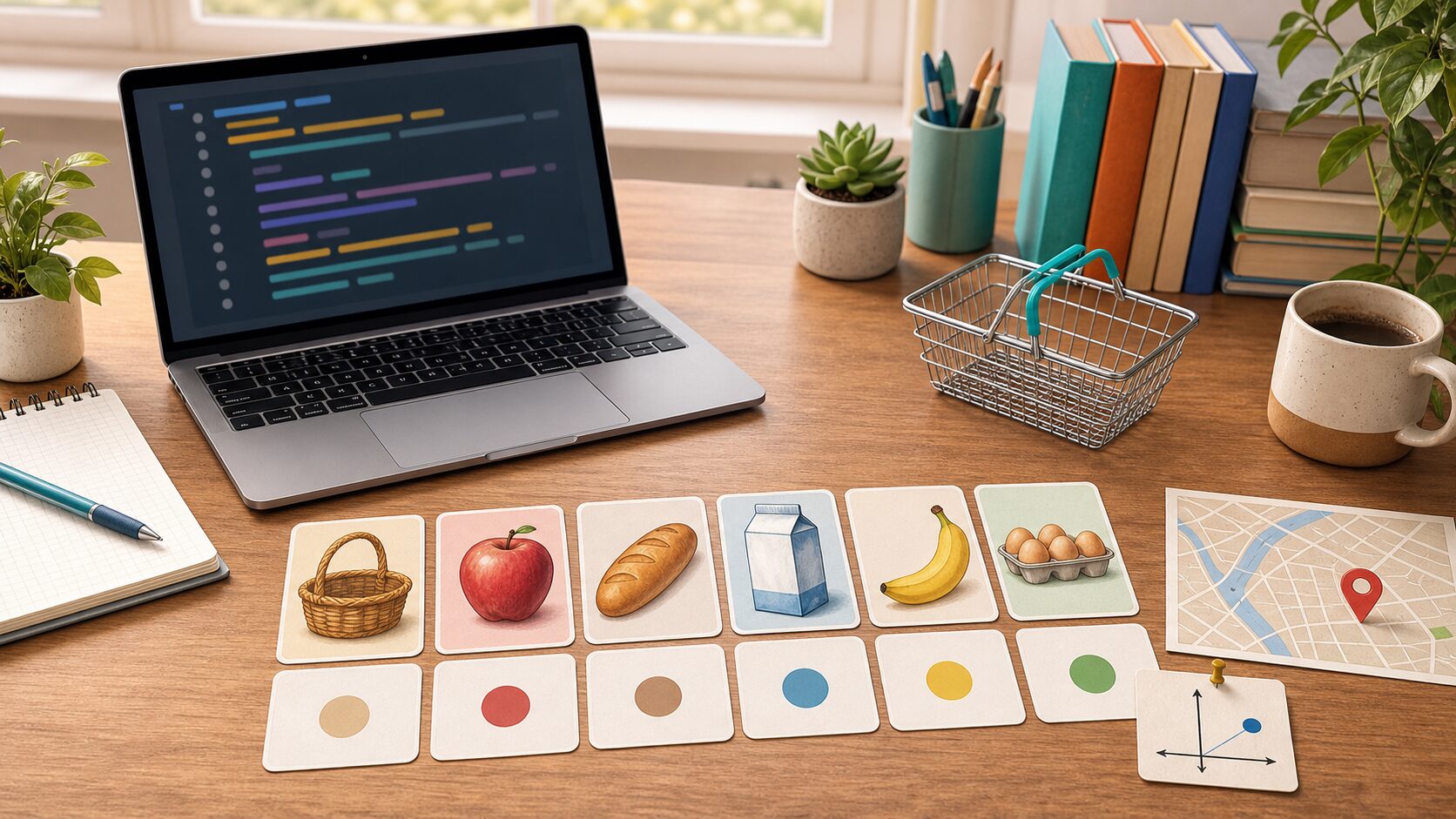
When learning lists and tuples, the most important thing is not memorizing grammar names. You need to understand what role this concept plays inside a real program. At the beginner stage, keep asking the following three questions.
- Where did this value come from?
- In what order does this code run?
- Where should I save the result if I want to use it again?
Look Closely at the Core Concepts
- A list stores multiple values in order.
- An index is a position number, and it starts at 0.
- Slicing is syntax for taking only part of a list.
- A tuple is suitable for data that should not change after it is created.
At first, explanations alone may feel abstract. That is why it is helpful to run the example below right away and check the concept with your own eyes.
Beginner Terms You Should Know
| Term | Simple explanation |
| Index | A number that represents the position of a value in a list |
| Slicing | Syntax for taking only a selected range from a sequence |
| Mutable/immutable | Lists can be changed, while tuples cannot be changed |
Practice Setup
Create a new Python file and run the example below. Using lowercase English letters and numbers in the file name helps reduce errors. For example, save it as lesson.py or practice_01.py. After entering the code, do not change many things at once. Change it little by little while checking the result each time.
Example Code
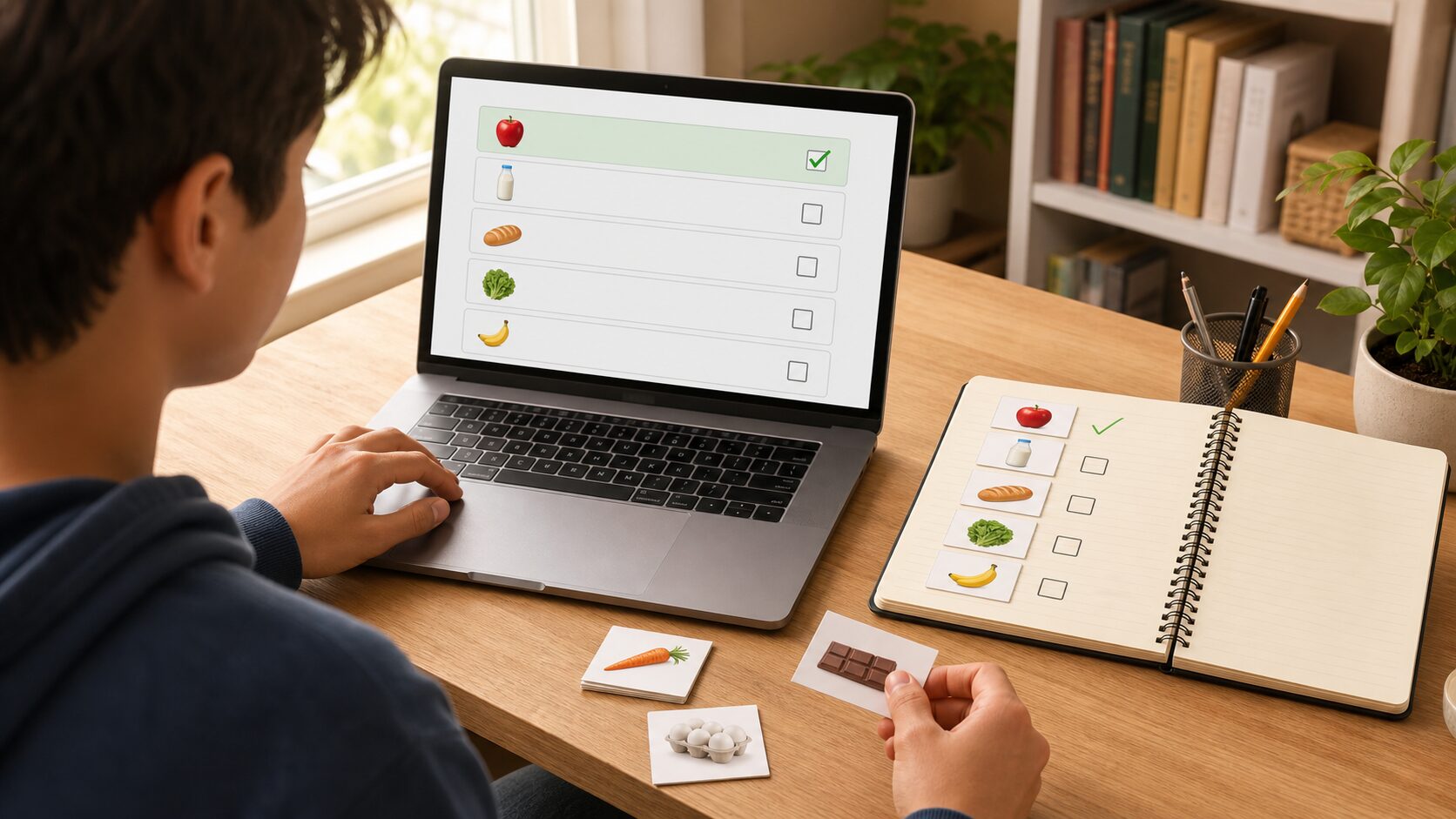
A shopping-list exercise where you add, delete, and review items in order helps you understand list operations in a practical situation.
shopping = ["milk", "eggs", "apples"]
shopping.append("coffee")
shopping.remove("eggs")

print("First item:", shopping[0])
print("Full list")
for item in shopping:
    print("-", item)

point = (37.5, 127.0)
print("Coordinates:", point)
Understand the Code Line by Line
- Lists are created with square brackets, and values are separated by commas.
- append() adds a value to the end.
- remove() removes the specified value.
- Tuples are created with parentheses and work well for fixed groups such as coordinates.
At this stage, the important thing is the “reading order” of the code. Python runs from top to bottom. Even when there are exceptional flows such as functions or conditionals, beginners should first get used to the basic top-to-bottom flow.
Change Values and Check the Result
If the example code ran successfully, now change only a very small part. Start with small changes such as one number, one string, or one variable name so errors are easier to find. After each change, always save and run the code again.
| Part to change | What to check |
| Input value or variable value | Check how the result sentence changes. |
| Output sentence | Check whether it becomes a friendlier explanation for the user. |
| Code order | Check whether changing the order causes an error or changes the result. |
Common Errors and How to Fix Them
| Error or situation | Why it happens | How to fix it |
| IndexError | This is a common beginner-level problem. | It occurs when you try to retrieve a position that does not exist. |
| remove failure | This is a common beginner-level problem. | An error occurs if you call remove() with a value that is not in the list. |
| Tuple modification error | This is a common beginner-level problem. | A tuple cannot be changed after it is created. |
When an error appears, first look at the last line of the error message. Then check the file name and line number. Most beginner errors come from parentheses, quotation marks, indentation, variable names, and type conversion.
Practice Problems to Try on Your Own
- Create a list of five favorite foods and print them one by one.
- Add a new value to a list and delete one existing value.
- Use slicing to print only the first three values of a list.
When solving practice problems, do not search for the answer code right away. First write the input, processing, and output flow on paper. Once the flow is visible, the code becomes much easier to write.
Where Does This Connect in Real Work?
Lists and tuples does not end with a small example. It keeps appearing in business automation when organizing files, in data analysis when reading table data, and in web API work when handling response values. The beginner syntax you learn now also becomes the basic language for using tools such as pandas, requests, and FastAPI later.
An Analogy for Beginners
When you first see lists and tuples, syntax symbols may catch your eye before anything else. But if you see syntax only as symbols, you get tired quickly. A better method is to understand it by role. The core of this lesson is store multiple values in order and retrieve them when needed. In other words, you are practicing how to decide what task to give Python and write the processing order as code.
Think of a cooking recipe. You prepare ingredients, process them in order, control the heat, and finally put the result on a plate. Python code is similar. You prepare the necessary values, process them in a defined order, and print or save the result. For beginners, developing this sense of order is most important.
Follow the Execution Flow Visually
Before running code, divide your thinking into the three columns below. This habit helps not only with simple examples but also later when you build longer projects.
| Section | Check question | Meaning in this lesson |
| Input | What value does the program receive first? | Values entered by the user or written in advance in the lists and tuples example. |
| Processing | What calculation or decision is made? | The part Python runs in order to achieve: store multiple values in order and retrieve them when needed. |
| Output | What result does the user check? | This may be a print result, saved file, generated graph, or changed data. |
Simply filling in this table yourself improves your code-reading ability. Beginners often struggle because they do not know syntax, but more often because they cannot separate input, processing, and output flow.
Debugging Routine: What to Check When an Error Happens
When an error occurs, do not delete code at random. If you check in the following order, you can find most beginner errors on your own.
- Read the last line of the error message.
- Check the file name and line number.
- On that line, check whether parentheses, quotation marks, colons, and commas match.
- Check whether the variable name is exactly the same as the name defined earlier.
- Check whether a value that should be calculated as a number is still a string.
- Undo the part you just changed and run the code again.
If you repeat this routine, errors begin to look less scary and more like clues. Python skill grows more from reading and fixing errors than from avoiding errors.
Application Direction: Grow Today’s Lesson a Little Further
Once you are comfortable with this example, keep lists and tuples as the base and change one thing among the input value, output message, storage method, or repeat count. You do not need to build a completely new example. At the beginner stage, many small variations are best.
- Change the variable names in the example to make them more meaningful.
- Refine the output sentence so it reads like a guide shown to a real user.
- Intentionally test what happens when invalid input is entered.
- Explain the code with comments and check what you understand.
- Try making the same result in a slightly different way.
Lesson Checkpoints
- ☐ I can explain in words why lists and tuples is needed.
- ☐ I ran the example code myself.
- ☐ I can explain the role of at least three lines of code.
- ☐ When an error occurred, I checked the last line and the line number.
- ☐ I changed and ran at least one practice problem on my own.
Related Articles
- Python Beginner 20-Lesson Complete Guide
- Previous lesson: Python Beginner Lesson 5: Automating Repetition with for and while Loops
- Next lesson: Python Beginner Lesson 7: Managing Labeled Data with Dictionaries and Sets
- Business automation article collection
FAQ
Can I follow Python lists and tuples even if I am completely new to Python?
Yes. This lesson is written for readers who are learning programming for the first time. Focus on understanding the execution result and flow rather than memorizing the code.
I followed the example exactly, but I get an error. What should I check first?
Check parentheses, quotation marks, colons, indentation, and variable names first. Many beginner errors happen because quotation marks were entered strangely or a variable name differs by one character.
The example code looks too short. Should I study longer code?
At the beginner level, short code is better. The most stable way to improve is to understand short code accurately, then change values and add features one by one.
What should I do next?
Change and run at least one practice problem from this lesson. Then move to the next lesson, where the concepts you learned earlier will appear again naturally.
Next Lesson Preview
The next lesson is Python Beginner Lesson 7: Managing Labeled Data with Dictionaries and Sets. Based on the flow you practiced here, you will explore dictionaries and sets in more detail.
References
- Python Official Tutorial
- Python Official Tutorial: Control Flow Tools
- Python Official Tutorial: Data Structures
- Python Official Tutorial: Modules
- Python Official Tutorial: Input and Output
Original Korean article: https://www.thinknote.co.kr/python-beginner-06-list-tuple/