[태그:] Knowledge Management

  • Obsidian Deep Research Automation: How to Use NotebookLM and Tavily Together

    Obsidian Deep Research Automation: How to Use NotebookLM and Tavily Together

    # Obsidian Deep Research Automation: How to Use NotebookLM and Tavily Together

    AI research tools have multiplied. The problem is that their results scatter. Notes summarized in NotebookLM, web-search reports, AI CLI summaries, and the notes you actually use can all live in different places, and reassembling them takes time.

    ReallyGood Research, introduced in the video, is an Obsidian plugin designed to narrow that gap. With one question, it runs NotebookLM MCP and Tavily research, then saves the results as Markdown and HTML reports inside your vault. The point is not merely a better search tool, but a structure where research remains inside your knowledge workflow.
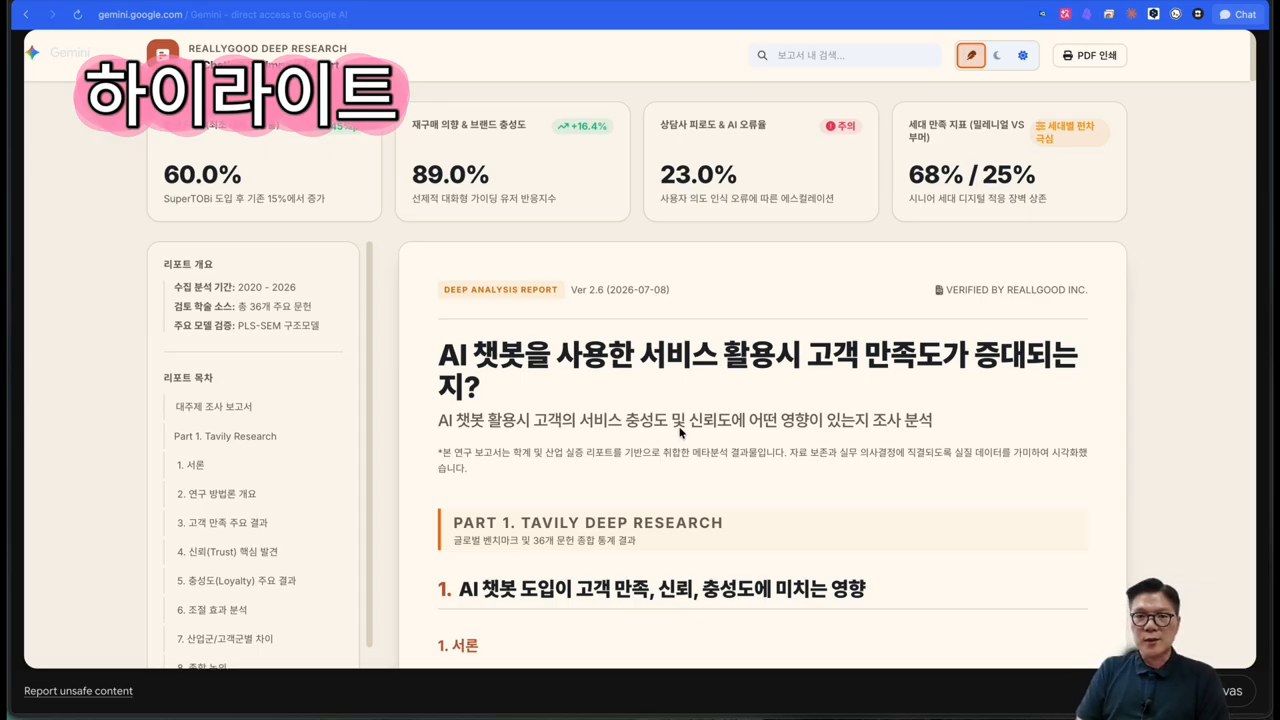
    Example of a ReallyGood Research report
    Example of a ReallyGood Research report
    ## Key workflow shown in the video

    The video begins with a completed report. It shows an HTML report opened in the browser and then expanded into a Gemini Canvas sharing link. The plugin’s purpose becomes clear: it is not simple search, but production of shareable research artifacts.

    The presenter then installs the plugin in Obsidian by searching for ReallyGood Research in Community Plugins and opening the research console from the left panel. The video also emphasizes that it can be accessed as a community plugin without a separate BRAT installation.
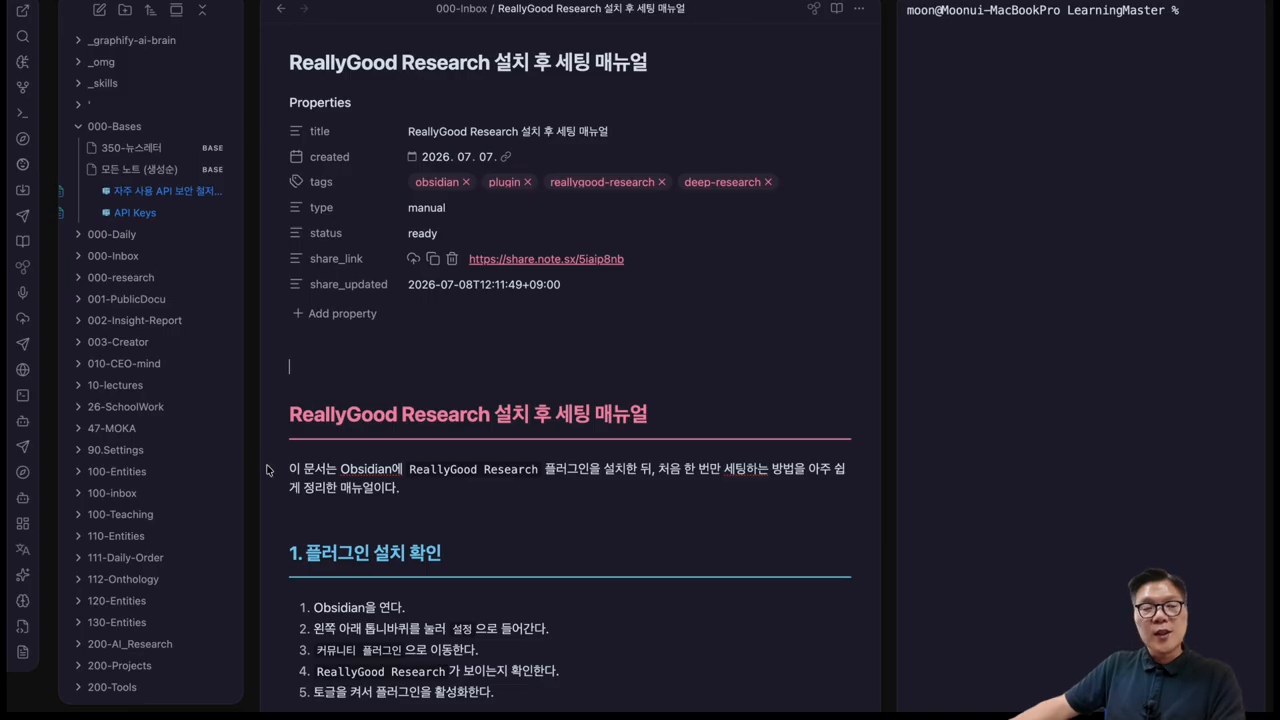
    Screen checking ReallyGood Research settings inside Obsidian
    Screen checking ReallyGood Research settings inside Obsidian
    ## Why use NotebookLM and Tavily together?

    Tavily is strong at web search and research APIs. It is suited to finding material on the public web and generating topic reports. NotebookLM is stronger at answering from user-provided sources. Used together, they separate broad web exploration from source-based verification.

    ReallyGood Research connects both as providers. The video shows adding a Tavily API key, installing NotebookLM MCP, logging in, and then selecting Antigravity as an AI CLI provider. It also notes that CLI tools such as Claude Code, Codex, and Gemini can be selected.
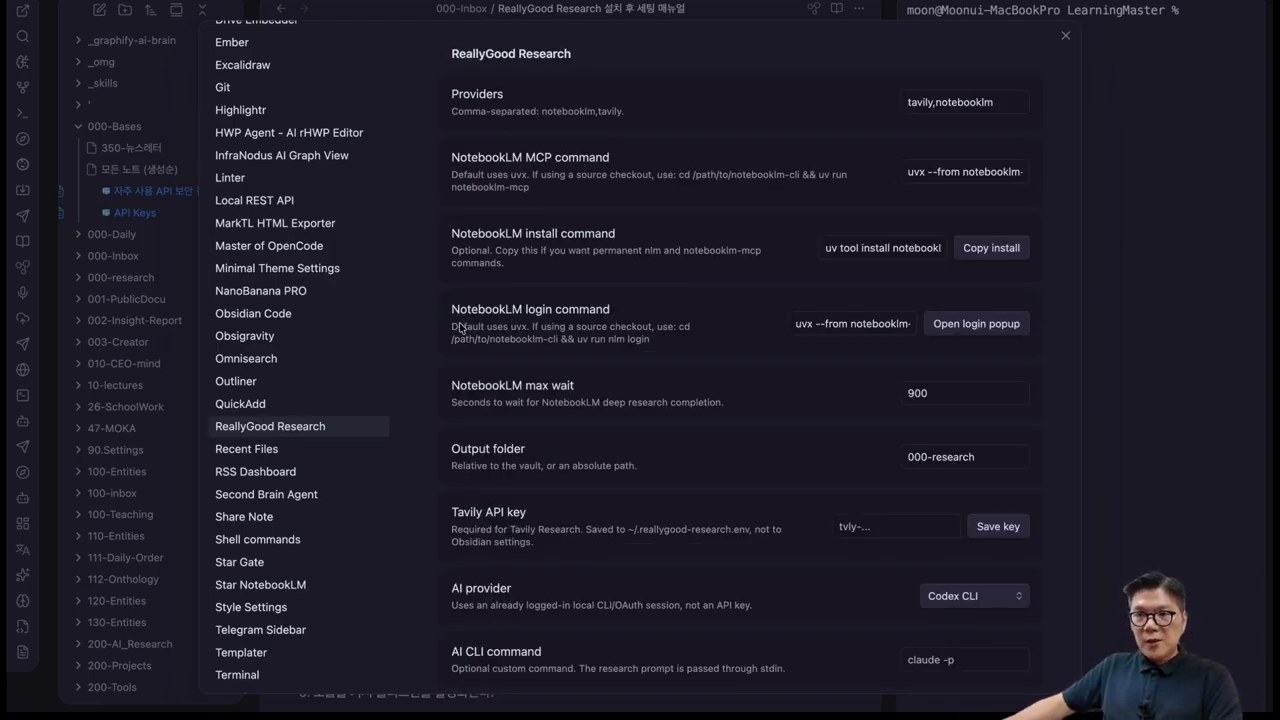
    Screen configuring Tavily and NotebookLM providers
    Screen configuring Tavily and NotebookLM providers
    ## In practice: one question becomes two reports

    The demo question asks how customer use of AI chatbots affects satisfaction, loyalty, and trust. After the user enters the question and presses Start, the plugin runs Tavily research and NotebookLM research separately.

    The important moment is comparison. One prompt produces a Tavily-based deep research report and a NotebookLM-based result. The user can compare whether the evidence is sufficient and whether the viewpoint is biased toward one source type.
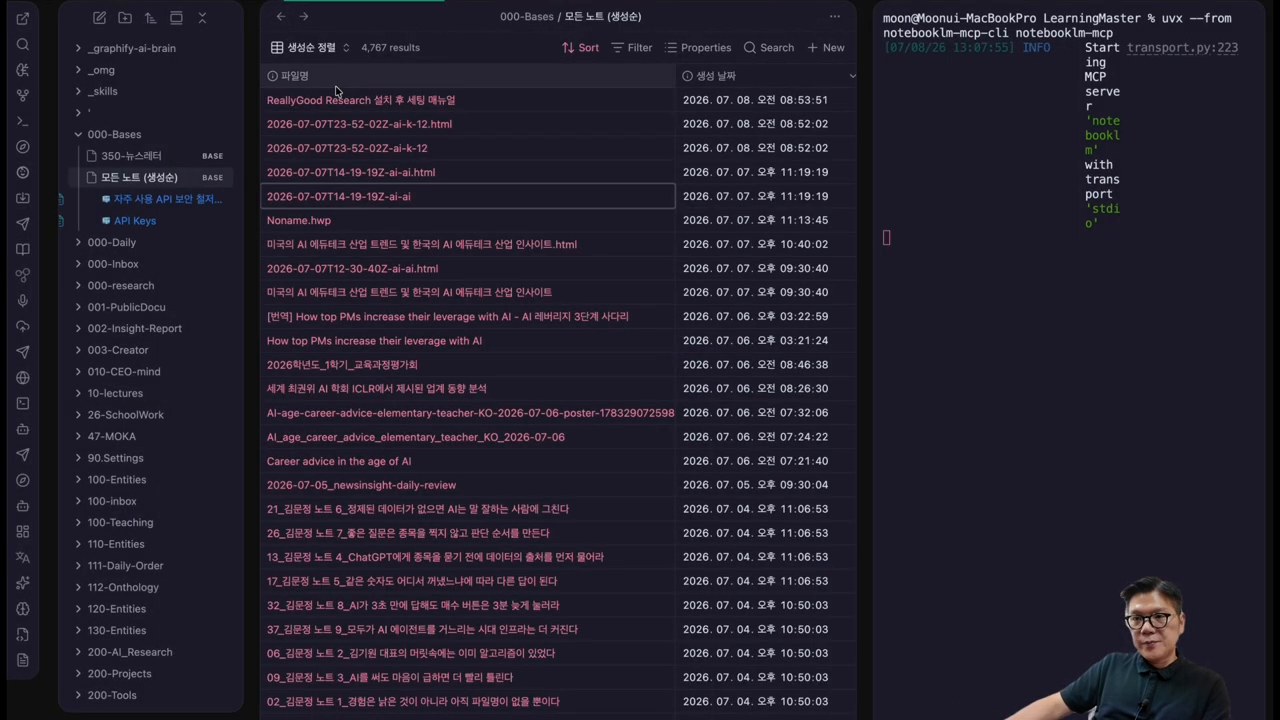
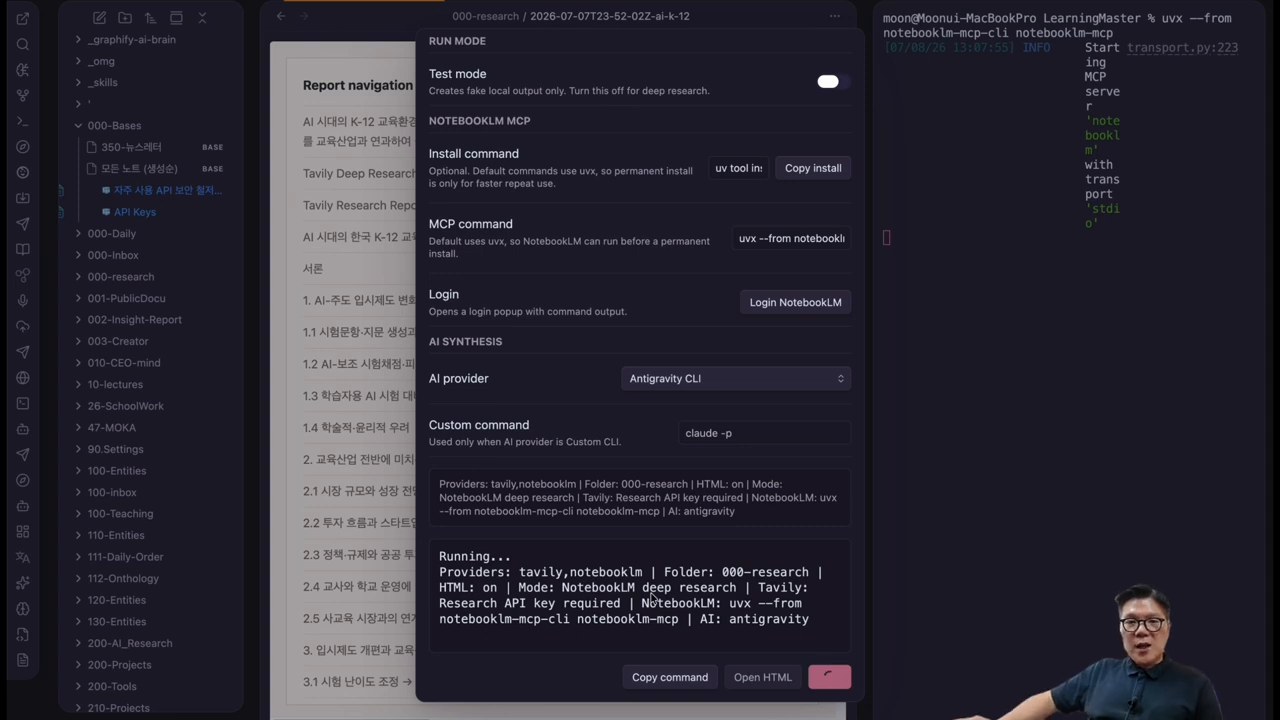
    Running research on AI chatbots and customer satisfaction
    Running research on AI chatbots and customer satisfaction
    Comparing Tavily and NotebookLM research results
    Comparing Tavily and NotebookLM research results
    ## What this means for knowledge work

    The plugin’s strength is less the automation itself than the place where the work lands. When results are saved inside an Obsidian vault, they can become writing, reports, lectures, or proposals without searching again. HTML reports can also be shared quickly.

    There are checks to make first: Tavily API keys, NotebookLM login, local MCP execution, and AI CLI permissions. If company documents or sensitive customer data are involved, confirm which provider receives which information. The more convenient automation becomes, the more carefully logs, sources, and account permissions must be managed.
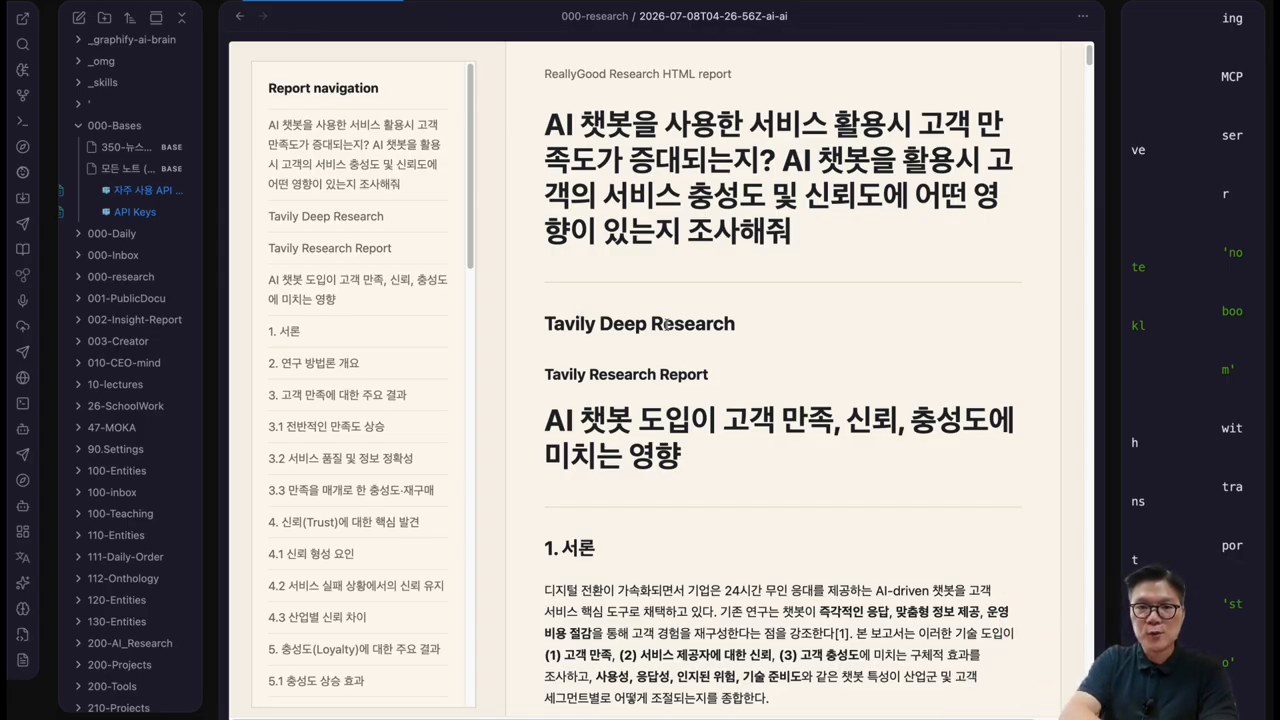
    Expanding an HTML report into a Gemini Canvas share link
    Expanding an HTML report into a Gemini Canvas share link
    ## Checklist before adopting it
    • Do you actually use Obsidian as your knowledge store?
    • Can you manage Tavily API keys and usage limits?
    • Can you install NotebookLM MCP and handle Google login safely?
    • Do you have work that turns research directly into writing or reports?
    • Do you have standards for checking sources and generated results?

    If these five conditions fit, it is worth testing. If you only need one-off search, the setup may be excessive. ReallyGood Research fits people who use Obsidian as a research workbench.

    ## Related reading ## FAQ ### What is ReallyGood Research? An Obsidian plugin that runs NotebookLM MCP and Tavily-based deep research and stores results as Markdown and HTML reports. ### Why use Tavily and NotebookLM together? Tavily is strong for web research; NotebookLM is strong for reviewing user-provided sources. Together they support broad exploration and source-based checking. ### Is it useful without Obsidian? Its benefits are reduced if Obsidian is not your central knowledge store, because its value is saving and reusing results inside the vault. ### Is it safe for work documents? Provider settings matter. Check what data is sent to Tavily, NotebookLM, and AI CLI tools, and review sensitive data under your organization’s security rules. ### Who is it best for? People who do frequent AI research and reuse the output in writing, reports, lectures, or proposals, especially Obsidian second-brain users. ## References

    Original Korean article

    Image source: Captured images used in this article are stills from the original YouTube video. They are used for review, commentary, and educational explanation, and copyright remains with the original rights holders and the channel.
  • Antigravity CLI and Obsidian Automation: Turning Notes Into an AI Work Hub

    Antigravity CLI and Obsidian Automation: Turning Notes Into an AI Work Hub

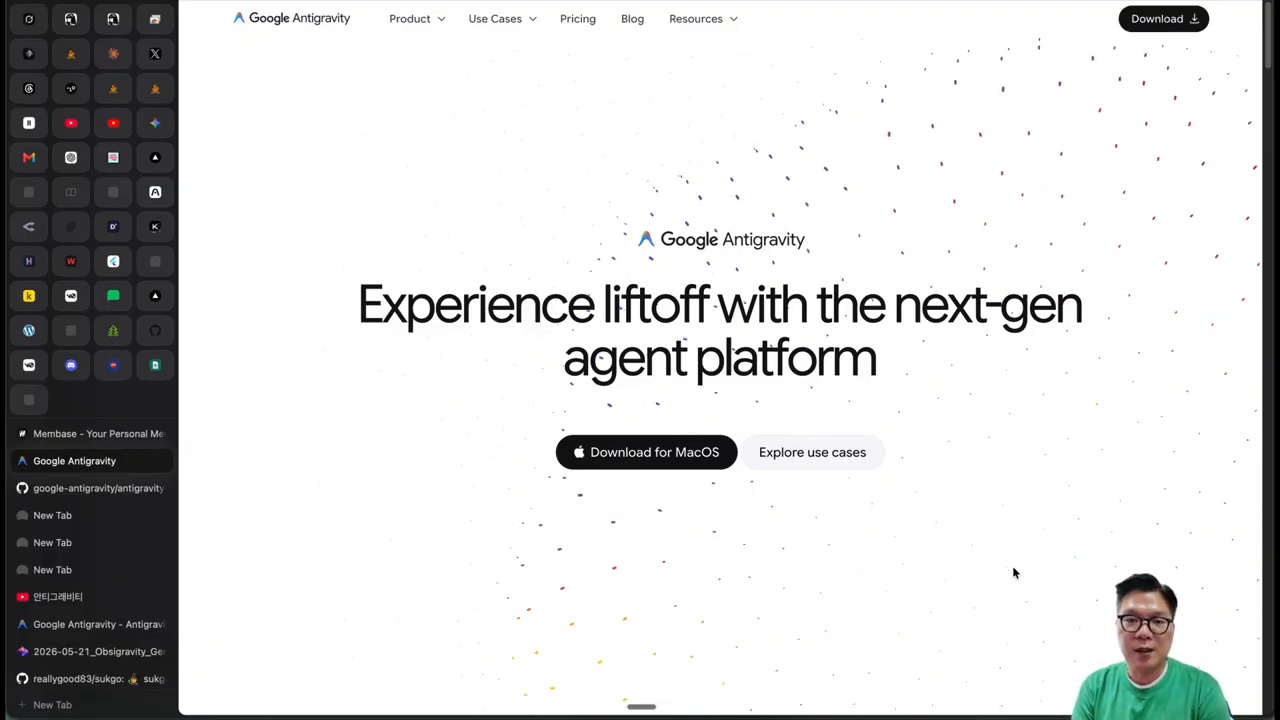
    This fuller English adaptation follows the Korean source on Antigravity CLI, Obsidian, and OpsiGravity. The important point is that the combination should not be seen as “just another note app setup.” It points to a workflow where notes, images, search, and external AI tools become one operational knowledge hub.

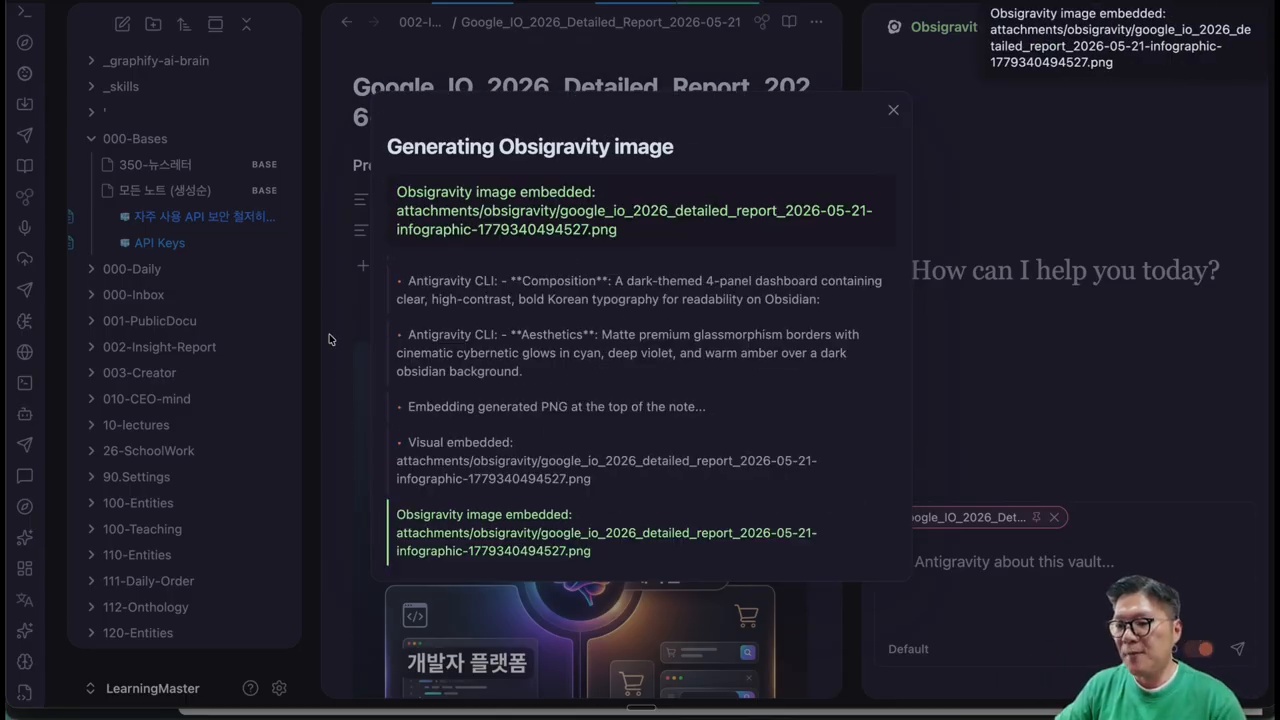
    Antigravity CLI and Obsidian automation workflow
    Antigravity CLI and Obsidian automation workflow.

    Original Korean article: Antigravity CLI Obsidian 자동화: OpsiGravity로 노트·이미지·검색을 한 번에 연결하는 방법

    Why the Antigravity CLI and Obsidian Combination Matters

    Look first at the work hub, not the note app

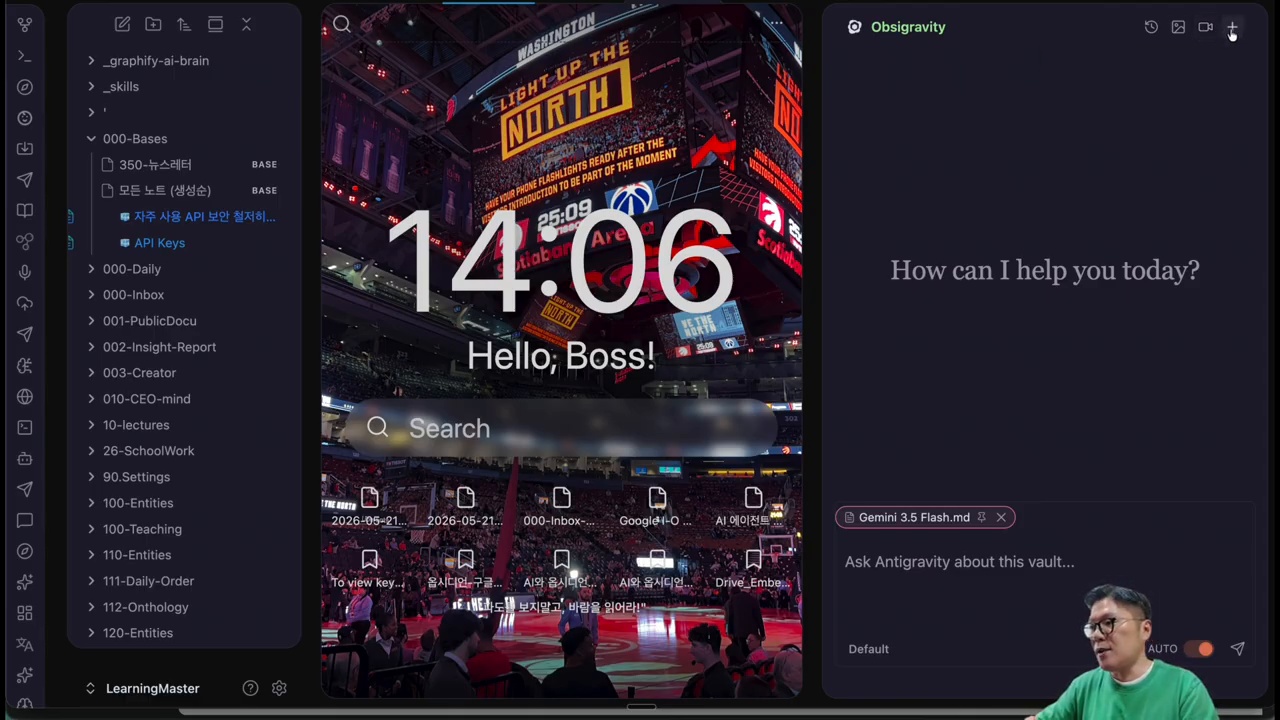
    Obsidian is powerful because it stores knowledge in local Markdown files and lets users build links between ideas. Antigravity CLI adds a command-line AI layer. OpsiGravity connects these into a workflow where notes can become prompts, image inputs, research seeds, and reusable knowledge units.

    The Korean source argues that the key is not the novelty of a plugin. It is the change in work structure. A note is no longer a passive archive. It becomes an input that can trigger generation, search, rewriting, splitting, and connection.

    What Is OpsiGravity?

    Main features shown in OpsiGravity

    OpsiGravity is presented as an automation layer that links Obsidian notes with Antigravity CLI and related tools. It can use the content of a note as context, support image generation flows, help restructure long documents, and connect to external search or build tools. For knowledge workers, this means the same note can support writing, research, visual ideation, and task execution.

    The source is careful not to treat it as magic. The quality of output depends on the quality of notes, prompts, files, and review. But when the workflow is organized, the user can reduce context switching between note app, browser, AI chat, image tool, and terminal.

    Creating Note-Based Images With Antigravity CLI

    Advantages and limits of image generation

    One practical flow is turning a note into an image prompt. A user may write a concept, brand direction, scene description, or article outline in Obsidian, then ask the CLI workflow to generate an image based on that note. This is useful for blog thumbnails, presentation visuals, mood boards, and ideation.

    However, image generation still needs human taste. The model may misunderstand tone, produce visual artifacts, or miss brand consistency. The source article’s practical view is that AI images are helpful drafts, not automatic final assets. Users should keep prompts, outputs, and revisions together so the process improves over time.

    Note Surgeon and Atomic Split for Knowledge Management

    Obsidian as an AI work hub with OpsiGravity
    Obsidian as an AI work hub with OpsiGravity.

    Turning long reports into reusable notes

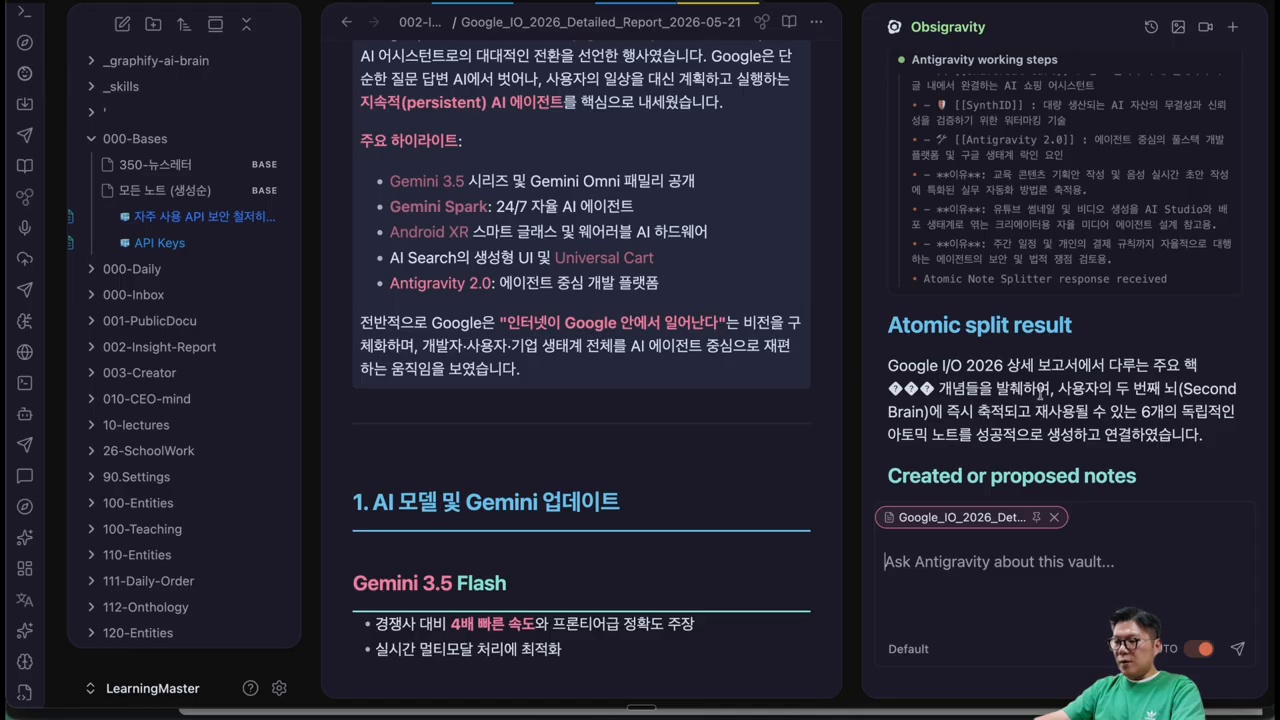
    Long documents are difficult to reuse. Note Surgeon and Atomic Split represent the idea of cutting a long report into smaller, linked notes. Each atomic note can contain one claim, one concept, one example, or one action item. This makes future writing and research easier.

    The value is not only tidiness. Atomic notes give AI cleaner context. Instead of feeding an entire messy document into a model, the user can provide focused notes with clear titles and links. This improves retrieval, summarization, and recombination.

    Why Connect Grok Build and X-Search?

    The meaning of external CLI connectors

    The source article discusses connecting external tools such as Grok Build and X-search because knowledge work often requires fresh information and executable steps. Notes contain internal knowledge; search brings outside signals; CLI tools turn ideas into actions. A connected workflow lets the user move from “I wrote this down” to “I researched, generated, revised, and executed it.”

    This kind of connector also raises responsibility. Search results may be noisy, APIs may change, and generated outputs require review. The workflow should store sources, dates, and decisions so the user can audit what happened later.

    Installation and Basic Setup

    AI image generation from Obsidian notes
    AI image generation from Obsidian notes.

    Setup checklist

    • Confirm that Obsidian vault files are backed up before automation.
    • Install and test the required CLI tools in a controlled folder.
    • Create a small sample vault before running workflows on important notes.
    • Define folders for prompts, generated images, research notes, and outputs.
    • Keep API keys and credentials outside notes and never commit them to a public repository.

    Questions to Check Before Adoption

    Before using this workflow seriously, ask what data will be sent to external models, whether private notes are included, how outputs are stored, and whether the process can be reproduced. The source article’s practical warning is that automation should increase control, not create hidden risk.

    A safe vault structure matters

    A practical setup separates private journals, credentials, published materials, research notes, and generated outputs. This prevents an automation command from accidentally sending sensitive personal information into an external model or overwriting important notes.

    One-line summary

    The workflow is valuable when it helps a user move from captured knowledge to reviewed output without losing sources, context, or control.

    Conclusion: Notes Become an AI Work Hub

    Note Surgeon and Atomic Split for knowledge management
    Note Surgeon and Atomic Split for knowledge management.

    The one-line summary is that Antigravity CLI plus Obsidian turns notes into a work hub. The best use case is not random experimentation, but a repeatable system where ideas, sources, images, search, and execution remain connected.

    Related Reading

    Continue with these related Thinknote English articles in the Digital Transformation cluster.

    FAQ

    What is this article about?

    This article explains a digital transformation, platform, market-structure, or technology-adoption topic with Korea-specific context and global implications.

    How should I use this guide?

    Use it to understand market signals and strategic patterns. Combine it with current market data before making business or investment decisions.

    Where can I read the original Korean article?

    The original Korean article is available here: Antigravity CLI and Obsidian Automation: Turning Notes Into an AI Work Hub.