
When you first start learning Python, it is hard to know where to begin. Should you install something first, memorize syntax, or jump straight into a project? This article is a complete guide to the 20-lesson Python beginner course designed to reduce that confusion.
This series is not just a list of grammar topics. Each lesson includes a small example that beginners can actually run and a practice task they can modify. Installation, variables, conditions, loops, data structures, functions, files, exceptions, classes, automation, data analysis, and APIs are arranged in the order a beginner should encounter them.
Who This Series Is For
- People installing Python for the first time
- Non-majors with little or no coding experience
- Learners who need fundamentals before office automation or data analysis
- People who want to use AI tools better by understanding Python syntax
- Readers who have opened a syntax book but do not know what to build
Beginner 20-Lesson Learning Roadmap
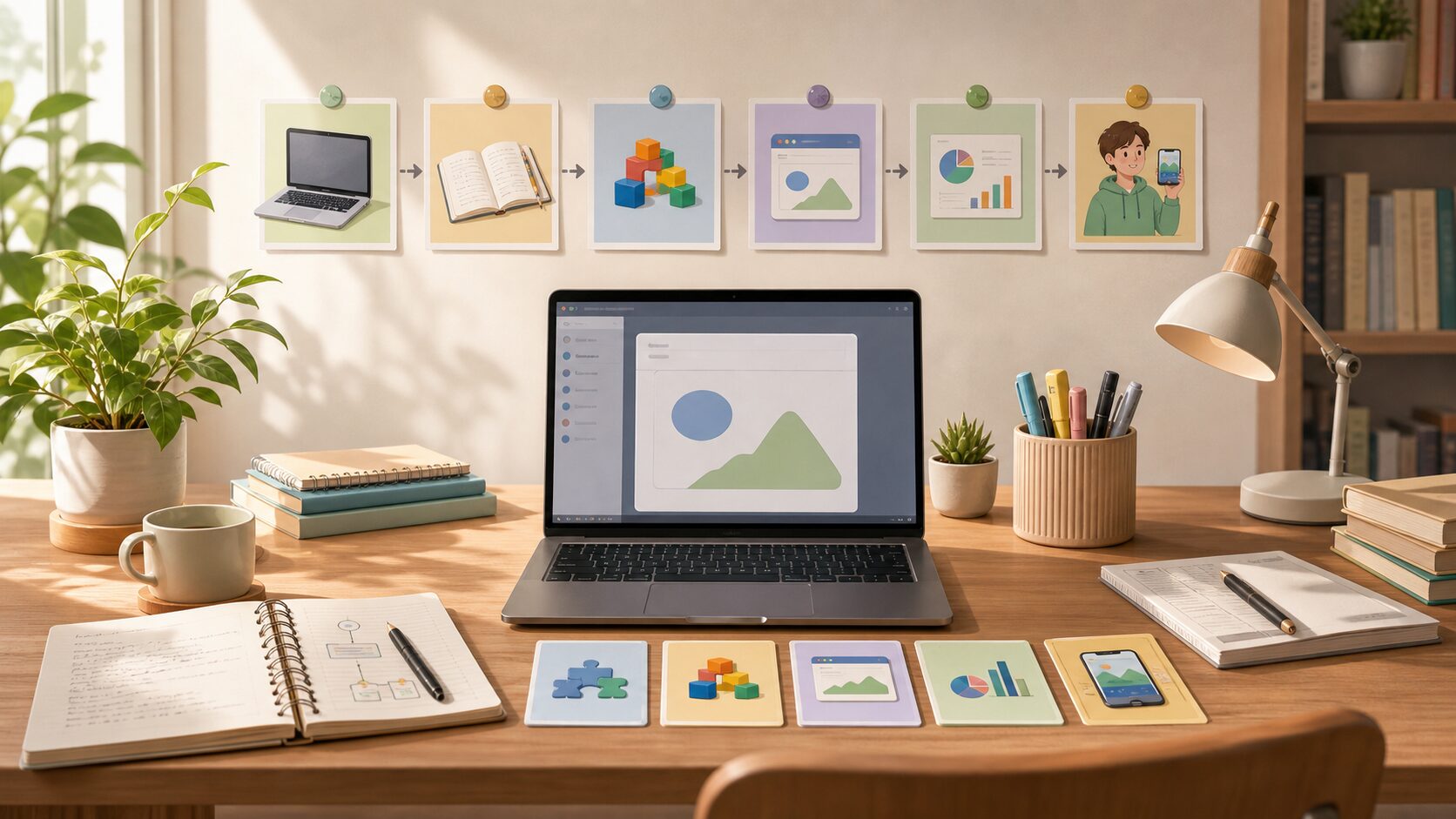
| Section | Lessons | Learning Goal |
|---|---|---|
| Preparation | Lesson 1 | Install Python, run it, and write the first code. |
| Basic syntax | Lessons 2–5 | Variables, input/output, conditionals, and loops. |
| Handling data | Lessons 6–9 | Lists, dictionaries, strings, and functions. |
| First project | Lesson 10 | Combine syntax in a console To-Do app. |
| Practical basics | Lessons 11–15 | Modules, files, exceptions, classes, and an address book project. |
| Expansion preview | Lessons 16–20 | Standard library, automation, data analysis, APIs, and final project. |
Complete Lesson List
| Order | Lesson Title | Core Outcome |
|---|---|---|
| 1 | Python Beginner Lesson 1: From Installation to Your First Run | Create and run a Python file on your own computer. |
| 2 | Python Beginner Lesson 2: Understanding Variables and Data Types Easily | Store numbers, strings, and Boolean values in variables and convert types for calculation. |
| 3 | Python Beginner Lesson 3: Showing Calculation Results with Input, Output, and f-strings | Receive values from users and print calculated results in readable sentences. |
| 4 | Python Beginner Lesson 4: Running Different Code with if Conditions | Understand the flow that runs different code depending on a condition. |
| 5 | Python Beginner Lesson 5: Automating Repetition with for and while Loops | Repeat the same task automatically and stop at the right moment. |
| 6 | Python Beginner Lesson 6: Handling Multiple Values with Lists and Tuples | Store and retrieve multiple values in order. |
| 7 | Python Beginner Lesson 7: Managing Labeled Data with Dictionaries and Sets | Store data in key-value form and remove duplicates. |
| 8 | Python Beginner Lesson 8: Searching, Splitting, and Cleaning Strings | Search, split, clean, and combine text. |
| 9 | Python Beginner Lesson 9: Splitting Repeated Code into Functions | Give a name to repeated code and separate it into reusable features. |
| 10 | Python Beginner Lesson 10: Console To-Do List Mini Project | Combine variables, conditions, loops, lists, and functions into a small app. |
| 11 | Python Beginner Lesson 11: Understanding Modules, Packages, and import | Use the standard library and features made by others with import. |
| 12 | Python Beginner Lesson 12: Reading and Writing Files and CSV Basics | Read and write text and CSV files to save program results. |
| 13 | Python Beginner Lesson 13: Errors and Exception Handling with try except | Handle expected errors so a program does not stop suddenly. |
| 14 | Python Beginner Lesson 14: Understanding Classes and Objects Easily | Think of related data and behavior as one structure. |
| 15 | Python Beginner Lesson 15: Address Book Project Saved to a File | Connect adding, searching, saving, and loading contacts. |
| 16 | Python Beginner Lesson 16: Handling Dates, Paths, and Patterns with the Standard Library | Use built-in tools for dates, paths, and patterns without extra installation. |
| 17 | Python Beginner Lesson 17: Introduction to Folder and File Automation | Collect file information from a folder and create a CSV report. |
| 18 | Python Beginner Lesson 18: A Taste of Data Analysis with pandas and matplotlib | Read CSV data as a table, summarize it, and save a graph. |
| 19 | Python Beginner Lesson 19: Getting Web Data and APIs with requests | Send requests to a web API and read JSON responses. |
| 20 | Python Beginner Lesson 20: Completing a Mini App as the Final Project | Combine beginner syntax into an input, processing, saving, and visualization flow. |
How Should You Study?
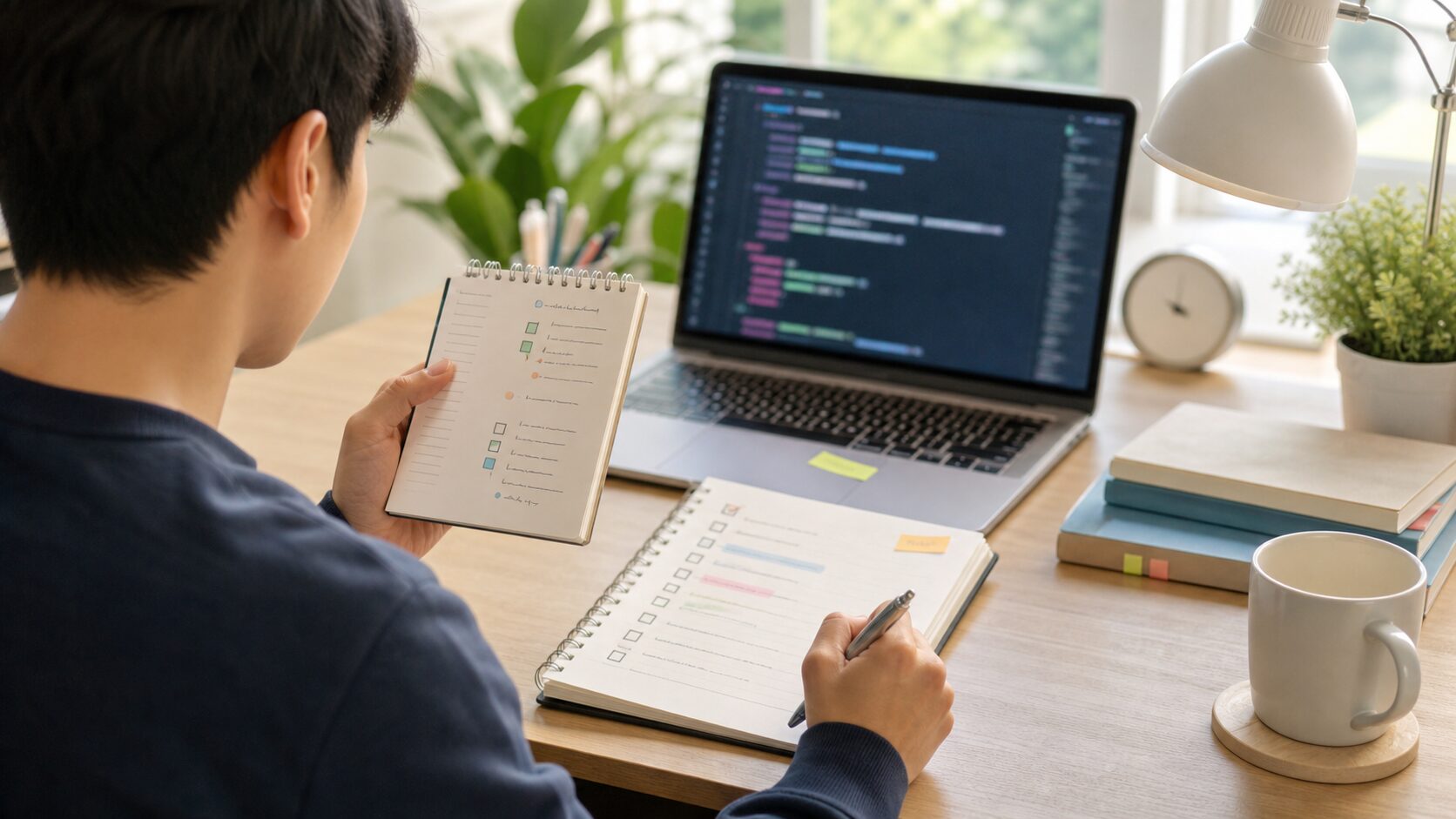
If you are new, it is best to study lessons 1 through 20 in order. Lessons 1–5 build the basic structure of Python statements. If this section is weak, file handling and data analysis later will feel blocked again and again.
Lessons 6–10 group data and split features. Once lists, dictionaries, strings, and functions become familiar, you can build small programs yourself. The Lesson 10 To-Do project is the first checkpoint for the first half of the beginner course.
Lessons 11–20 widen your practical sense. Modules, files, exceptions, classes, the standard library, automation, data analysis, and APIs are not explored in advanced depth. Instead, they help you experience where Python is actually used before moving to an intermediate course.
Study Habits Every Beginner Needs
- Do not only look at code; run it yourself.
- Do not change many lines at once; change one line at a time.
- When an error appears, check the last line and line number first.
- After an example runs, change values and sentences to fit your own situation.
- Use the checkpoint at the end of each lesson before moving on.
What You Can Do After the Beginner Course
- Create and run Python files.
- Write basic logic with conditionals and loops.
- Manage multiple values with lists and dictionaries.
- Create functions to divide code.
- Read and write text and CSV files.
- Build the habit of finding causes from error messages.
- Experience simple automation, data summaries, and API requests.
FAQ
Is it okay if I am completely new to programming?
Yes. This series is written for beginners. Rather than memorizing terms first, follow the lessons by running code and checking results.
How many lessons should I study per day?
At first, one lesson per day is the most stable pace. If you have enough time, one or two lessons can work, but make sure you do the practice tasks yourself.
If I get stuck during installation, can I move to the next lesson?
If possible, solve the installation problem first. Python is best learned by running code directly. If installation is difficult, you can start temporarily in an online execution environment.
What should I learn after the beginner course?
For the intermediate stage, expand into virtual environments, package management, testing, pandas data analysis, web scraping, API automation, databases, and simple web apps.
References
- Python Official Tutorial
- Python Official Tutorial: Control Flow
- Python Official Tutorial: Data Structures
- Python Official Tutorial: Modules
- Python Official Tutorial: Input and Output
- Python Official Tutorial: Errors and Exceptions
- Python Official Tutorial: Classes
- Python Official Tutorial: Standard Library
- Python Official Tutorial: Virtual Environments and Packages