
Once you start vibe coding, unfamiliar terms arrive quickly: React, Next.js, API, CSR, SSR, NPM, build, bundling. At first, it feels like you must memorize everything.
But the important part is not memorizing terms. It is understanding why each technology appeared. Then you can see where AI-generated code runs and what to ask it to fix.
This article summarizes beginner-friendly frontend concepts based on a Vibe Coding University video for non-developer vibe coders.
The internet is the global communication network connecting computers. The web is a service on top of that network for exchanging documents and moving through links. A browser is the app used to view the web.
- Internet: the road connecting computers
- Web: documents and screens exchanged on that road
- Browser: the app used to view the web
The early web created by Tim Berners-Lee connected research documents through hyperlinks. Three foundations remain important today: HTML for structure, URL for addresses, and HTTP for the agreement between browser and server.
## 3. HTML is the skeleton, CSS is the clothing, JavaScript is the behaviorHTML decides what exists on screen: headings, paragraphs, images, buttons, inputs. CSS controls appearance: color, size, position, spacing, fonts. JavaScript creates behavior: menus open, input is checked, cart quantities change.
## 4. The browser turns code into picturesFrontend code is material for the browser. The browser reads HTML and CSS, builds structure, calculates size and position, and paints pixels on screen. This is rendering. Recalculating layout is reflow; repainting pixels is repaint.
Knowing this lets you ask AI more precisely: “change the button color” differs from “fix the layout shift when the button is clicked.”
## 5. jQuery and React solved different problems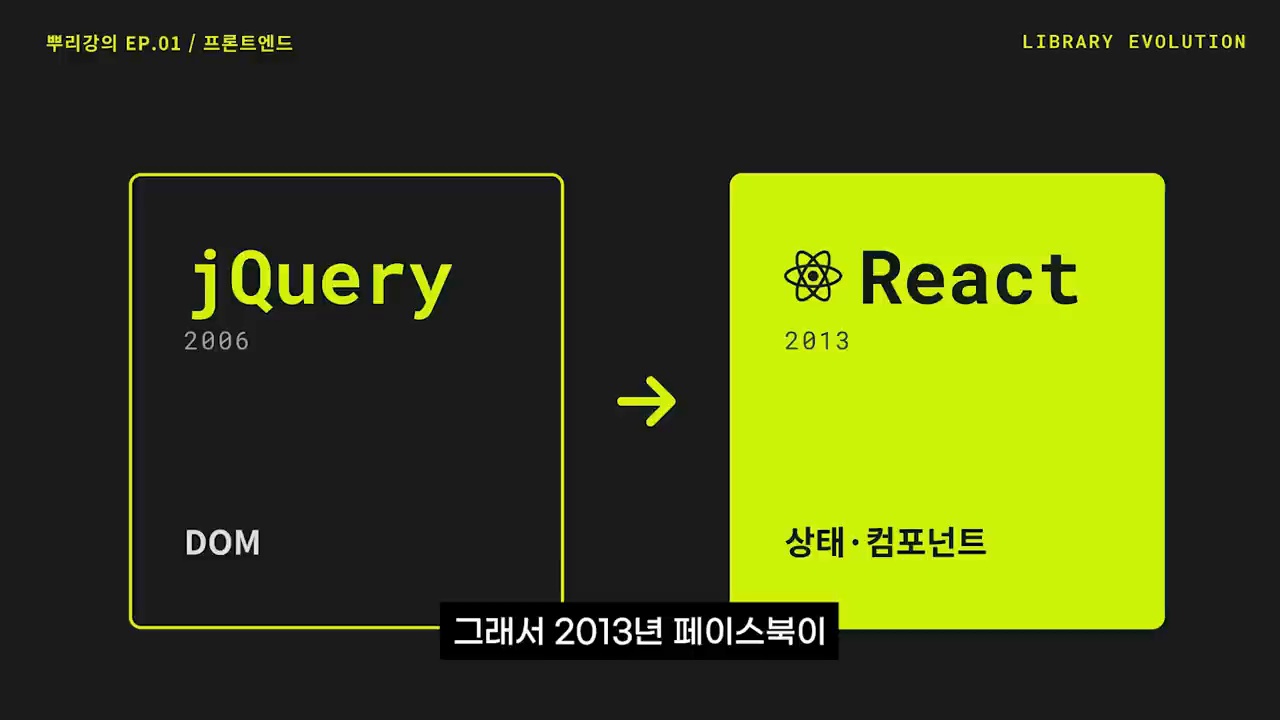
jQuery made DOM manipulation easier and more consistent across browsers. Later, web apps became more complex: login state, shopping carts, notifications, and real-time data. React handles complexity through state and components. When state changes, the screen is redrawn to match it; reusable UI pieces become components.
## 6. Node.js and NPM turned frontend into an ecosystemJavaScript originally ran only in browsers. Node.js allowed it to run on servers and in development tools. NPM installs and manages JavaScript packages.
- Node.js: an environment for running JavaScript outside the browser
- NPM: a warehouse for installing code packages
- package.json: the list of packages the project depends on

Modern frontend projects contain many JavaScript, TypeScript, CSS, image, font, and library files. Build processes organize that work into code users can load quickly.
- Transpiling: converting newer syntax for broader browser support
- Bundling: grouping many files appropriately
- Tree shaking: removing unused code
- Optimization: reducing file size and improving load speed

Traditional sites fetch new HTML from the server whenever pages change. This is an MPA, or Multi Page Application. An SPA first loads an app shell and then changes screens by exchanging only necessary data.
- MPA: simpler structure and easier for search engines
- SPA: smoother experience, but initial loading and SEO can be harder
CSR means the browser receives JavaScript and draws the screen. SSR means the server creates HTML first and sends it to the browser. Hydration attaches JavaScript behavior to HTML the server already rendered.
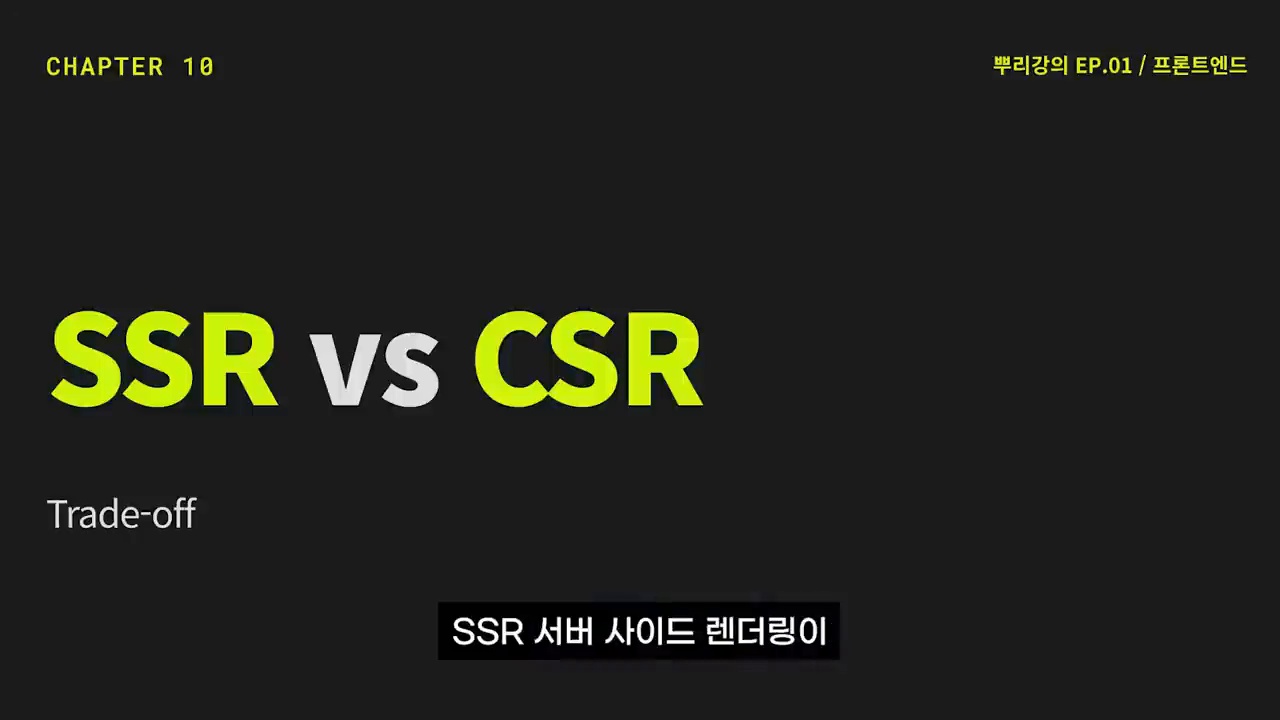
Frameworks such as Next.js are useful because they mix CSR, SSR, and static generation depending on the page.
## 10. An API is the agreement between frontend and backendThe frontend handles what users see. The backend handles data storage, authentication, payment, and permissions. An API is the agreement for exchanging data between them: which address, which format, which response.
## Core checklist for vibe-coding beginners- Does this technology handle structure, design, behavior, or data?
- Is the problem in the browser or server?
- Is the issue slow screen rendering, missing data, or tangled state?
- Do you need feature work, build-error fixing, or deployment optimization?
- Did you tell the AI the problem location and expected result?
With these distinctions, “it doesn’t work” becomes “React state changes but the screen does not update; please find the cause.”
## Related reading- Why vibe-coding beginners get stuck
- Metacognition in the AI era
- AI-native transformation
- The agentic AI era
- Vibe Coding University frontend basics video
- MDN HTML basics
- MDN CSS basics
- MDN JavaScript basics
- Next.js rendering documentation
Frontend can look like a field full of terms to memorize, but it is really the history of the web solving problems: documents gained design, then interaction, then app-like behavior, and later concerns about search and speed.
Vibe-coding beginners need this flow. Once you see it, you can read AI-generated code better, ask more specific questions, and modify projects more safely.
Image source: Captured images used in this article are stills from the original YouTube video. They are used for review, commentary, and educational explanation, and copyright remains with the original rights holders and the channel.