The difference between people who use AI well and those who do not is no longer determined only by “which model they use.” As powerful models such as GPT, Claude, and Gemini quickly become more evenly matched, the real difference comes from what context you keep feeding into the model over time. From this perspective, a second brain is not just a note-taking app. It becomes the foundation that helps AI agents act in a way that is true to you.
Original video: How to Scale Myself 100x with a Second Brain / Channel: Career Hacker Alex
A Second Brain Is Not a Notebook. It Is a Context Repository AI Can Read

In the video, a second brain is described as “the collection of all knowledge” and “a knowledge warehouse that AI agents can access.” The first point is not simply to collect more records. It is to structure what you have worked on, what standards you use for judgment, and what tone and perspective you prefer so AI can retrieve and reuse them.
A normal note-taking app becomes valuable when a human later searches for and rereads the notes. A second brain, by contrast, must be something agents can explore, connect, and use on their own. That is why the video repeatedly uses terms such as nodes, edges, ontology, and graphs. The point is not merely to store pieces of information separately, but to preserve how those pieces relate to one another.
Before the Model, Look at “Your Own Context”
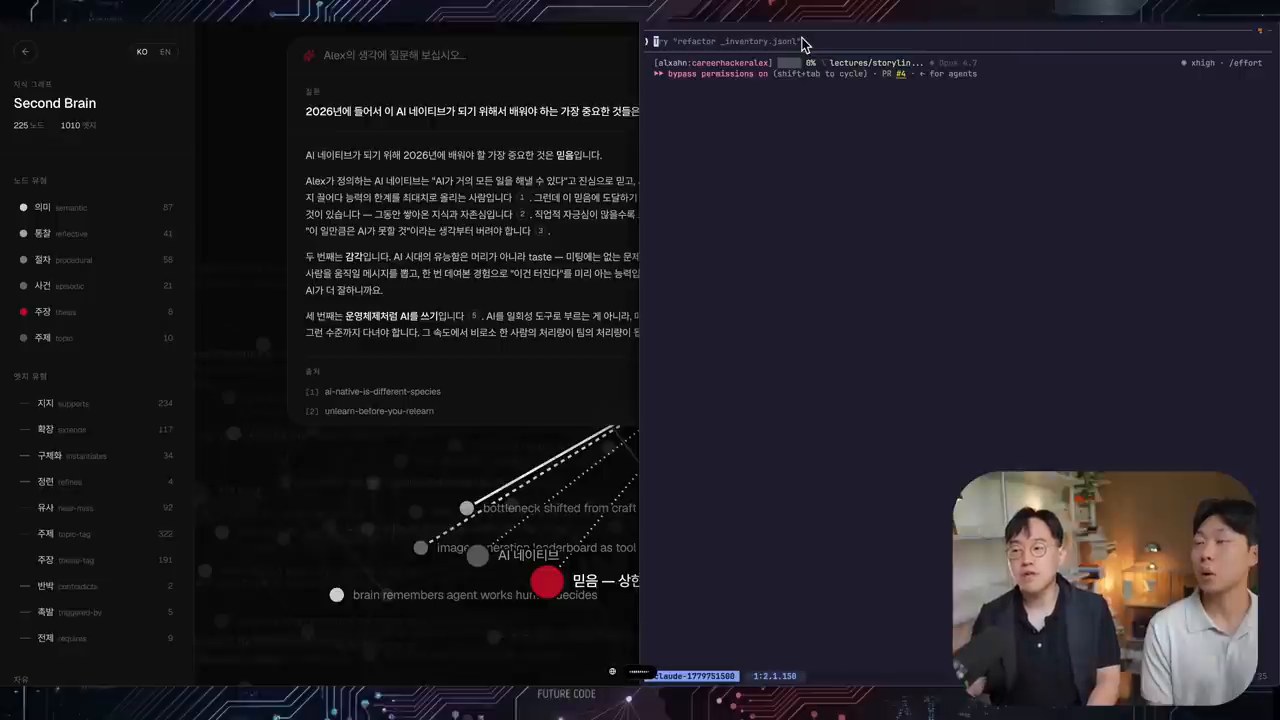
The most important message in the video is that “using AI itself is no longer a differentiator.” When everyone is using similar models, similar questions tend to produce similar answers. What creates differentiation is the experience, failures, viewpoints, preferences, documents, and conversation history accumulated by an individual or organization.
For example, if you only ask, “Create a marketing strategy,” you will receive a general answer that anyone could get. But the result changes if the AI can also read several years of project records, customer reactions, failed attempts, content tone, and decision-making standards. A second brain is a mechanism for accumulating and reusing this proprietary context.
LLM Wiki and Obsidian Are Easy Starting Points for a Second Brain
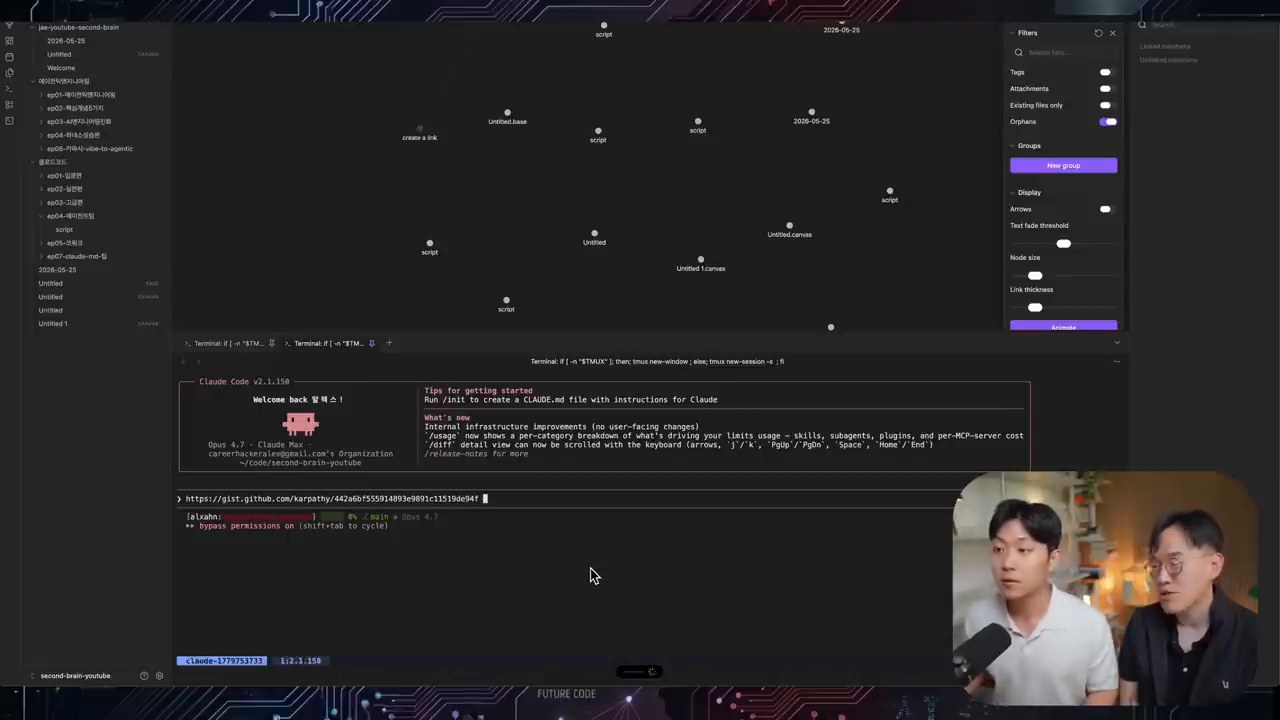
In the latter part of the video, the presenter demonstrates organizing a developer’s YouTube transcript and materials in an LLM Wiki style. Three structures matter most here.
- Raw source: Preserve unprocessed materials such as original transcripts, slides, and documents.
- Wiki layer: Extract core concepts, claims, and relationships from the originals and organize them as a Markdown wiki.
- Schema/Index: Provide maps and rules so agents know where to find what they need.
This approach is slightly different from traditional RAG. Rather than repeatedly chunking documents, embedding them, and searching those chunks, it is closer to having agents read the originals and create a continuously maintained wiki. Obsidian then becomes a tool that displays this wiki through a graph and search interface that humans can easily use.
The Obsidian Graph Is Useful, But It Is Not the End Goal
Obsidian is often mentioned together with the second brain because its graph view, tags, backlinks, and Markdown-based management are useful. Especially at the beginning, it helps you see at a glance which topics you handle often and how concepts are connected.
However, the video also points out clear limits. When materials grow into the thousands or tens of thousands, browsing a graph manually is not enough. In actual use, the workflow should move toward asking an agent questions and letting the agent explore the wiki and original sources to construct an answer. Obsidian is a good interface, but the essence of a second brain is structured context that agents can use.
Harness Engineering Connects Directly to the Second Brain
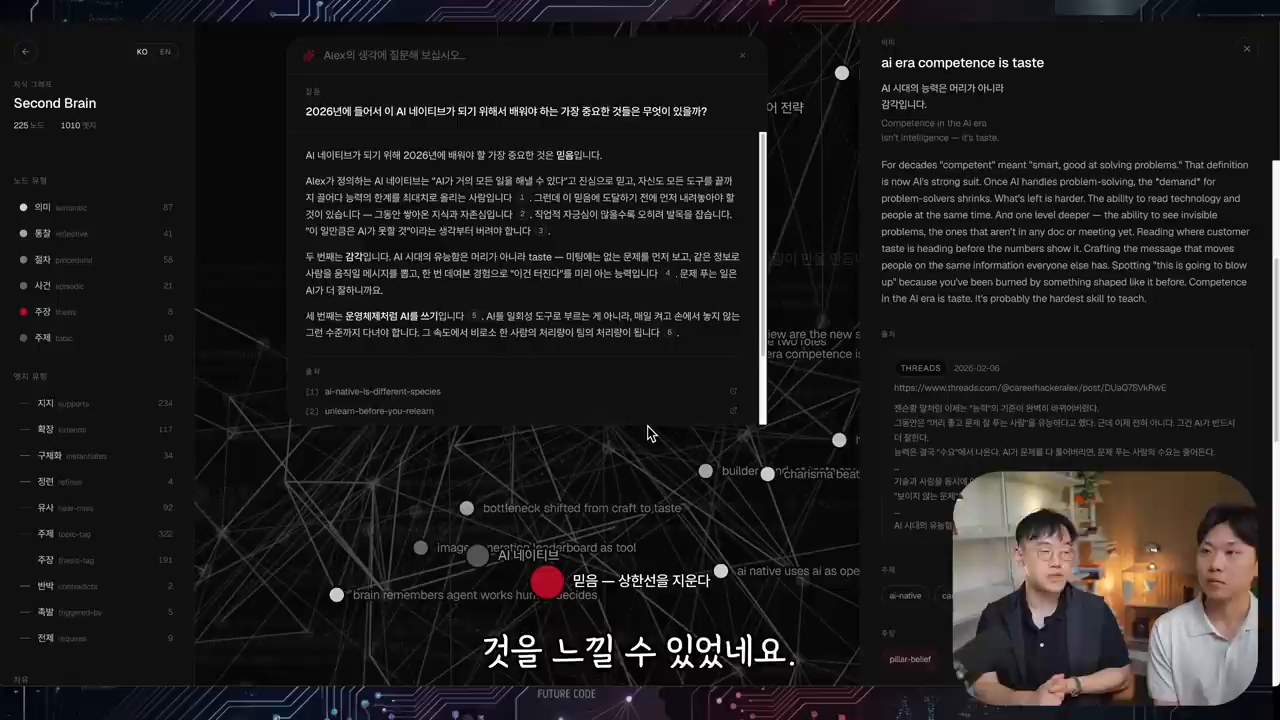
Harness engineering means designing the rules, context, tools, and verification procedures that guide a model toward the desired behavior. A second brain becomes one of the core materials in that harness because it stores what you consider a good answer, what style you prefer, and what principles must be followed.
The video also emphasizes the importance of evaluation. Creating a second brain is not the finish line. You need to ask questions, check whether the answers match your thinking, and keep improving the wiki structure, retrieval method, and rules when something is lacking. In other words, a second brain is not a repository you build once. It is a growing system that must be tested and improved continuously.
Where Should Individuals and Organizations Start?
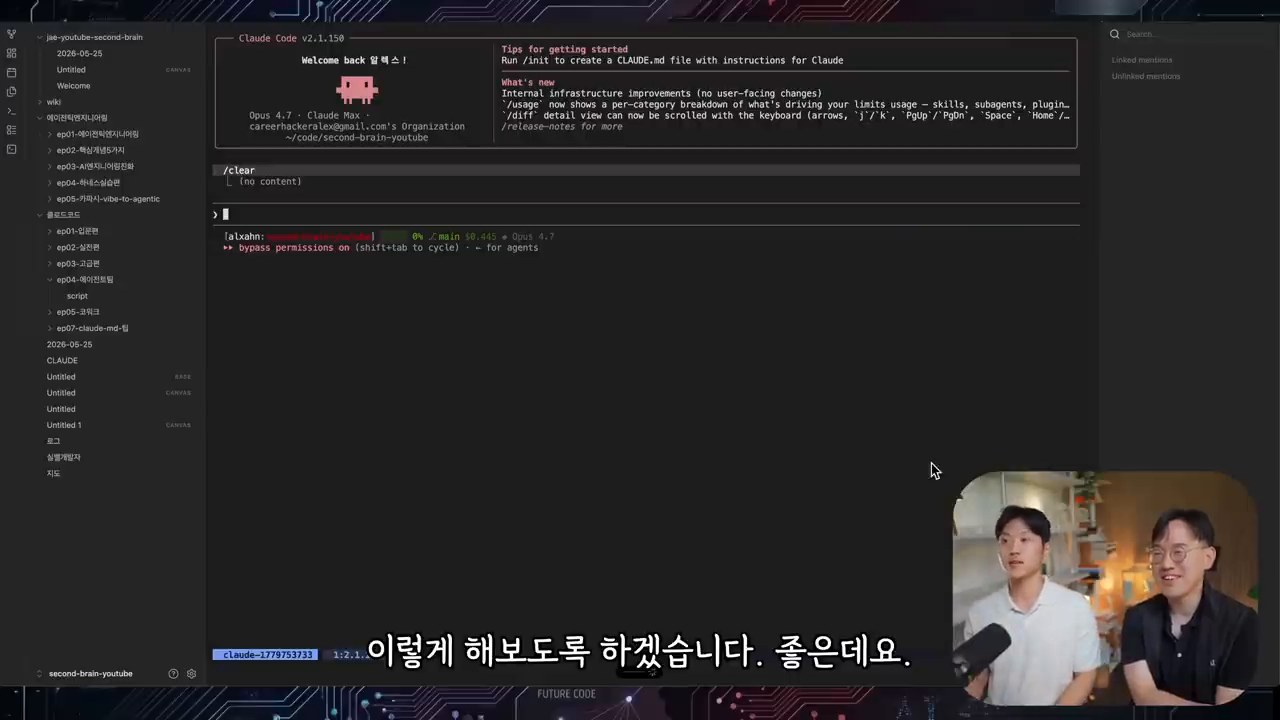
You do not need to build a massive knowledge graph or a complex retrieval system from the beginning. A realistic starting order looks like this.
1. Collect the Originals Instead of Throwing Them Away
Gather materials that contain your thinking in one place: meeting notes, lecture materials, blog drafts, project retrospectives, customer questions, and YouTube transcripts. The first priority is preserving the originals.
2. Create Small Markdown Documents by Topic
Rather than putting everything into one document, split materials into conceptual units. Reusable units such as “second brain,” “AI agent,” “harness engineering,” and “content tone” work well.
3. Preserve Relationships with Links and Tags
Connect related documents to one another. As these relationships accumulate, AI can answer by following context rather than by using isolated fragments of information.
4. Let Agents Read It and Verify the Results
Try using the system for real work: “Draft this in my writing style,” “Create a lecture outline from these materials,” or “Find what is weak according to my standards.” If the result feels awkward, reorganize the rules and source materials.
The Real Value of a Second Brain Is Compounding
A second brain is not a tool that merely improves today’s productivity a little. Over time, your judgments, preferences, knowledge, and failure cases accumulate and connect. When this accumulation is combined with AI agents, you can produce results that feel more like you without explaining everything again from the beginning each time.
Ultimately, becoming AI-native is not about knowing a large number of the newest tools. It is closer to turning the context of yourself and your organization into an asset, then making that context continuously available to AI. Models may change, but a well-built second brain becomes your own operating system that can move with you to the next model.
Related Reading
- How to Build an Agent OS That Connects AI Tools: A useful structure for expanding a second brain into a personal operating system.
- AI Agents and Physical AI: The Arrival of AI That Acts: Helpful for understanding how agents are expanding into real-world actors.
- Essential Skills in the AI Era, Through Demis Hassabis’s Interview: A look at AI-native capability from the perspective of personal learning.
- Hermes Agent Deliverable Mode: How to Receive AI Outputs Directly in Chat: An example of connecting AI agents to practical deliverable work.
FAQ
Do I have to use Obsidian to build a second brain?
Not necessarily. Obsidian is convenient because it supports Markdown, backlinks, and graph view. But the most important point is not the tool. It is structured context that AI can read and use.
What is the difference between RAG and an LLM Wiki?
RAG usually chunks documents, embeds them, and retrieves relevant pieces at question time. An LLM Wiki is different because agents continuously read and organize original materials into a reusable wiki and index.
What should I do first when building a second brain?
Start by gathering original materials in one place. Then split them into topic-based Markdown documents and leave links that show relationships between documents.
Can a second brain help with personal branding?
Yes. If you accumulate your writing tone, frequently used expressions, viewpoints, and content themes, AI can maintain a more consistent style when creating new posts or responses.
What improves when an organization builds a second brain?
Even when a person in charge is unavailable, agents can refer to project context, decision records, customer requirements, and technical standards. This can reduce the cost of knowledge transfer and improve the quality of repeated work.
Original Korean article: Second Brain and LLM Wiki: A Personal Knowledge System for the AI Agent Era
Image source: Captured images used in this article are stills from the original YouTube video. They are used for review, commentary, and educational explanation, and copyright remains with the original rights holders and the channel.