
Red Hat supports cockpit as a server management tool to improve administrator’s management efficiency. cockpit provides a user-friendly interface and is also supported on CentOS.
Original Korean article: Original Korean article.
cockpit function
- Cockpit is modular and can be expanded by installing additional modules.
- You can additionally set up multiple servers in one cockpit dashboard.
- cockpit uses a socket method and does not use memory during use.
- Cockpit can be accessed by a user with sudoer privileges, but cannot be accessed by root privileges.
Activate cockpit
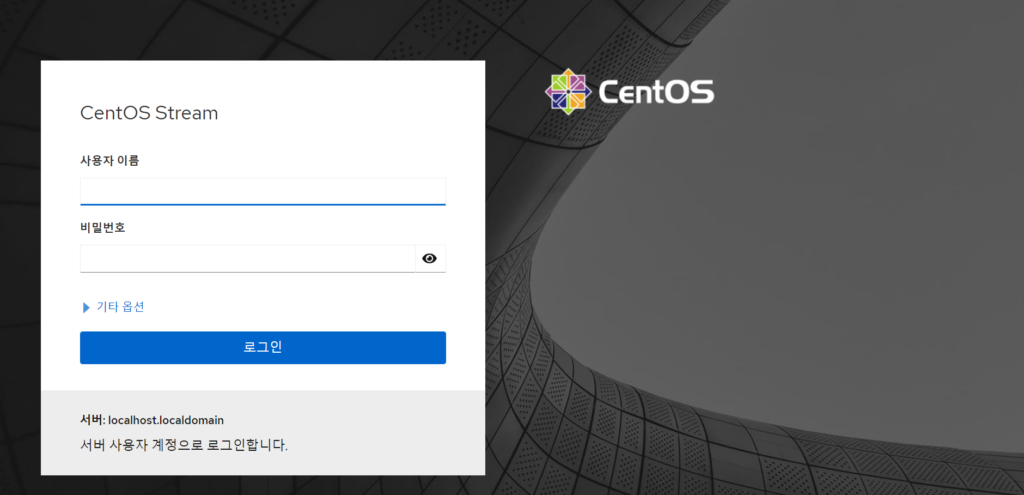
The installation and connection methods are very simple. When you reboot after installing CentOS 8, the cockpit activation command is displayed at the top of the login page.
After logging in, enter the following code in the terminal.

sudo systemctl enable --now cockpit.socketAfter activation, reboot.
sudo rebootcockpit access
When you reboot, the connection link is initially displayed at the top.

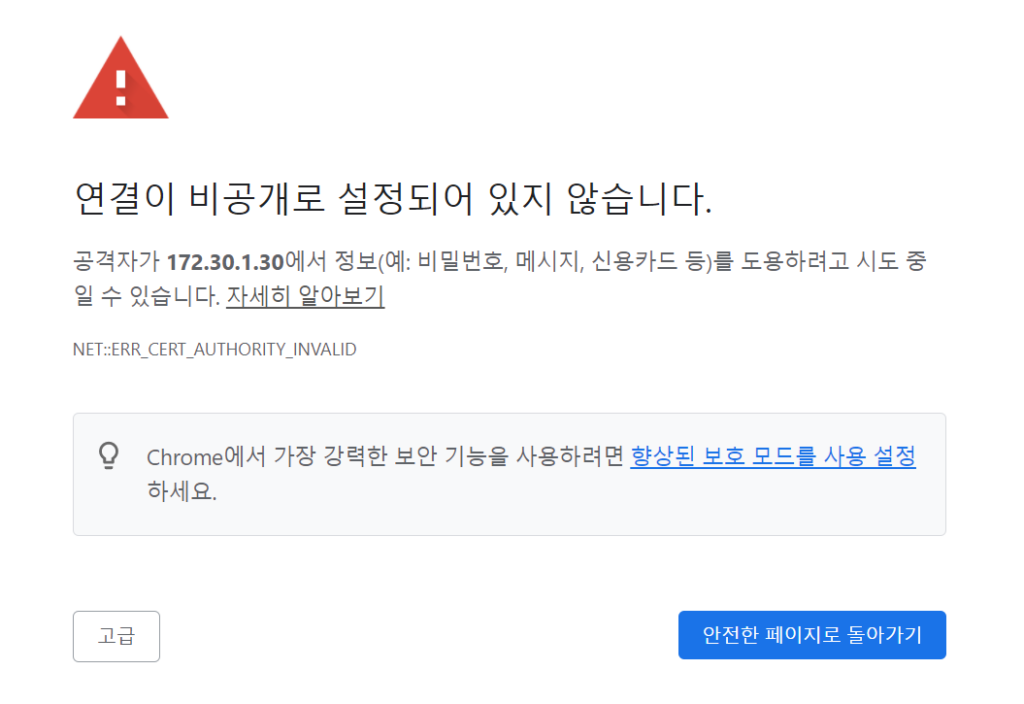
Access https://localhost:9090/ or https://[ip]:9090/ in a web browser. It is displayed as private, but you can click Advanced, move to ‘Not Secure’, and access it.
Good article to read together
- Linux user management useradd usermod userdel
- Activate Centos 8 RHEL & REMI Repository
- Install OpenSSL
- Installing and managing MariaDB (MySQL)
- Install Ubuntu 22.04.1 (VirtualBox)
Practical phpMyAdmin Notes
phpMyAdmin is useful for quick database inspection, but it should not be exposed casually on a public server. Use strong authentication, restrict access by IP or VPN when possible, keep PHP and phpMyAdmin updated, and back up databases before structural changes. For team environments, define who can access the tool and avoid using a shared administrator account for routine work.
Security Checklist
For a public-facing phpMyAdmin installation, add layered protection rather than relying only on the application login screen. Recommended safeguards include HTTPS, strong database-user passwords, limited privileges, IP restrictions or VPN access, regular updates, and tested backups. If the tool is needed only temporarily, disable or remove it after the maintenance task is finished.
Related Reading
Continue with these related Thinknote English articles in the Server & Infrastructure cluster.
- Nextcloud installation and settings
- Install memory caching APCu, Redis, Memcached
- Free HTTPS setup (Let’s Encrypt, Cloudflare)
- Install OpenSSL
- Installing and managing MariaDB (MySQL)
- Setting up Nginx + Php8
FAQ
What is this article about?
This article is part of Thinknote’s English server and infrastructure archive. It focuses on practical Linux, Ubuntu, web-server, database, SSH, firewall, or hosting operations that readers can adapt to their own environment.
How should I use this guide?
Use it as a practical checklist and concept guide. Before applying commands on a live server, verify package names, OS versions, ports, and backup requirements for your own setup.
Where can I read the original Korean article?
The original Korean article is available here: Original Korean article.